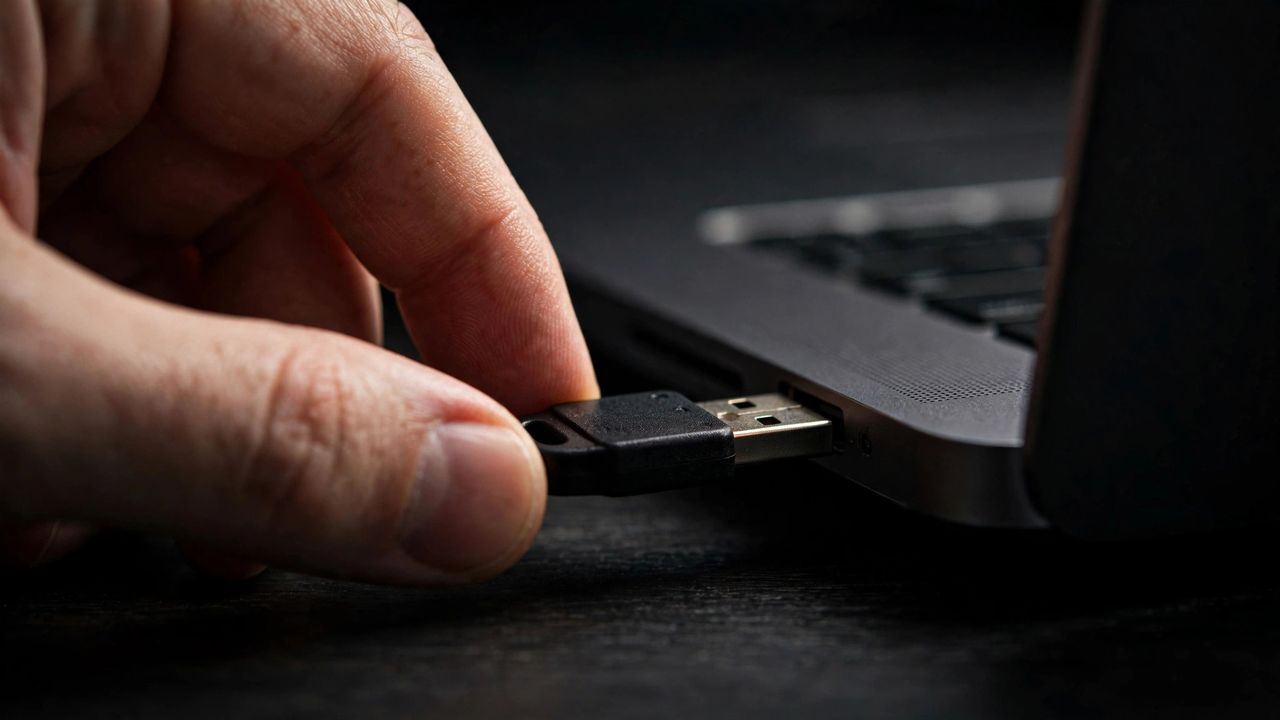
Passwords get stolen every day, but a small hardware key in your pocket can make your accounts nearly unhackable. A YubiKey is a physical security key that proves it is really you logging in, and phishing sites cannot fake it. In 2026, with passkeys and hardware keys finally mainstream, here is a simple explanation of how they work and how to start.
How a Security Key Protects You
When you log in with a security key, the site sends a challenge that only your physical key can answer using cryptography tied to that exact website. A fake login page cannot trick it, because the key checks the real site address before responding. This makes hardware keys the only login method that fully defeats phishing, unlike SMS codes which attackers intercept routinely. You simply plug it in or tap it when asked.
Pick the Right Model
Most people should buy a key with both USB C and NFC so it works with laptops, phones, and tablets. If you still use older computers, a USB A version exists too. Buy two keys from the start and register both on every account, so losing one never locks you out. Store the backup somewhere safe like a drawer at home, separate from the key you carry daily.
Set Up Your Key in Minutes
Start with your email account, since it controls password resets for everything else. Open the security settings, choose the security key option, insert your key when prompted, and tap it to confirm. Securing your email first is the highest leverage security move you can make, because every other account depends on it. Repeat the process for your password manager, bank, and social accounts.
Use It With Passkeys Too
Many sites now offer passkeys, and a YubiKey can store them as a portable, cross device option. This means your passkeys travel with the key instead of being locked to one phone or laptop. A security key holding your passkeys gives you the convenience of passwordless login plus a backup you physically control. Keep your recovery codes printed somewhere safe as a final fallback.
A security key costs less than a dinner out and protects accounts worth far more. Set aside thirty minutes this week to buy two keys and secure your email. It is the rare security upgrade that is both stronger and more convenient than what it replaces.