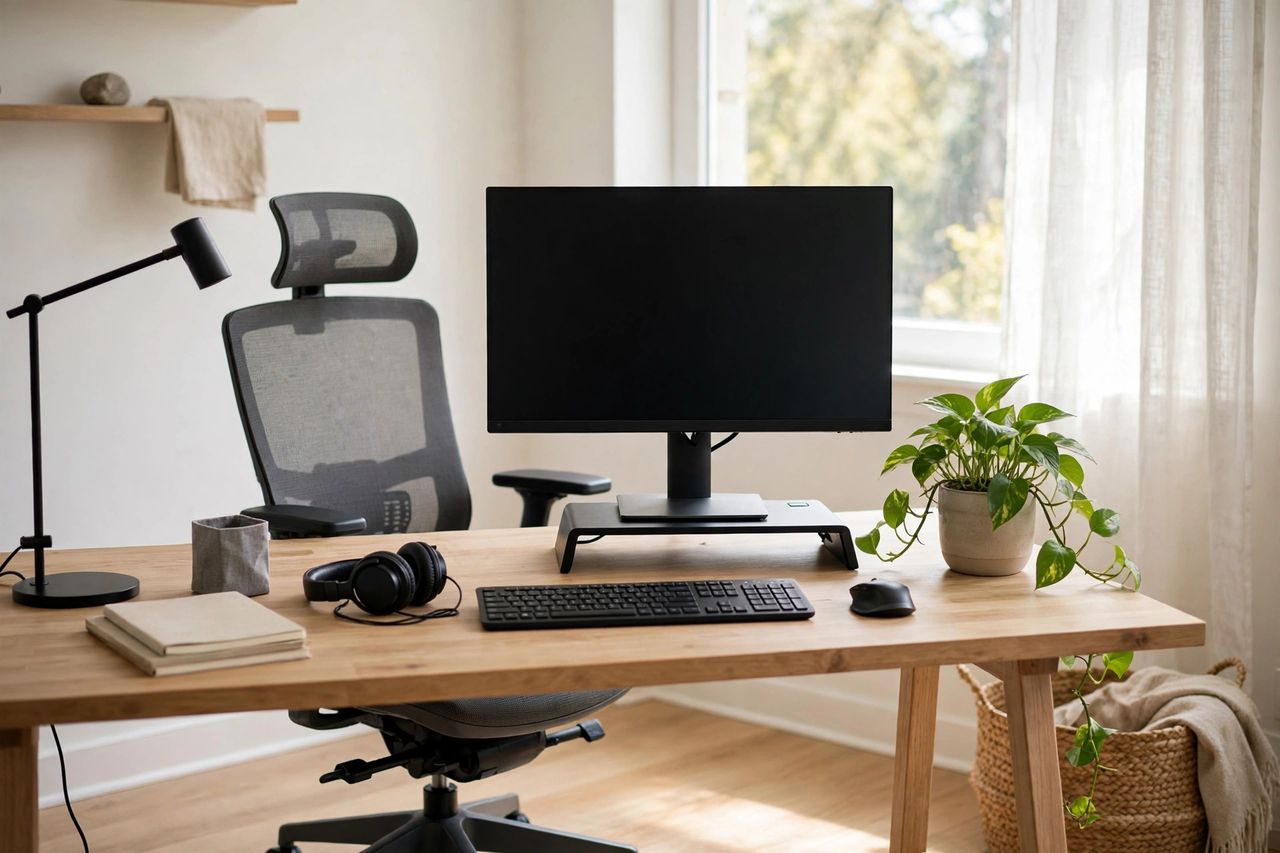
Neck pain, wrist ache, lower-back stiffness — most work-from-home pain comes from a bad setup, not bad luck. You don't need expensive gear; you need the right positions. Here's the complete ergonomic setup.
Chair and Posture
Sit with feet flat on the floor and knees at 90 degrees. Your back should touch the chair's backrest — add a rolled towel for lumbar support if the chair lacks it. Hips slightly above knees is the position that saves your lower back. If your chair is too high, your feet need a footrest, not tiptoes.
Monitor and Desk Height
The top of your screen should be at or slightly below eye level, about an arm's length away. Stack your laptop on books and use an external keyboard — this single change fixes most neck pain. Never crane your neck down at a laptop for hours; that's how "tech neck" happens.
Keyboard and Mouse
Keep wrists straight and floating, not bent up or resting on the desk edge. Elbows at 90 degrees, close to your body. A $20 vertical mouse or ergonomic keyboard is worth it if your wrists ache — pain is a signal, not a badge of honor.
Movement Breaks
No position is perfect for 8 hours. Stand and move 2 minutes every 30–45 minutes — stretch your chest, roll your shoulders, look at something far away to rest your eyes (the 20-20-20 rule). Set a timer; your body won't remind you until it hurts.
Fix your setup this weekend with books, towels, and twenty minutes of adjusting. Your future self — the one without the daily neck ache — will thank you.