Before you call your internet provider and complain, know this: most "slow internet" is actually slow WiFi — fixable at home in minutes. These 10 fixes address the real causes, from router placement to crowded channels.
Move Your Router (Seriously)
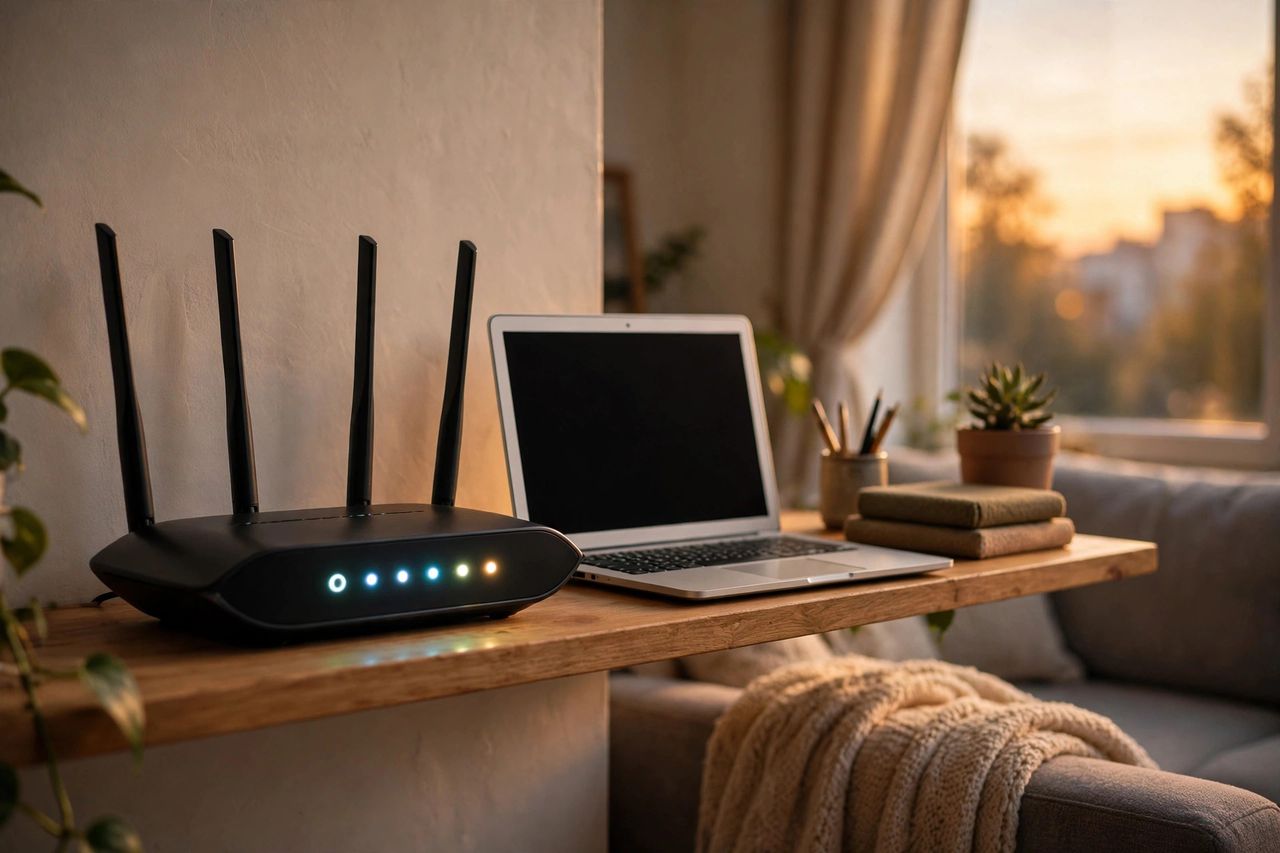
Router placement is the #1 free fix. Put it central in your home, elevated, and out in the open — not in a cabinet or behind the TV. WiFi signals weaken through concrete walls, metal, and mirrors; a router in the living room corner can lose half its speed to the bedroom. Antennas pointing vertically spread signal across the same floor best.
Switch Bands and Channels
Most routers broadcast two networks: 5GHz is fast but short-range; 2.4GHz is slow but reaches far. Connect work laptops to 5GHz and distant smart bulbs to 2.4GHz. In apartments, WiFi channels are crowded — log into your router admin page and switch the 2.4GHz channel to 1, 6, or 11, whichever a free WiFi analyzer app shows is emptiest.
Restart, Update, and Kick Freeloaders
Restart your router monthly — it clears memory leaks like a phone reboot. Check for a firmware update in the admin panel; manufacturers quietly fix performance bugs. Look at connected devices and kick unknown ones, then change your WiFi password. That "free" neighbor might be streaming 4K on your bandwidth.
When You Actually Need New Hardware
If your plan is 100 Mbps but you get 20 next to the router, that's the ISP's problem — call them with speed-test proof. Dead zones in big homes need a mesh system or one wired access point, not a repeater (repeaters halve your speed). And if your router is over five years old, its WiFi standards are simply outdated.
Run a speed test next to the router, then try these fixes one by one. Nine times out of ten, placement plus a channel change is all it took.