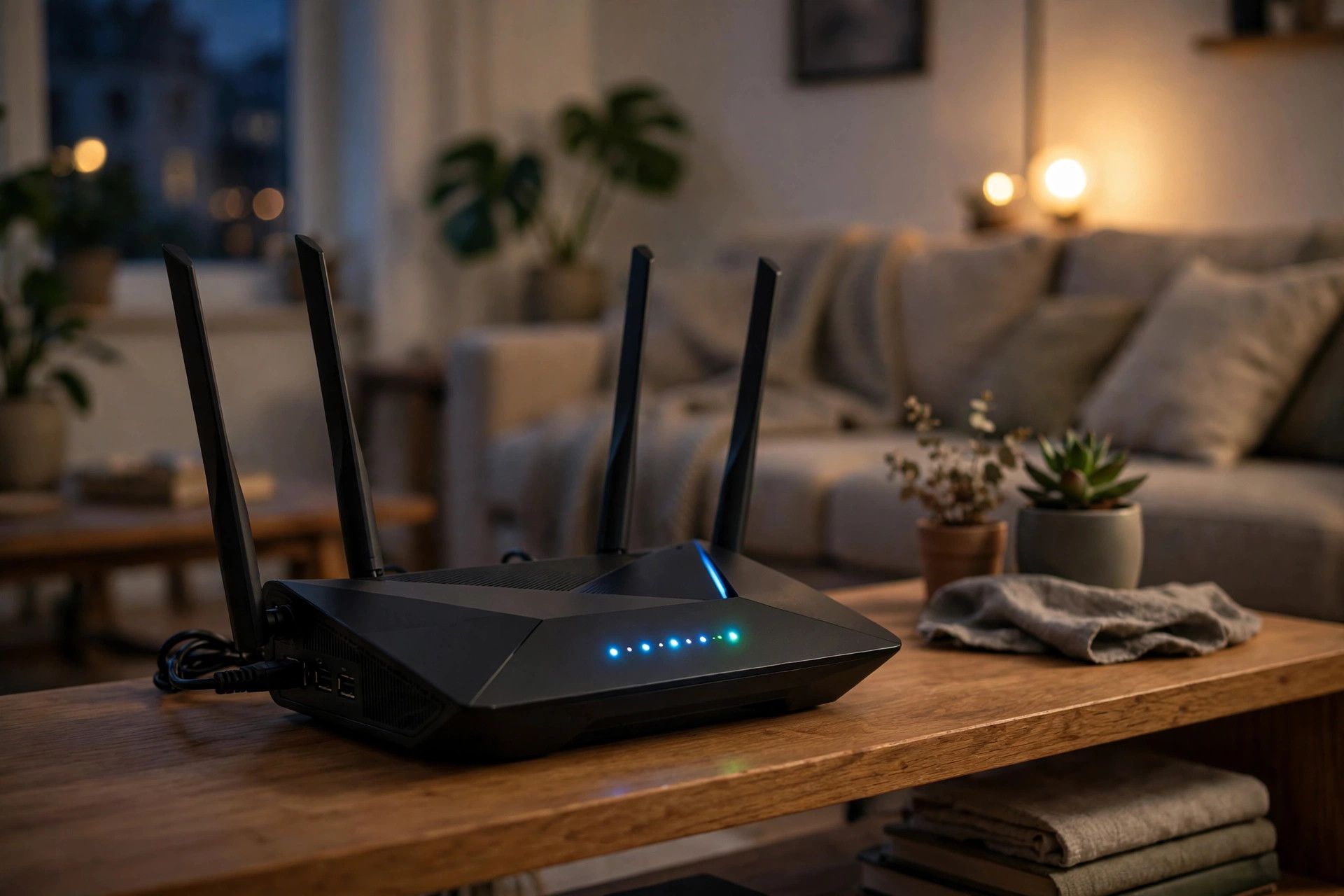
Buffering videos, laggy calls, pages that crawl — slow WiFi ruins everything. Before you blame your internet provider or buy a new router, know this: most speed problems come from fixable setup mistakes, not from your plan. These 12 easy fixes solve the vast majority of home WiFi issues, and most take under ten minutes.
Fix Your Router Placement First
Router location is the number one factor in WiFi quality. Put your router centrally and elevated — on a shelf, not on the floor behind the TV. Keep it away from microwaves, baby monitors, and thick concrete walls, which all murder WiFi signals. Never hide it inside a cabinet; routers need open air to broadcast properly. If your home is large, one router cannot cover it — a mesh WiFi system with 2-3 nodes eliminates dead zones far better than any signal booster. This single change fixes most speed complaints.
Optimize Your Router Settings
Log into your router's admin page and make three changes. First, switch to a less crowded WiFi channel — free analyzer apps show which channels your neighbors are clogging. Second, use the 5GHz band for devices near the router (faster) and 2.4GHz for distant ones (longer range). Third, update your router's firmware — manufacturers constantly patch performance bugs. Also, reboot your router once a month; it clears memory leaks that silently slow things down. If your router is more than 5 years old, it may simply lack modern standards — WiFi 6 routers are now affordable and dramatically faster.
Reduce Congestion on Your Network
Your devices compete for bandwidth. Pause cloud backups and big downloads during video calls. Enable QoS (Quality of Service) in your router settings to prioritize calls and streaming over background updates. Kick off unknown devices hogging your network — and change your WiFi password if you see strangers connected. For stationary devices like TVs and PCs, use an Ethernet cable whenever possible; wired is always faster and frees up WiFi for mobile devices. Finally, test your speed with a wired connection — if that is slow too, the problem is your ISP, and it is time to call them.
Boosting WiFi speed is usually about placement, settings, and congestion — not spending money. Work through these fixes in order, and your internet will feel like a whole new connection.