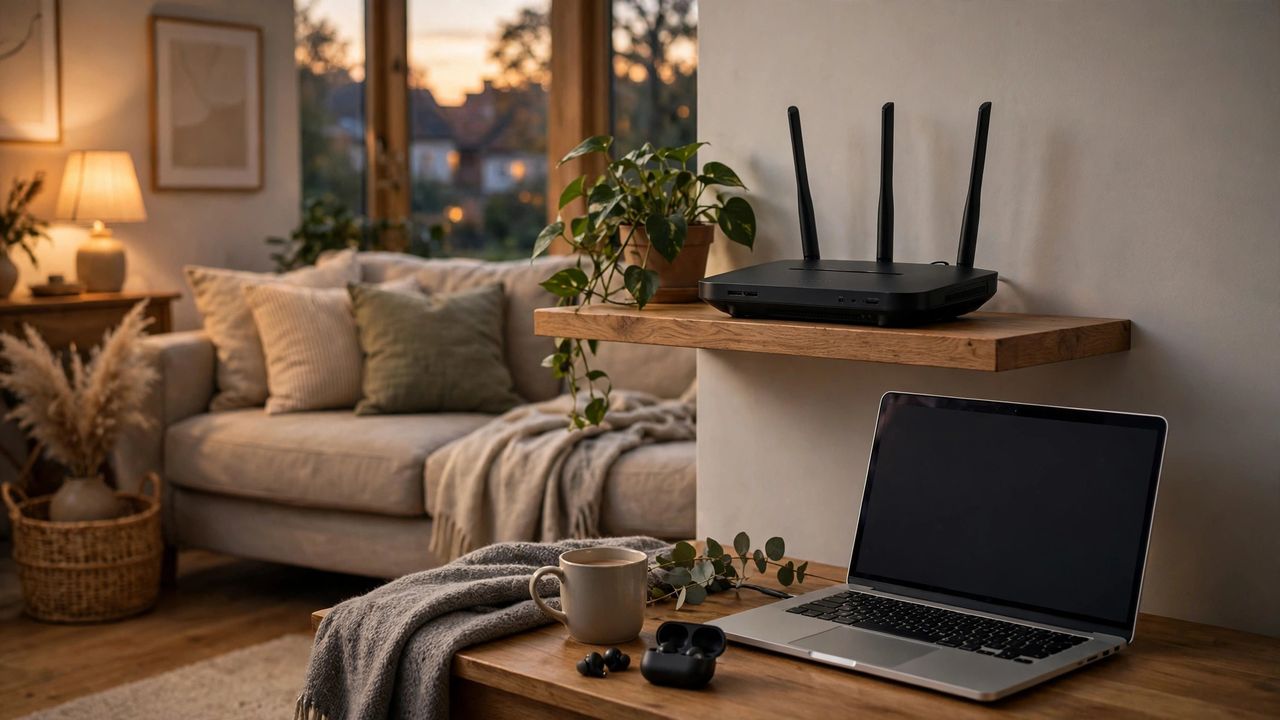
Your home WiFi carries everything: banking, work calls, smart cameras, and your kids' devices. Yet most people never change the default router settings. In 2026, securing your network takes about 20 minutes — and this guide walks you through every step in plain language.
Change the defaults first
Log into your router (usually at an address like 192.168.1.1 printed on the router) and change the admin password first — the factory password is public knowledge. Then change the WiFi network name and password to something long and unique. This single step blocks the most common attack, because strangers scan for routers still using factory logins.
Use WPA3 encryption
In your router's wireless settings, choose WPA3 security if available, or WPA2-AES if not. Avoid WEP and the original WPA — they can be cracked in minutes. If your router is old and lacks WPA2, it is genuinely time to upgrade, because no password setting can protect obsolete encryption. Encryption type matters more than password complexity: WPA3 with a simple passphrase beats WEP with a complex password.
Set up a guest network
Create a separate guest network for visitors and smart home gadgets. This keeps guests off your main network where your computers and files live. Give the guest network a different password, and enable it only when needed. Smart devices go on the guest network too — cheap cameras and bulbs are the most commonly hacked devices in homes.
Keep firmware updated
Router manufacturers release security patches regularly, but most routers never install them automatically. Check for a firmware update option in your router settings and enable automatic updates if offered. While you are there, turn off remote management and WPS, both of which attackers love. Set a calendar reminder to check for firmware updates every three months; an unpatched router is an open door.
Twenty minutes of setup buys you years of peace of mind. Do these steps today, and your home network will be safer than 90 percent of households.