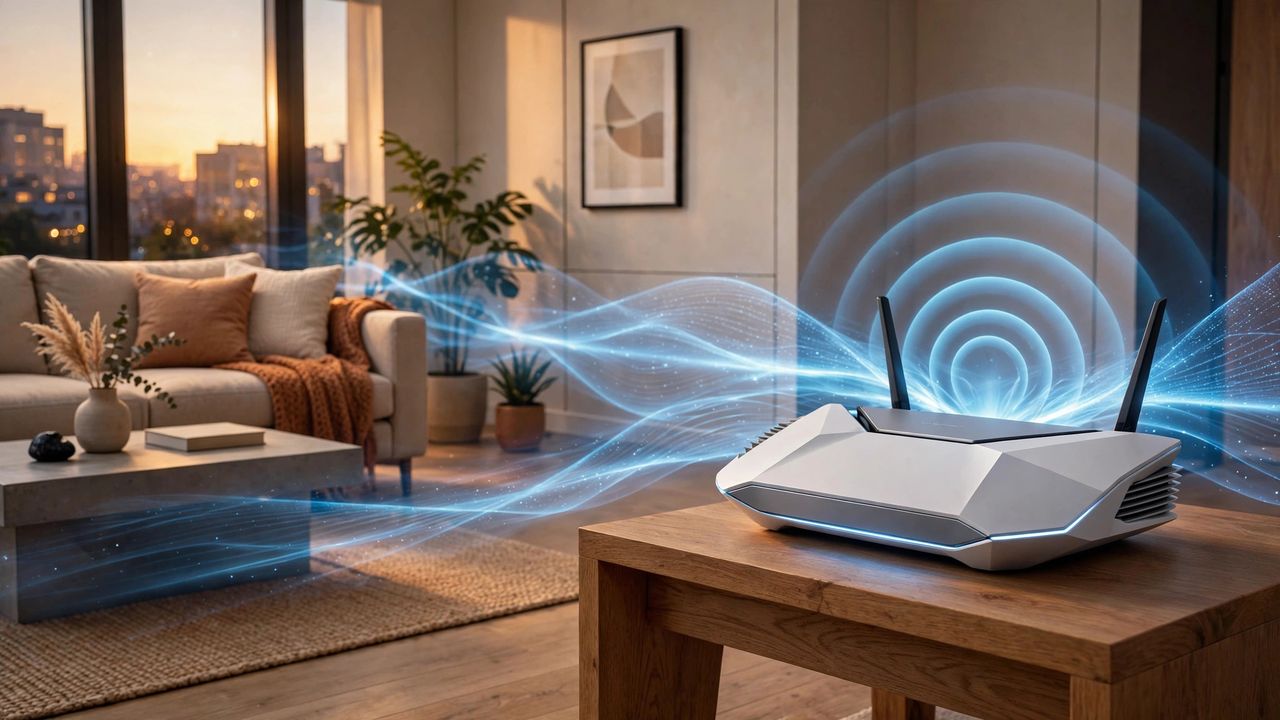
Your Wi-Fi router is the hardest-working gadget in your home — and the one most people buy blind. Wi-Fi 7 (802.11be) is the first wireless standard that genuinely feels like a leap: real-world multi-gigabit speeds, far lower latency, and a router that can juggle 50+ devices without breaking a sweat. Here is how to pick one in 2026 without overpaying.
What Wi-Fi 7 Actually Changes
The headline feature is Multi-Link Operation (MLO): your devices can use two or three frequency bands at the same time instead of one, which slashes lag and keeps connections stable when the network is busy. Add 320 MHz channels — double the width of Wi-Fi 6 — and real-world speeds of 2–4 Gbps become possible with a Wi-Fi 7 laptop or phone. In crowded apartment buildings, the new 6 GHz band is the real gift: almost zero congestion.
How Much Router Do You Really Need?
For most homes, a dual-band Wi-Fi 7 router is plenty. Tri-band only matters if you have dozens of smart devices or a home office pushing heavy uploads. One strong router covers roughly 2,000 sq ft; bigger homes or thick concrete walls call for a 2–3 node mesh system. Watch the ports: a Wi-Fi 7 router with only gigabit Ethernet is a bottleneck — look for 2.5 GbE or 10 GbE ports if your internet plan exceeds 1 Gbps.
Setup Tips That Actually Matter
Place the router centrally, elevated, and away from metal and mirrors — these small moves beat any settings tweak. Put work calls and video streaming on the 6 GHz band: shorter range, but blissfully empty airwaves. Update the firmware on day one and turn on WPA3 security. Skip the funny network names; a boring SSID with strong encryption protects you far better than a joke ever will.
When to Skip the Upgrade
Be honest: if your internet plan is 500 Mbps or slower and your current router works fine, Wi-Fi 7 will not change your life. A router cannot go faster than your plan allows. Upgrade when you move to a gigabit-plus plan, buy Wi-Fi 7 phones or laptops, or your current router keeps dropping Zoom calls.
Buy the router your internet plan deserves — not the one with the flashiest box. Match the hardware to your speed, place it well, and Wi-Fi 7 will quietly disappear into the background, which is exactly what great tech should do.