On video calls, people judge your professionalism before you say a word — a grainy, backlit image screams "I don't take this seriously." The good news: looking broadcast-quality on calls costs less than one nice dinner out. Lighting matters more than the camera — fix that first, spend second.
The Camera: What to Buy
Any dedicated 1080p webcam beats every built-in laptop camera. Look for one with autofocus, a decent-size sensor, and wide dynamic range so bright windows don't blow out. Mirrorless cameras as webcams are the premium option — stunning image, but overkill unless you record content. A mid-range 1080p webcam with good low-light performance is the sweet spot for most remote workers.
Lighting: The Real Upgrade
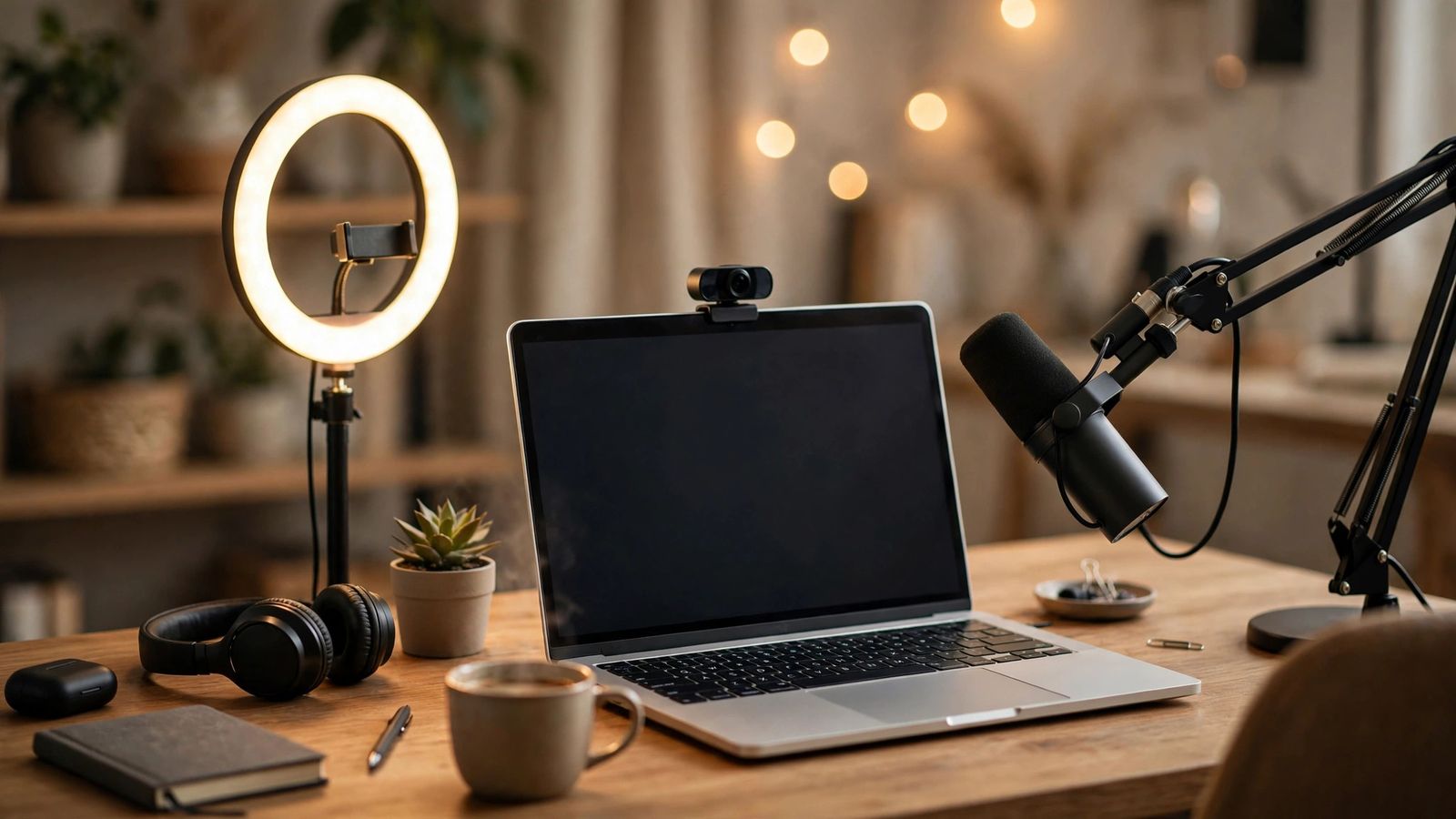
Face a window for free, flattering daylight — it's better than any lamp. No window? A simple LED panel or ring light at eye level, placed behind your camera, works wonders. Avoid overhead ceiling lights alone; they carve harsh shadows under your eyes. Light your face from the front, at eye level — never from behind you.
Positioning and Framing
Put the camera at eye level (stack books under it if needed) so you're not looming or looking down. Frame yourself from mid-chest up with a little headroom. Look at the camera lens, not your own face on screen, when speaking — it simulates eye contact. Eye-level camera + eyes on the lens = instant professional presence.
Don't Forget Audio
Bad video is forgiven; bad audio is not. A basic USB microphone or even a good pair of earbuds dramatically beats a laptop mic echoing across the room. Test your sound with a friend before an important meeting, and keep a quiet room with a closed door. People forgive blurry video — they never forgive tinny, echoing audio.