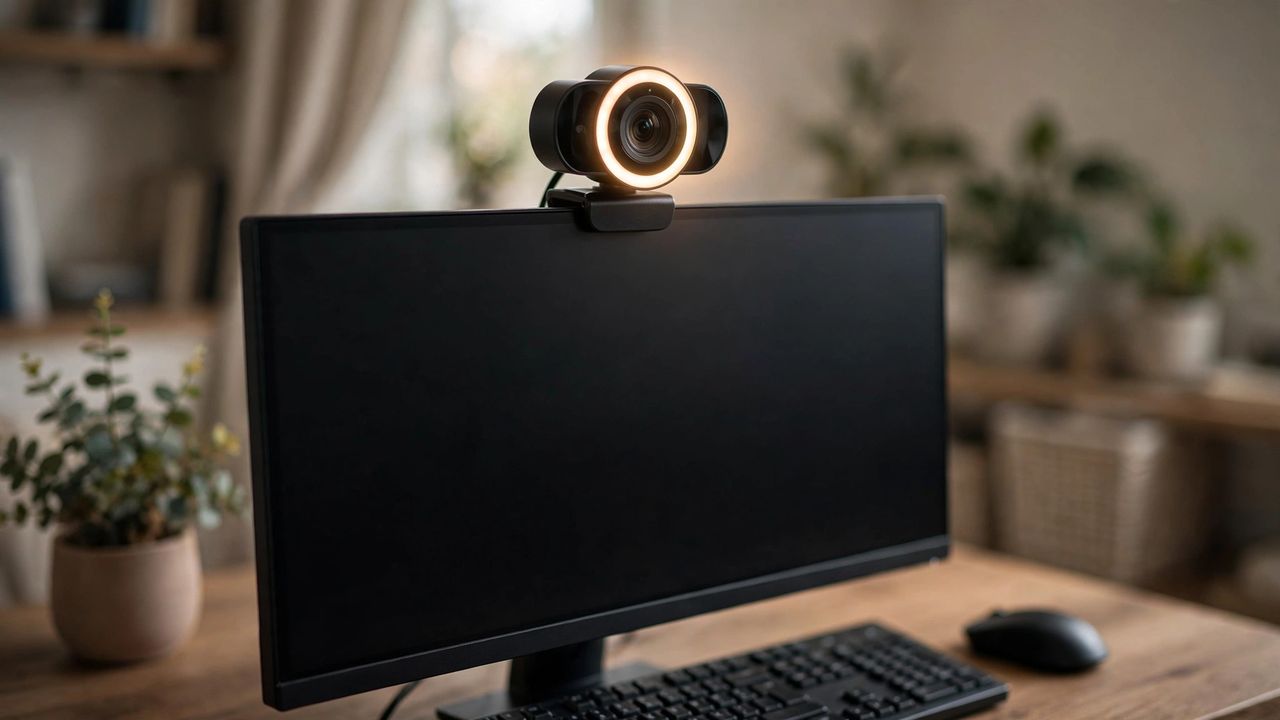
On video calls your webcam is your first impression. A grainy, dark feed quietly says "I don't care" — while a clear, well-lit image says professional. In 2026 webcam tech has quietly improved, and you don't need to spend a fortune to look great.
1. Resolution matters less than you think
A sharp 1080p webcam with a good lens beats a cheap "4K" camera with tiny pixels. What truly matters is the sensor size, lens quality and frame rate — look for 1080p at 30fps or 60fps from a trusted brand instead of chasing inflated specs.
2. Lighting is everything
Even the best webcam looks bad in a dark room. Face a window or use a simple ring light or desk lamp in front of you. Never sit with a bright window behind you — it turns you into a silhouette. Soft, front light is the cheapest upgrade you can make.
3. Autofocus, field of view and mic
Good autofocus keeps you crisp when you move; a 70–90° field of view frames you naturally without showing the whole room. Built-in mics are okay for quick calls, but a cheap headset or USB mic makes you sound far more professional.
4. Framing and background
Put the camera at eye level, look into the lens when speaking, and tidy what is behind you. A clean shelf or a soft blur effect is enough — virtual backgrounds look best when the room is already decently lit.
You don't need the most expensive webcam — you need decent 1080p, good front lighting and eye-level framing. Fix those three things and every meeting, class and stream will look like you actually prepared for it.