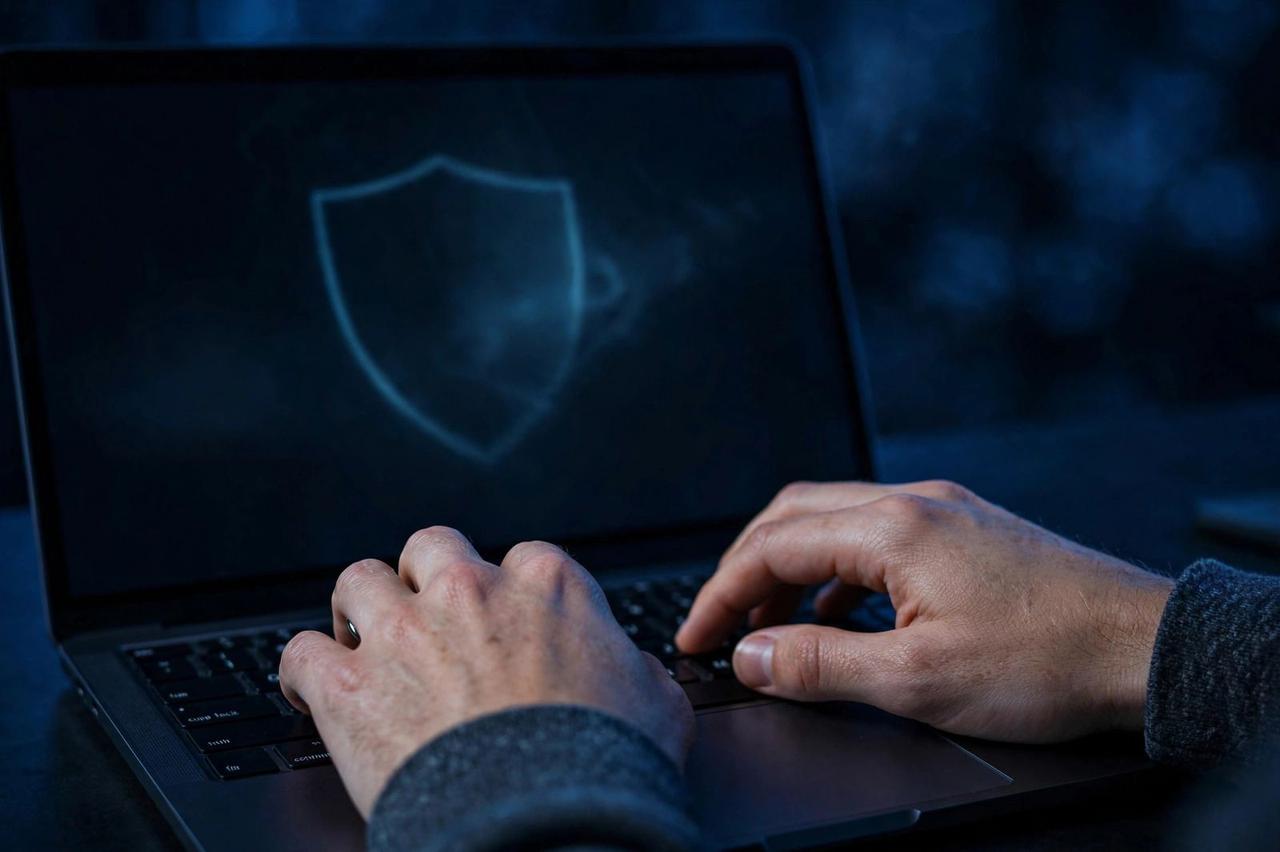
A VPN is the single most misunderstood privacy tool on the internet. Ads promise total anonymity; skeptics call it useless. The truth sits in the middle: a good VPN protects you on public Wi-Fi and stops your internet provider from profiling you — but it cannot make you invisible. Here is how to use one properly in 2026.
What a VPN Actually Does for You
A VPN encrypts your connection and routes it through the provider's server, hiding your traffic from your internet provider and the local network owner. That makes it essential on coffee-shop and airport Wi-Fi, where snooping is trivially easy. It also masks your IP address from the websites you visit and can bypass school, office, or country-level content blocks.
What It Does NOT Do
A VPN does not make you anonymous. Websites still track you through cookies, fingerprinting, and your logged-in accounts. If you log into Google or Facebook with a VPN on, they still know exactly who you are. Think of a VPN as a tinted window, not an invisibility cloak.
Free vs Paid: The Honest Math
Running VPN servers costs real money, so free VPNs pay for it somehow — usually by selling your browsing data or bombarding you with ads, which defeats the purpose. If privacy is the goal, a paid VPN (roughly $3–6/month on a long plan) is worth every cent.
How to Choose a VPN in 2026
Ignore influencer sponsorships and look at three things: a strict no-logs policy backed by an independent audit, modern protocols (WireGuard or its equivalents), and a company in a privacy-friendly jurisdiction. Prefer providers that publish transparency reports. Avoid anything that refuses to say who owns it — that is a red flag no discount can fix.
Turn On the Kill Switch — and These Too
The kill switch is the VPN's most important setting: if the VPN connection drops, it blocks all internet traffic so your real IP never leaks. Enable it before you need it — a VPN without a kill switch has a silent hole. Also enable the auto-connect on public networks, use the provider's ad/tracker blocker if included, and never trust "100% free unlimited" apps from unknown developers. Set up once, and protection becomes automatic.