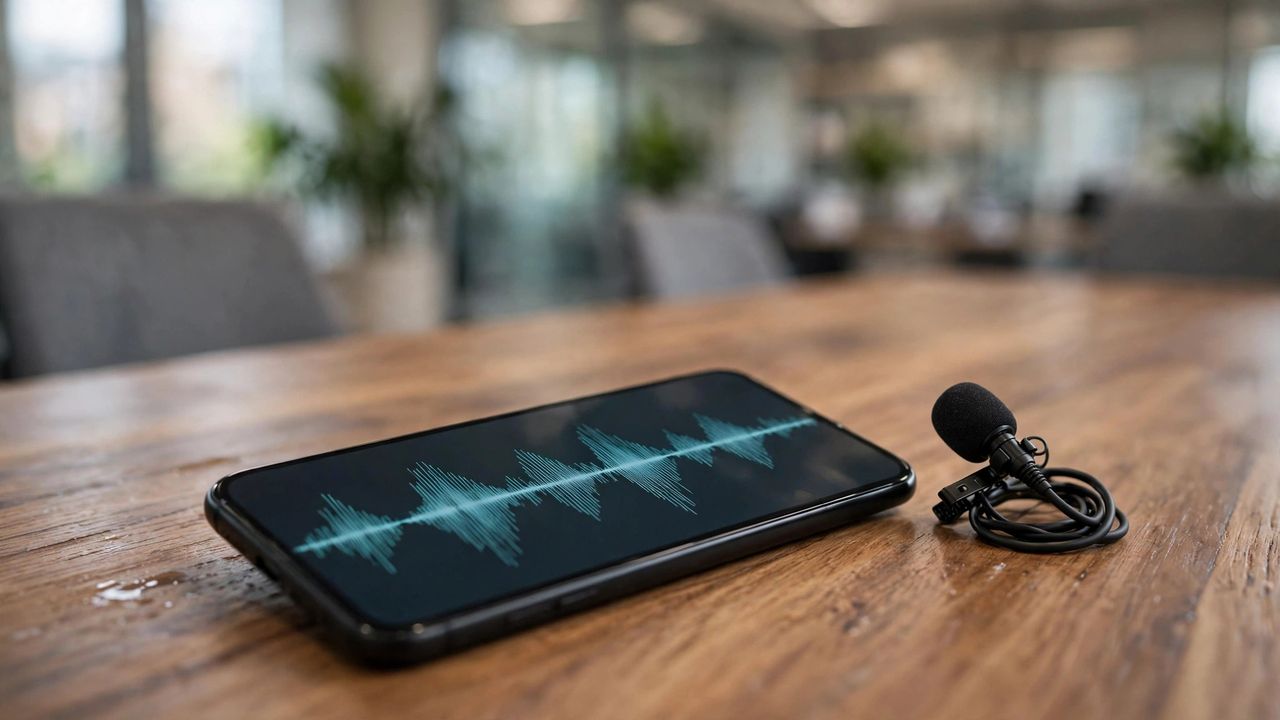
Meetings, lectures, and interviews vanish from memory within days — unless you capture them. Modern voice recorder apps do far more than record: they transcribe in real time with AI, identify speakers, summarize key points, and let you search the audio like a document. In 2026, the gap between a basic recorder and an AI transcription app is enormous.
Transcription Quality Is the Whole Game
A recording you never revisit is useless, so choose the app with the best transcription accuracy for YOUR use case — accents, technical vocabulary, and multiple speakers matter more than any feature list. Test with a real 5-minute sample of your typical audio before committing. Look for speaker labeling (who said what), punctuation that actually works, and the ability to tap a transcript line to jump to that moment in the audio. That last feature alone makes review ten times faster.
Record With Permission and Purpose
Always tell people you are recording — in many places it is legally required, and everywhere it is basic respect. Start each recording by stating the date, meeting, and attendees; it makes the transcript self-documenting months later. For lectures, sit near the front and place the phone on a soft surface to reduce table vibration. For interviews, use airplane mode to prevent call interruptions from ruining the take.
Turn Transcripts Into Action
The real value is what happens after. Within 24 hours, skim the AI summary, pull out action items, and delete the audio if the transcript is sufficient. Top apps auto-generate summaries, action items, and even draft follow-up emails from the transcript. Build the habit: record, review, extract, archive. Students who review lecture transcripts within a day retain dramatically more than those who let recordings pile up untouched.
Privacy and Storage Rules
Voice recordings are sensitive — client calls, medical discussions, personal notes. Check where transcription happens: on-device processing keeps your audio off external servers, while cloud processing may be more accurate but uploads everything. For confidential recordings, pick an app with local transcription and encrypted storage. Set auto-delete rules for old recordings so your library stays lean and your private conversations do not linger forever.
Download one top-rated recorder, test it on your next meeting, and try the "tap transcript to hear the audio" trick. You will wonder how you ever took notes by hand.