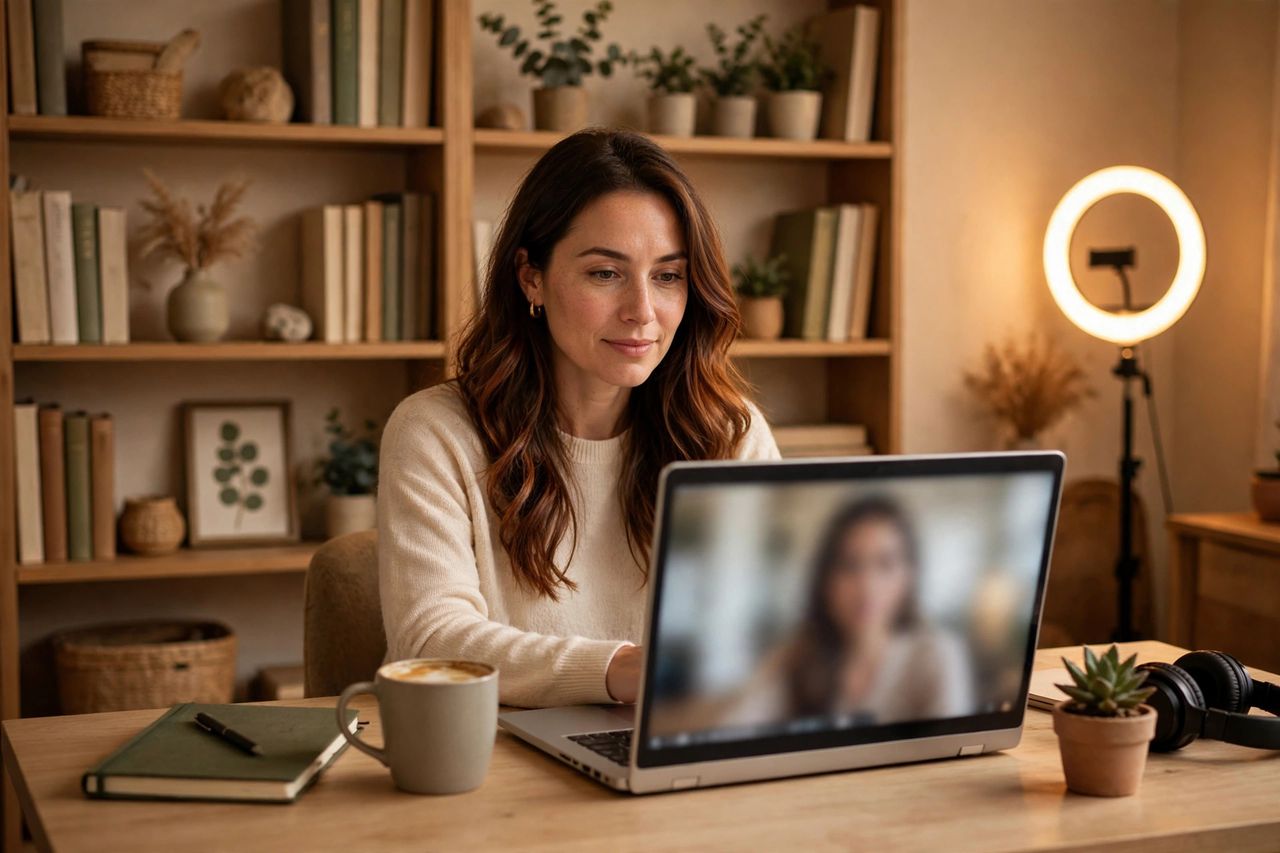
Video calls are the new boardroom — and bad etiquette is instantly visible. Whether you work remotely or just join the occasional call, these rules will make you look polished and professional.
Before the Meeting: Nail the Setup
Test your camera, mic, and connection five minutes early — not as the host says your name. Face a light source (a window works perfectly), raise your camera to eye level with a stack of books, and tidy or blur your background. Close bandwidth-hogging apps so your video doesn't freeze mid-sentence.
During the Call: Be Present
Keep your camera on unless bandwidth or policy says otherwise — it's the remote equivalent of eye contact. Mute when you're not speaking, unmute to contribute, and use the chat for links rather than interrupting. Look into the camera, not at your own video, when making a point.
The Unwritten Rules
Don't multitask visibly — people can tell when you're typing elsewhere. Avoid eating on camera, silence phone notifications, and join from a quiet room, not a café. If you must step away, say so in chat rather than vanishing silently. And never screenshot or record without asking.
After the Call: Follow Through
Meetings end; accountability begins. Send a quick summary of your action items within the hour, share any promised files the same day, and decline meetings with no agenda — politely suggesting an email instead. Respecting others' time is the highest form of etiquette.
Good video-call manners aren't about perfection — they're about respecting everyone's attention. Master the setup, stay present, follow through, and you'll stand out in every virtual room.