On video calls, how you look and sound shapes how people judge your competence — fair or not. The good news: looking professional costs almost nothing. These 2026 tips cover the setup and habits that separate amateurs from pros.
Lighting: The Free Upgrade
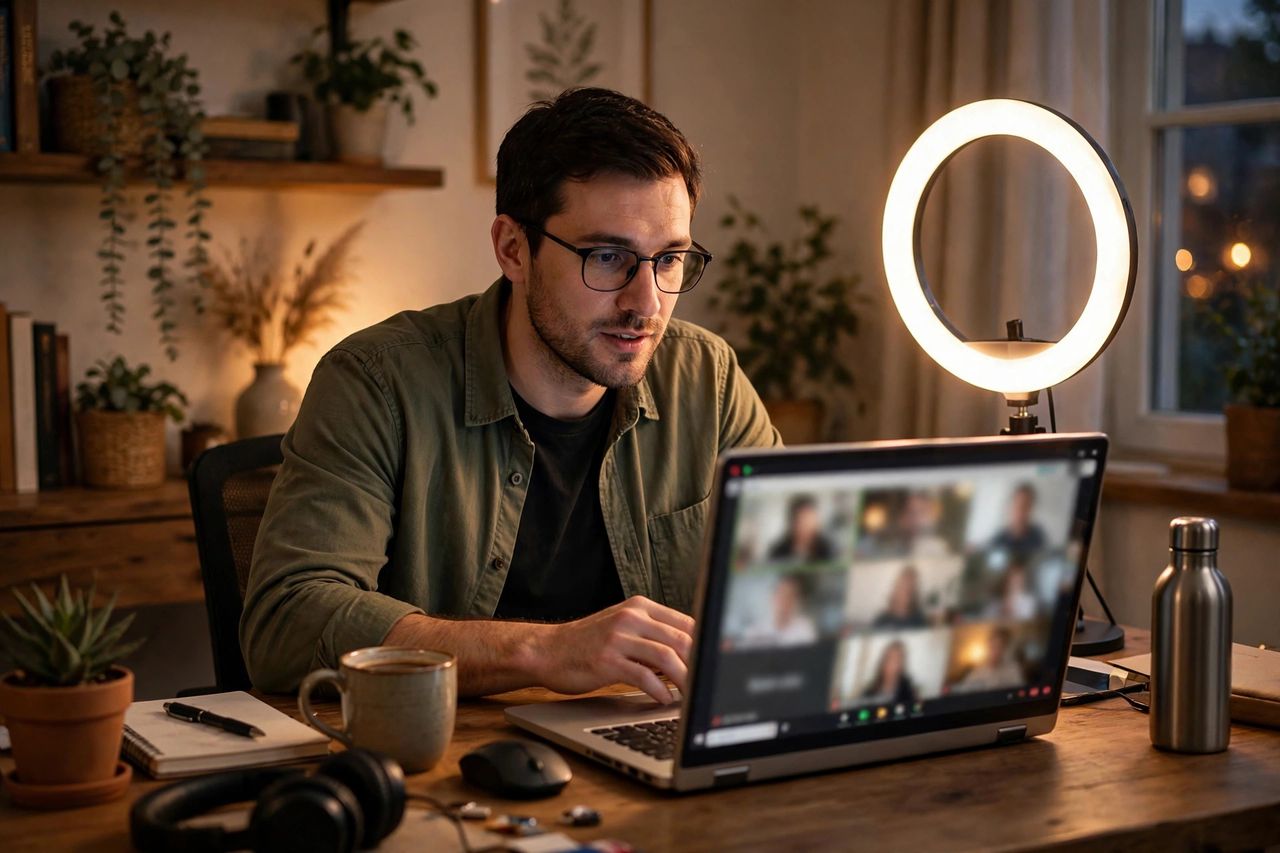
The single biggest improvement is facing a window or lamp — light should hit your face, never come from behind you. A backlit window turns you into a silhouette, no matter how good your camera is. A cheap ring light or desk lamp at arm's length works for evening calls. Slightly warm light flatters skin tones; harsh overhead light casts raccoon shadows.
Audio Matters More Than Video
People forgive blurry video but never forgive bad audio. Use wired earbuds or any headset instead of your laptop mic — it kills echo instantly. Find a quiet room, close the window, and mute when you're not speaking in groups. Turn on your app's noise suppression (Zoom, Teams, and Meet all have it) to erase keyboard clatter and fans.
Frame and Background
Raise your camera to eye level — a laptop on a stack of books fixes the dreaded up-the-nose angle overnight. Frame yourself from chest up with a little headroom. A tidy bookshelf beats a fake blur, but use blur only when your background is genuinely messy; fake backgrounds glitch and distract.
Etiquette That Wins Respect
Join two minutes early with your camera already tested. Look into the camera when making a key point, not at faces on screen — it feels like eye contact. Don't multitask visibly; people can tell. And share your screen only after closing personal tabs — a surprise notification has ended more than one career conversation.
You don't need studio gear — you need light on your face, a decent mic, and the discipline to mute. Set it up once, and every call from now on works in your favor.