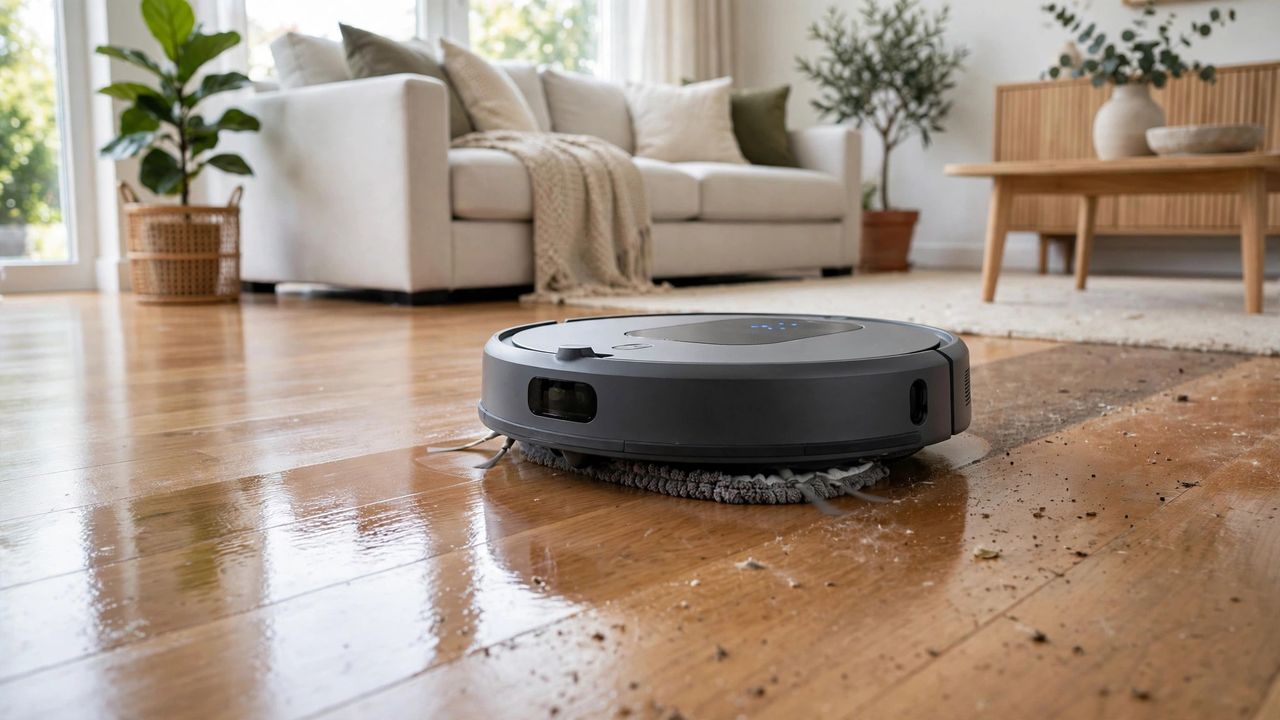
Robot vacuums grew up. The 2026 generation does not just vacuum — it mops, avoids your cables, empties itself, and washes its own mop pads. Done right, you may never touch a broom again. Here is how to pick one that actually delivers.
Suction and Mopping: What the Numbers Mean
Suction is measured in Pascals — 5,000+ Pa handles pet hair and deep carpet; less is fine for hard floors. For mopping, spinning or vibrating pads beat simple drag-mops dramatically on stuck-on grime. The best 2026 models lift the mop over carpets automatically, so one run can vacuum rugs and mop tile without you intervening.
Navigation: LiDAR Wins
LiDAR mapping robots clean in neat rows, remember multiple floors, and let you set no-go zones and room-specific schedules in the app. Camera-based navigation is good but struggles in the dark; old random-bounce bots are obsolete — do not buy one in 2026. Obstacle avoidance (dodging shoes, cables, and pet accidents) is the feature owners rave about most.
The Dock Changes Everything
Self-empty docks hold 30–60 days of dust — you go from emptying daily to monthly. Premium docks also wash and dry the mop pads, refill the water tank, and dispense detergent. Yes, the dock is bulky and costs more, but it is what makes the robot truly autonomous. Budget for it if you can; it is the difference between a gadget and an appliance.
Maintenance: Five Minutes a Week
Cut hair from the brush roller weekly, rinse the filter monthly, wipe the sensors and LiDAR dome, and wash mop pads regularly (or the "clean" floors get a mildew perfume). Replace filters and brushes per the app's reminders. Pick up cables and small objects before runs — even the smartest robot appreciates a tidy battlefield.
The right vacuum-mop robot with a self-cleaning dock is the closest thing to hiring a cleaner that works daily for a one-time price. Set the schedule, empty the dock monthly, and enjoy floors that are simply always clean.