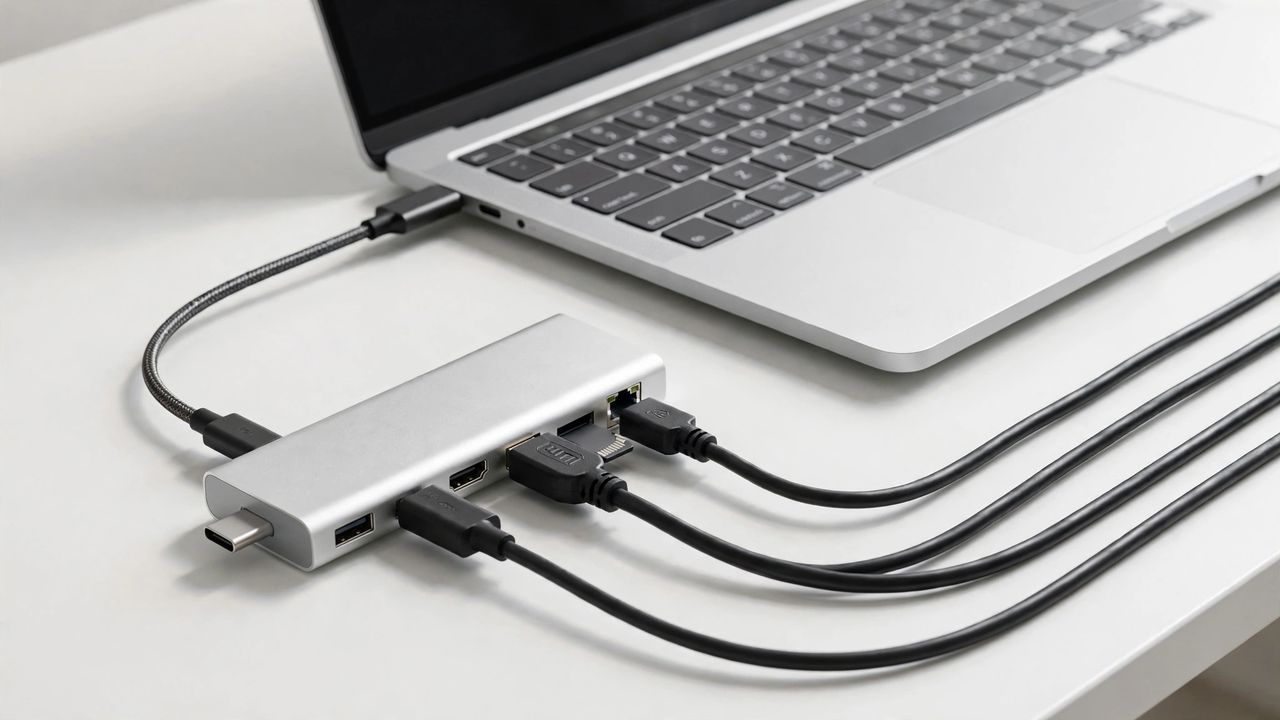
Modern laptops are sleek, thin, and missing every port you need. A USB-C hub turns that single port back into a full workstation: monitor, keyboard, drives, charging — one cable, everything connected. But hubs vary wildly in quality. Here is how to pick one that will not let you down.
Ports: get what you will actually use
Count your real devices: monitor (HDMI or DisplayPort), USB-A accessories, SD cards, ethernet. Buy the hub that covers your daily setup with one port to spare. One spare port is the difference between a hub that lasts years and one that is obsolete the day you buy a new accessory. Do not pay for ports you will never plug into.
Power delivery matters
Your hub must pass through enough power to charge your laptop while everything is connected — check your laptop's wattage and match or exceed it. A hub that cannot charge your laptop under load turns your one-cable dream into a two-cable compromise. Look for 85W or higher passthrough for most modern laptops, 100W for power-hungry ones.
4K output and display limits
Not all hubs drive 4K at 60Hz — many cap at 30Hz, which makes mouse movement feel laggy. Check the exact spec: HDMI 2.0 for 4K60. If your work involves any motion — video, design, even smooth scrolling — 4K at 60Hz is non-negotiable, not a nice-to-have. Dual-monitor users must verify the hub supports two external displays on their specific laptop.
Build quality and heat
Cheap hubs run hot, drop connections, and die young. Aluminum bodies dissipate heat better than plastic; reputable brands honor warranties. If a hub feels suspiciously light and costs half the competition, your data is riding on borrowed time. Read long-term reviews, not just unboxing impressions — hub failures show up in month three, not day three.
The right hub disappears into your desk and just works. Match ports, power, and display specs to your real setup — and dongle life is officially over.