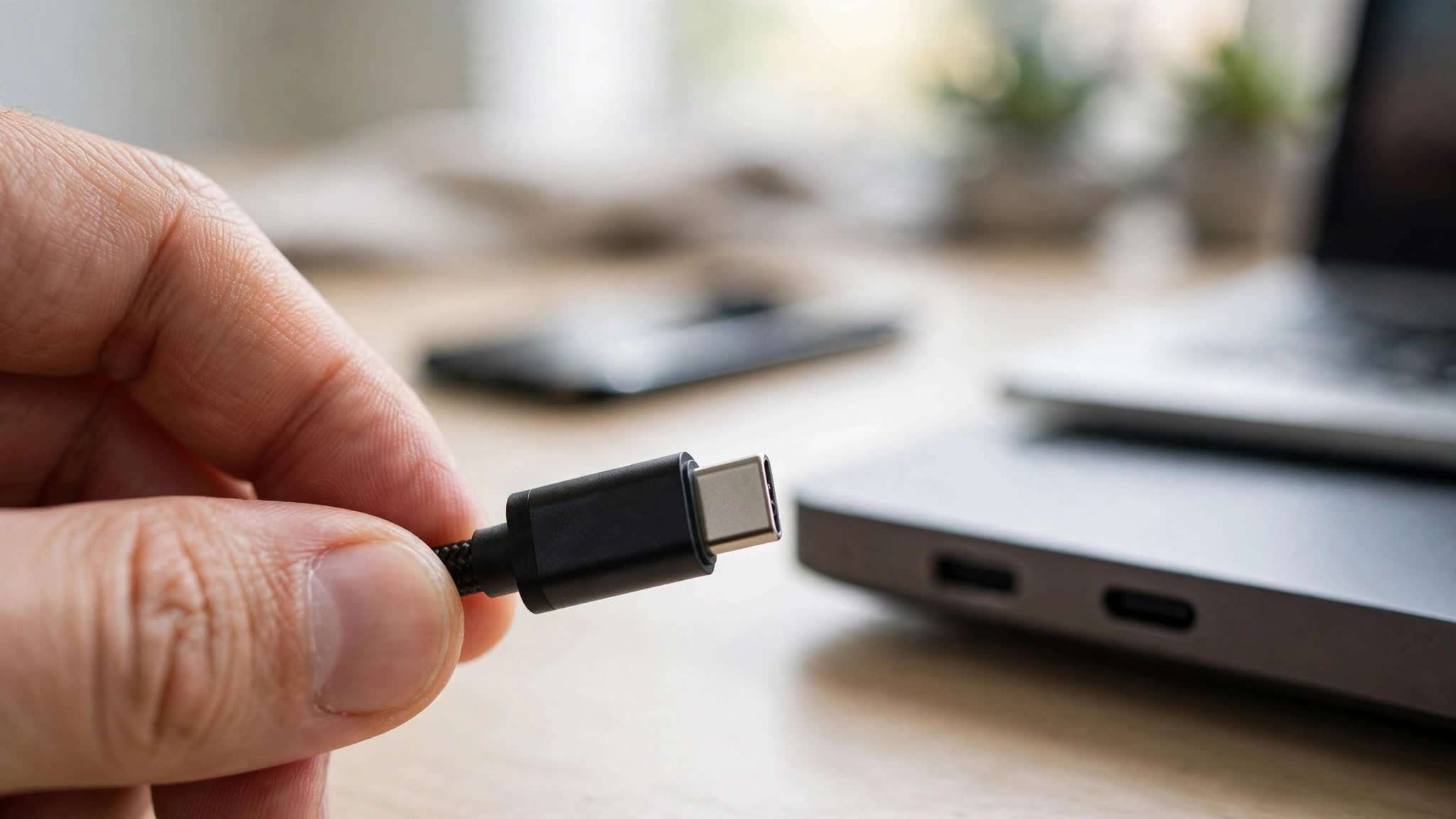
Every USB-C cable looks identical — yet one may charge a laptop at 100W and transfer 40 Gbps, while another only handles slow 5W charging. The connector is just a shape; the wires inside decide everything. This guide decodes USB-C cables, speeds, and charging so you buy the right one every time.
The Connector vs. The Standard
USB-C is only the shape of the plug — the reversible oval connector. What flows through it depends on the USB standard the cable supports: USB 2.0, USB 3.2, USB4, or Thunderbolt. A cable's speed is invisible from the outside unless it's labeled, which is why so many people end up with a slow cable. The takeaway: never judge a USB-C cable by its plug alone.
Speeds: From USB 2.0 to USB4
The bundled cables in many phone boxes are USB 2.0 — just 480 Mbps, fine for charging but painfully slow for file transfers or external monitors. USB 3.2 Gen 2 cables reach 10 Gbps, enough for fast SSDs. USB4 and Thunderbolt 3/4 cables hit 40 Gbps and support 4K/8K monitors and laptop docking. If you edit video, run an external drive, or use a USB-C monitor, buy a cable explicitly rated 10 Gbps or higher — the cheap cable in the drawer won't do.
Charging: Watts, PD, and PPS
Charging speed is all about USB Power Delivery (PD) ratings, measured in watts. Phones usually need 20–65W, while laptops need 65–100W+; a 20W phone cable will charge a laptop at a crawl or not at all. Check the cable's rating — printed on the cable or box as "60W", "100W", or "240W" (USB PD 3.1 EPR supports up to 240W). For Samsung and Pixel fast charging, look for PPS (Programmable Power Supply) support too. Match the charger and cable together: a 100W cable on a 20W charger still gives you 20W.
Spotting a Good Cable
Look for USB-IF certification or known brands — uncertified bargain cables can have loose specs, thin wires, or even missing resistors that make fast charging fail. Check the length too: passive USB4 cables max out around 0.8 meters at full speed; longer "full-speed" cables exist but cost more because they contain active electronics. Braided, 100W/10Gbps cables around $10–$15 are the sweet spot for most people.
When It Doesn't Work: Troubleshooting
No fast charging? Swap the cable first — it's the culprit 9 times out of 10. If a monitor won't show a picture, make sure the cable supports video (USB4, Thunderbolt, or DP Alt Mode) — many charge-only cables can't. Try flipping the plug or a different port, since some devices only enable fast protocols on specific ports. And if your laptop charger only works at one outlet, the outlet may not deliver the wattage the brick demands.