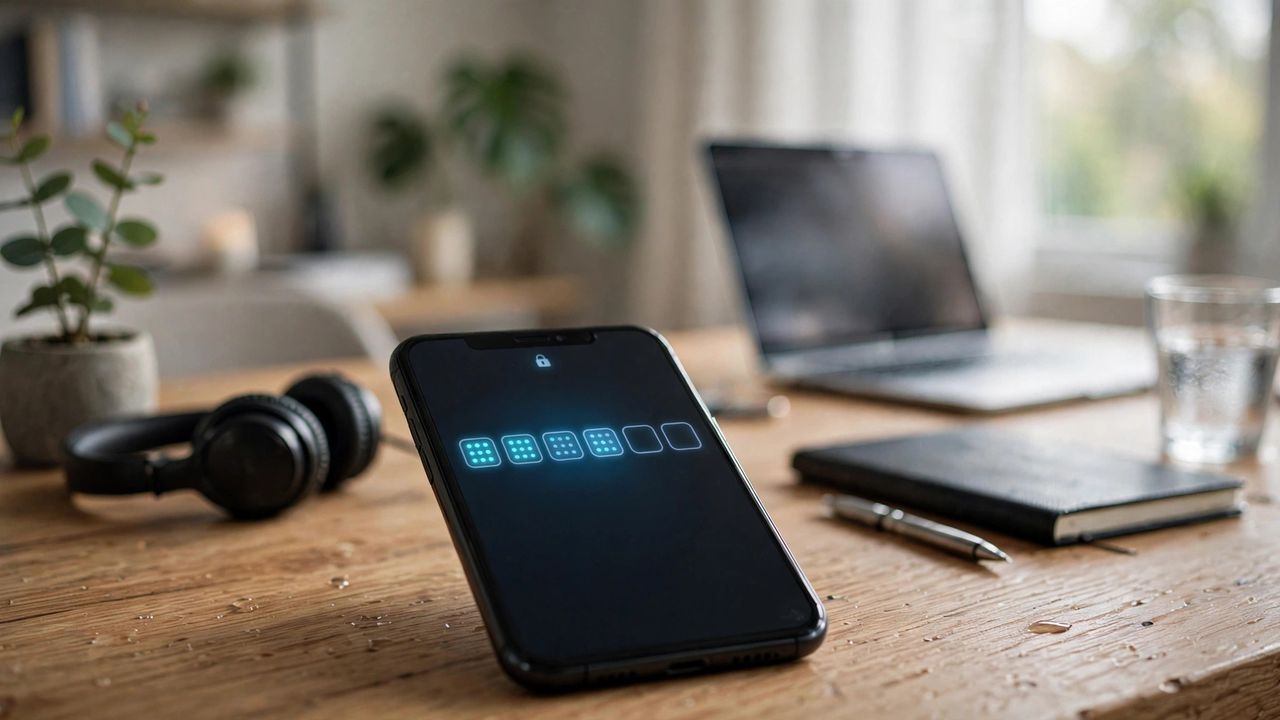
Passwords leak by the millions every year, and no password — however clever — can survive a data breach on its own. Two-factor authentication (2FA) adds a second check that a thief almost never has. Think of your password as the lock and 2FA as the deadbolt: a burglar may pick one, but rarely both.
Why Passwords Alone No Longer Work
Breached password lists circulate for years, and phishing pages now look pixel-perfect. Even a unique, randomly generated password fails the moment the site holding it gets hacked. 2FA stops most account takeovers even when your password is already public, because the attacker still lacks your phone, app, or key.
Choose the Strongest Method You Can
Not all 2FA is equal: hardware security keys and passkeys are the gold standard, authenticator apps come next, and SMS codes sit at the bottom (SIM-swapping attacks are real). Use an authenticator app at minimum — it takes five minutes to set up and beats SMS by a wide margin. Upgrade to a security key for your email and bank if you want the strongest shield available.
Secure Your Most Important Accounts First
You don't have to fix everything tonight. Start with the accounts that unlock everything else: your email, bank, and cloud storage. Then move to social media and shopping accounts. Your email is the master key — anyone who controls it can reset almost every other password.
Save Your Backup Codes Somewhere Safe
Every service hands you one-time backup codes when you enable 2FA, and most people lose them. Print them or store them in a password manager — not as a screenshot in your photo gallery. Backup codes are your lifeline when your phone is lost, broken, or stolen. Without them, account recovery can take weeks.
What to Do If Something Goes Wrong
If you lose access, use backup codes first, then the service's official recovery flow — never a "support agent" who contacts you on social media. Legitimate companies never ask for your 2FA codes by phone, chat, or email. Anyone who does is running a scam, full stop.