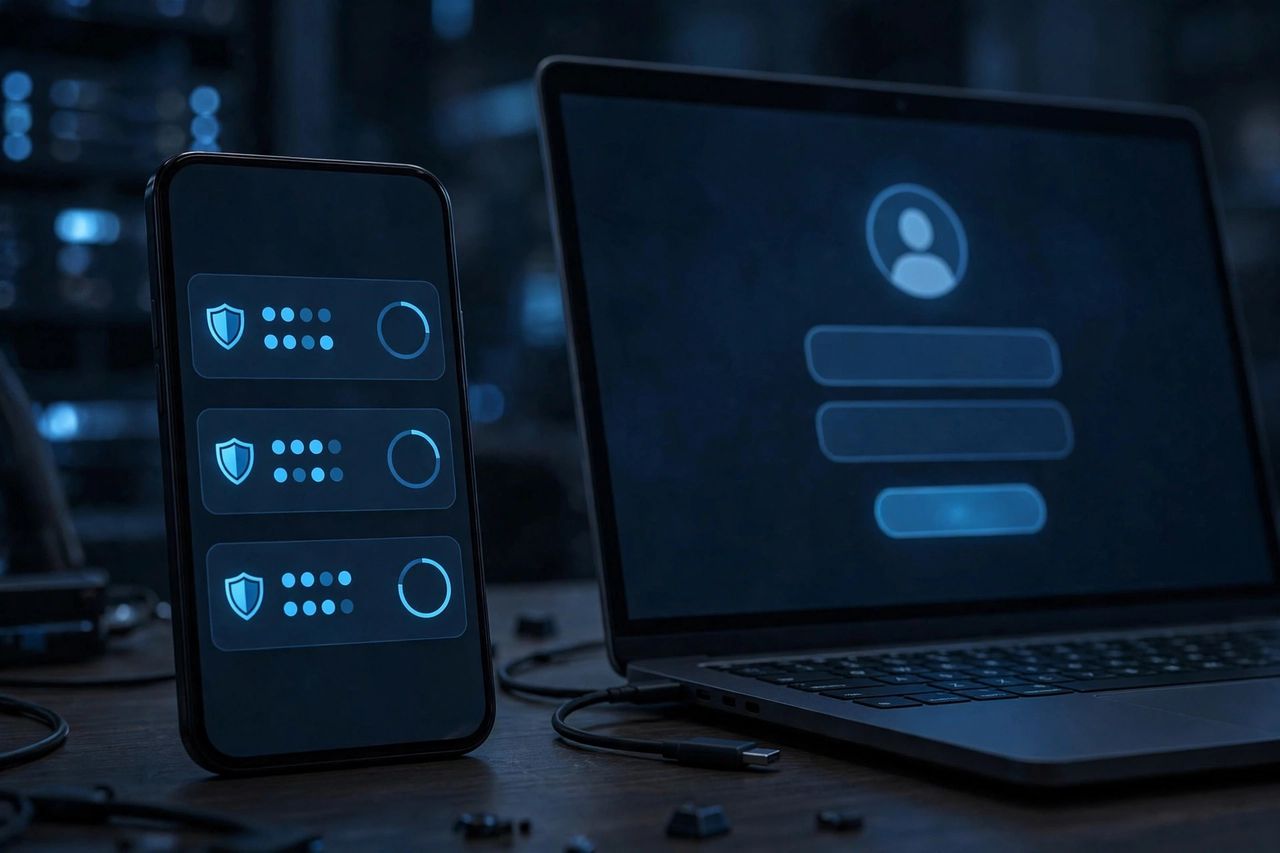
A stolen password is useless to a hacker if your account demands a second proof. Two-factor authentication (2FA) blocks the vast majority of account takeovers — and setting it up on your key accounts takes about ten minutes total.
What 2FA Actually Does
After your password, the service asks for something only you have: a code from an authenticator app, a text message, or a tap on a security key. Even if criminals buy your password in a data breach, they can't get in without that second factor. It's the highest-return security habit in existence — ten minutes of setup, permanent protection.
Authenticator App Beats SMS
Authenticator apps (like Google Authenticator or Authy) generate codes that change every 30 seconds and work offline — far safer than SMS, which hackers can intercept with SIM-swapping. Setup is simple: open your account's security settings, choose "authenticator app," scan the QR code, and enter the 6-digit code. Done. For your most critical accounts, a hardware security key is the gold standard.
Which Accounts First?
Prioritize ruthlessly: email first (it resets everything else), then banking, payment apps, and cloud storage, then social media. Your email is the master key — a hacked inbox lets attackers reset every password you own. Work through the list in one sitting; momentum matters.
Don't Lock Yourself Out
Save your backup/recovery codes somewhere safe (printed, in a drawer) the moment each service shows them — losing your phone without these means begging support for access. Enable cloud backup in your authenticator app so codes survive a phone upgrade. And add a second device or a trusted recovery contact where the service allows it.
Do this today, not "someday." Email, bank, cloud — ten minutes, three accounts, and you're harder to hack than 99% of the internet.