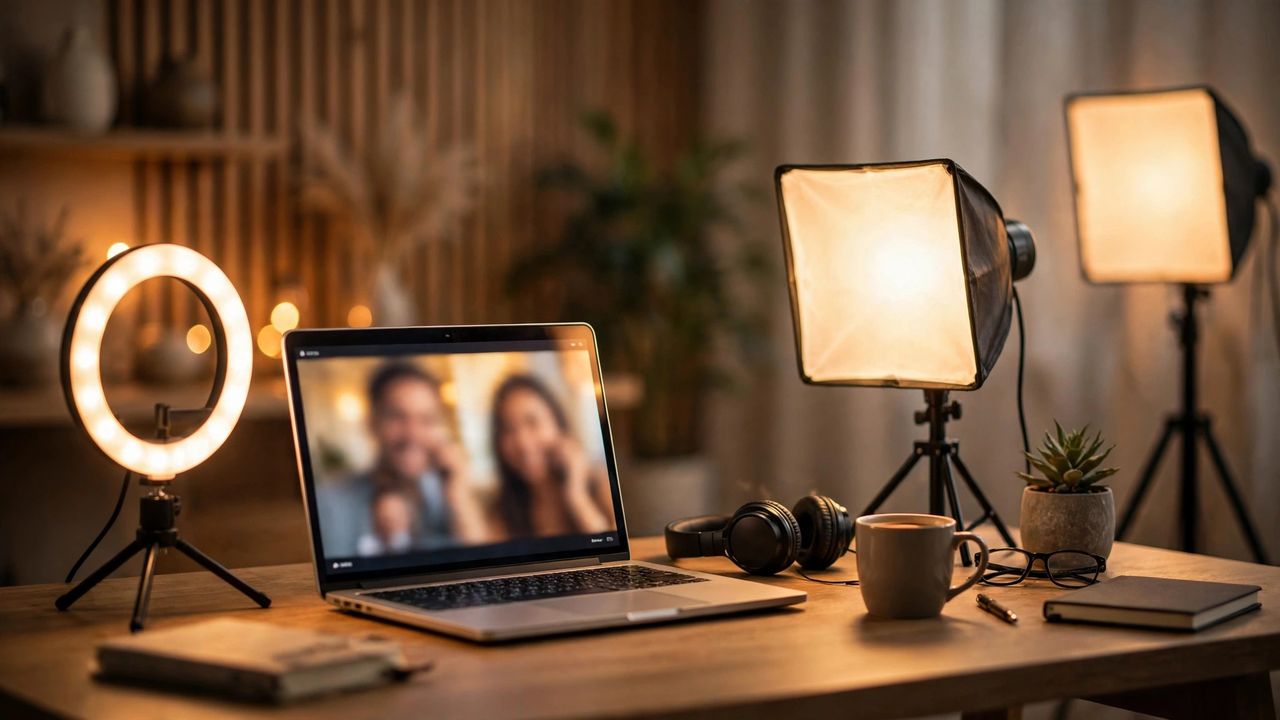
Nobody admits it, but most of us judge people by their webcam quality before we hear a word they say. Good studio lighting is the single biggest upgrade you can make to your video presence — bigger than a new camera, bigger than a better microphone. In 2026, affordable LED panels and smart ring lights can make a basic laptop webcam look like a professional studio feed.
Start With a Key Light, Not a Ring Light
The classic mistake is buying a ring light first. A soft key light placed at a 45-degree angle to your face gives far more flattering results than a ring light straight-on. Ring lights create those signature circular catchlights in your eyes, which look fine for social media but slightly unnatural in business meetings. A dimmable LED panel with a diffusion cover, positioned slightly above eye level, gives you smooth, natural-looking skin tones.
Match Your Color Temperature
Set your light to 5500-5600K (daylight) if your room has natural light, or 4000K for evening calls under warm room lamps. Mixed color temperatures are what make people look sick on camera — your face lit cool while the background glows orange. Most modern lights have a dual-dial or app control for brightness and temperature; set both before the call starts, not during.
Light the Background Too
A dark background with a brightly lit face makes your webcam auto-exposure pump up and down, creating an unprofessional flicker. Add a small background light — even a cheap LED bulb behind you — to lift the room tone so your camera's exposure stays stable. A simple warm lamp in the background also adds depth and makes the shot feel less flat.
2026's Best Budget Picks
You do not need a $200 setup. Entry-level 10-inch LED panels with diffuser filters now sell for under $30 and include stands, phone clamps, and app control. For frequent presenters, a 14-inch edge-lit panel with a bi-color range (3200K-6500K) around $50-70 is the sweet spot. Look for lights with CRI 95+ ratings — the color rendering index determines how natural your skin looks; anything below 90 washes you out.
Test your lighting before your next important call: open your camera app, check that your face is evenly lit with no harsh shadows, confirm the background is not a black hole, and you are ready to look like the most professional person on the call.