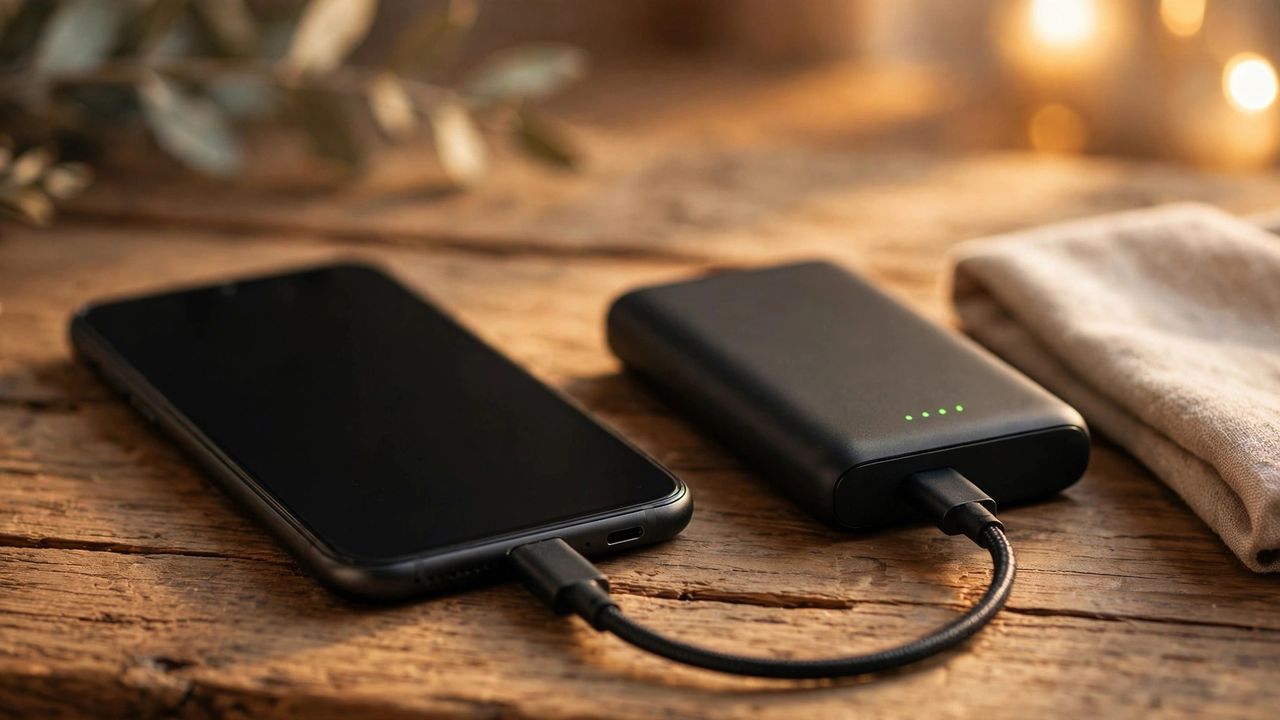
If your phone dies before dinner, the problem is rarely the phone — it's settings and habits. These 15 proven fixes cut battery drain on any Android or iPhone without turning your phone into a paperweight.
1–3: Find and Kill the Battery Hogs
Open Settings → Battery and check which apps drain the most. Social and shopping apps often run in the background all day. Delete apps you haven't opened in a month, restrict background activity for the rest, and turn off "background app refresh" for anything that isn't messaging.
4–6: Display and Brightness Tweaks
The screen is the #1 battery consumer. Lower brightness to 50–60% — your eyes adjust in minutes. Enable dark mode on OLED screens (it turns off black pixels entirely), shorten screen timeout to 30 seconds, and turn off always-on display if you don't truly need it.
7–10: Connections You Don't Need
Bluetooth, GPS, WiFi scanning, and 5G all sip power constantly. Use 4G instead of 5G when you don't need the speed — the difference in drain is huge. Turn off location for apps that don't need it, and disable WiFi/Bluetooth when you're out for the day.
11–13: Charging Habits That Matter
Keep your battery between 20% and 80% for maximum lifespan — full charges and deep drains age batteries fast. Avoid charging overnight on cheap chargers that keep it at 100% for hours. Enable your phone's optimized charging feature if available.
14–15: When Fixes Aren't Enough
Check Battery Health in settings: below 80% capacity means the battery is worn out. A $50–$80 battery replacement at a repair shop gives an old phone a new life — cheaper than upgrading for battery reasons alone.
Apply these one afternoon and you'll feel the difference the same day. Most users recover 20–30% of battery life from settings alone — enough to skip the midday charger panic.