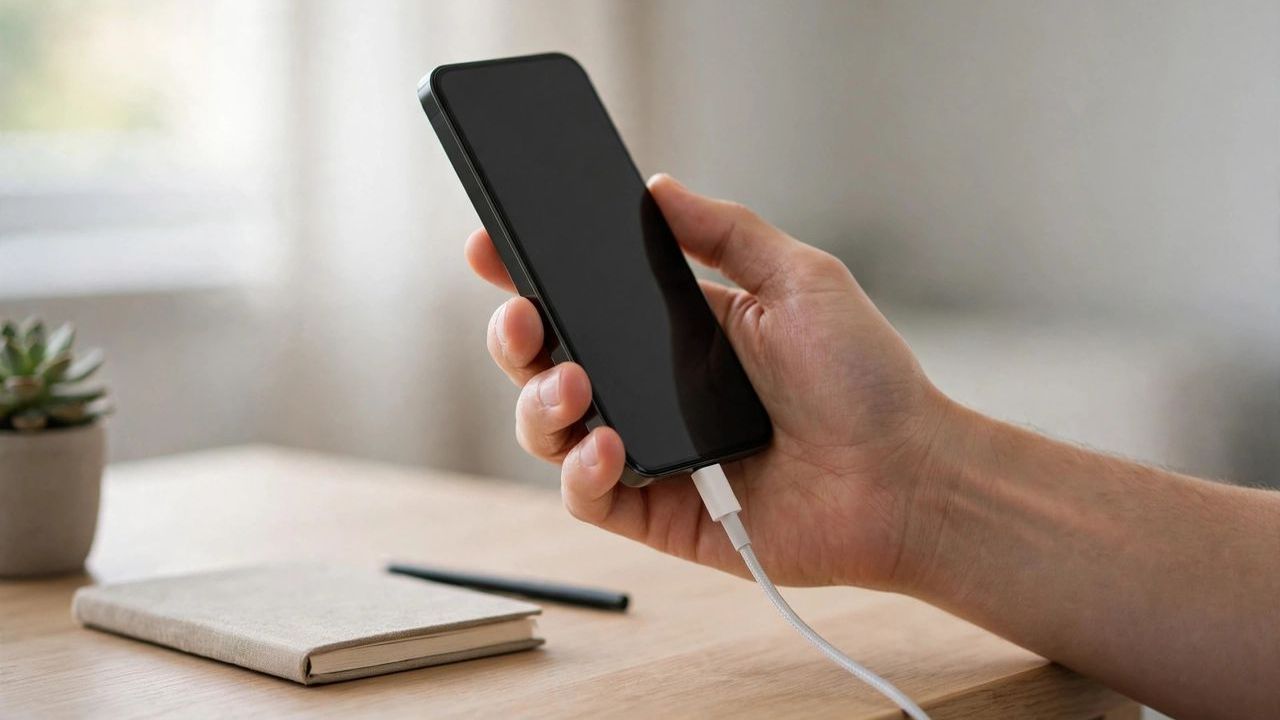
Batteries wear out with every charge cycle, but most people kill theirs years early with avoidable habits. The good news: small daily changes in 2026 can keep your battery at 90% health for far longer. The single biggest rule is simple — lithium batteries hate extremes, so avoid full 0–100% charges and keep your phone cool.
1. Stop Charging to 100% Every Night
Charging to full and letting the phone sit at 100% for hours stresses the battery. Most phones now have an 80% or 85% charging limit in battery settings — turn it on. Capping your charge at 80–85% can double the number of healthy charge cycles.
2. Avoid Letting It Die to 0%
Deep discharges are just as harmful as full charges. Plug in when you drop to around 20–30% instead of waiting for the low-battery panic. The sweet spot for lithium batteries is the 20–80% range — live there as much as you can.
3. Keep It Cool
Heat is the number one battery killer. Gaming on a charger, leaving your phone on a car dashboard in summer, or using heavy apps in hot weather all accelerate degradation. If your phone feels hot, pause charging and let it cool down before continuing.
4. Use the Right Charger
Cheap, unbranded chargers deliver unstable power and can overheat your battery. Use the manufacturer's charger or a certified brand with the right wattage for your phone. A certified charger costs a little more but protects a battery worth far more.
5. Turn Off Battery Drains You Don't Use
Background location, constant Bluetooth scanning, and max screen brightness drain your battery all day. Switch on adaptive brightness, limit background app refresh, and use dark mode on OLED screens. Dark mode alone can cut screen power use nearly in half on OLED phones.
6. Update Software and Check Battery Stats
Software updates often include battery optimizations, and both Android and iOS show which apps eat the most power. Check the stats monthly and restrict or replace the worst offenders. One misbehaving app can drain more overnight than all your settings combined.