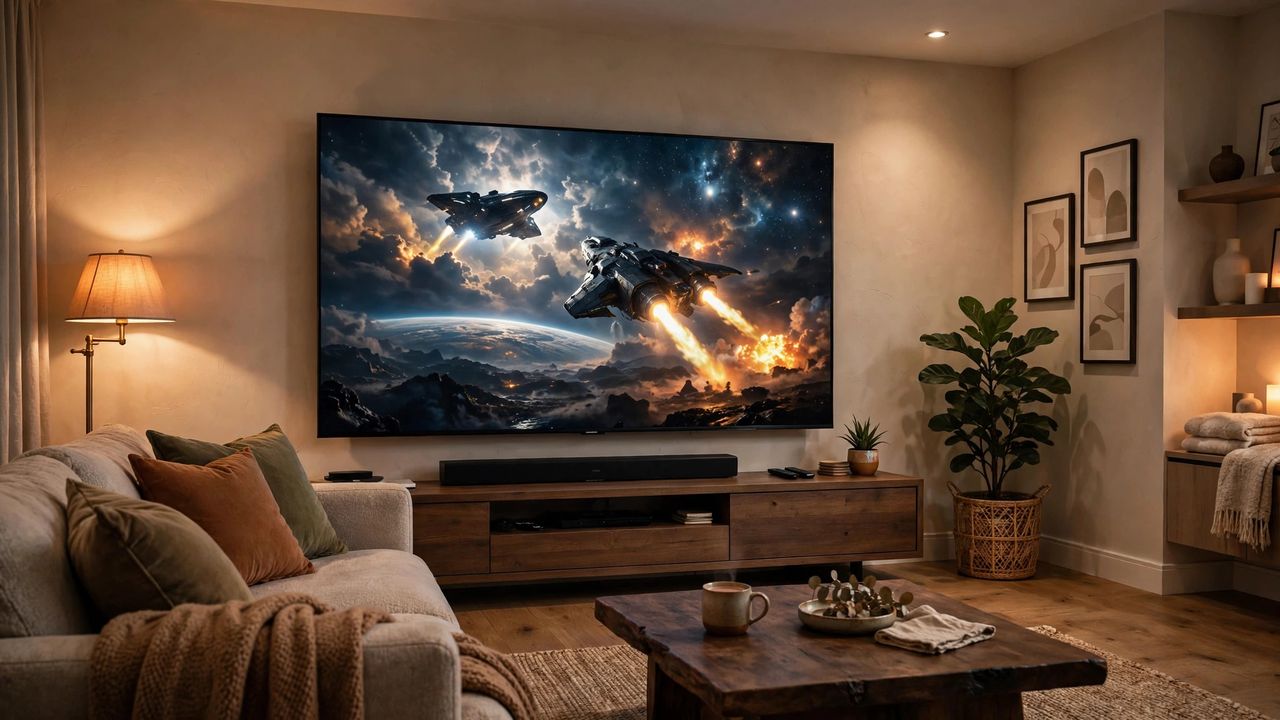
Your new Smart TV can do far more than you think — and you might be paying for subscriptions you don't need. In 2026, free legal streaming is better than ever. Here's how to set up your TV like a pro: better picture, better sound, and way lower bills.
Free Streaming Apps You Should Install
Before buying another subscription, try the free legal apps: Tubi, Pluto TV, Freevee, and your country's public broadcaster apps (like PBS in the US or iPlayer in the UK). They offer thousands of movies and shows with ads — legally free. Rotate one paid service at a time instead of stacking five; that's the subscription rotation trick that saves hundreds a year.
Don't Skip Antenna TV
A cheap indoor HD antenna (often under $25) picks up local channels in full HD for free — news, sports, and major networks. Connect it, run a channel scan in your TV's settings, and place the antenna near a window for the best signal. It's the most underrated free upgrade in home entertainment.
Calibrate Picture & Sound
Out of the box, TVs ship in "Vivid" or "Dynamic" mode that looks flashy but unnatural. Switch to Movie or Filmmaker Mode, turn off motion smoothing (the "soap opera effect"), and slightly lower sharpness. For sound, a basic soundbar beats any TV's built-in speakers — even a $100 one transforms dialogue clarity. Enable HDMI-CEC so one remote controls TV, soundbar, and streaming stick.
Cut Bills, Keep the Fun
Audit your subscriptions every few months: if you haven't opened an app in 30 days, pause it. Share family plans where allowed, and check whether your phone plan or internet provider bundles a free streaming service. Most people can cut their streaming bill in half without losing anything they actually watch.
A well-set-up Smart TV feels like a cinema at home — and most of the best upgrades are free. Calibrate, add an antenna, rotate subscriptions, and enjoy the savings.