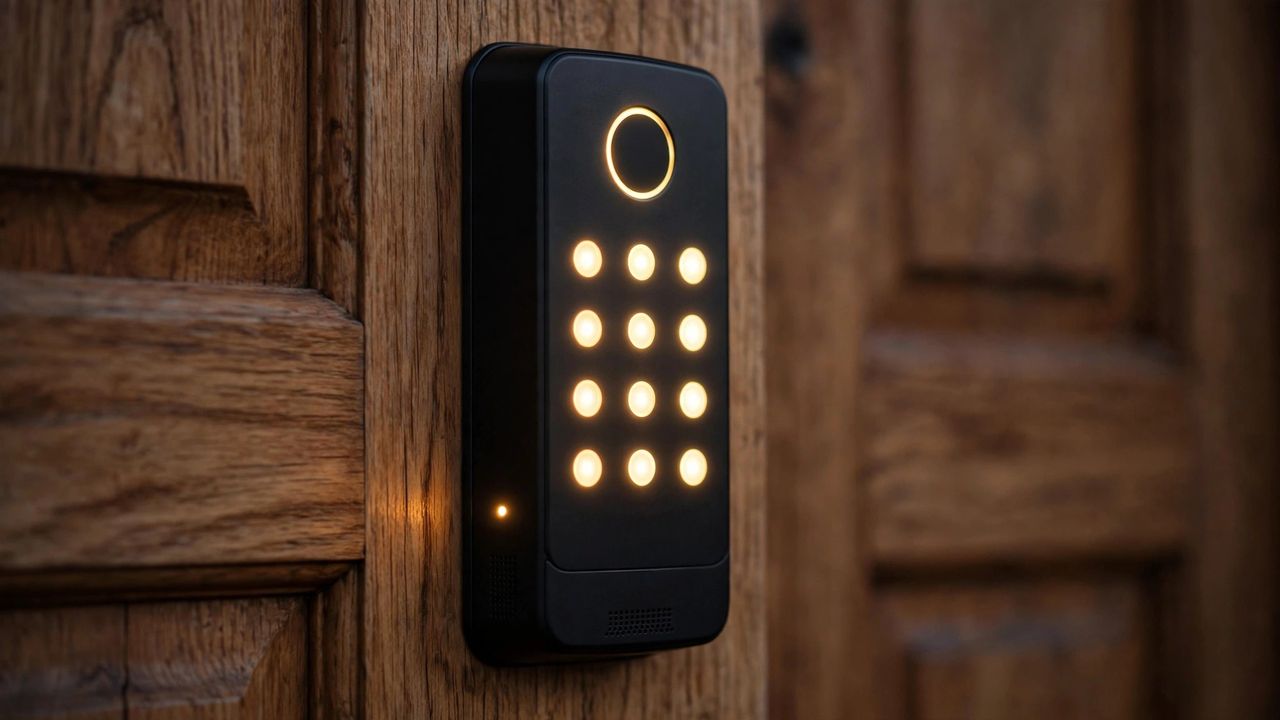
Never fumble for keys again — smart locks let you unlock with a code, fingerprint, phone, or voice. But not all models are equal. Here is how to pick a reliable smart lock in 2026 without compromising security.
Unlock Methods Compared
- Keypad: cheapest and most reliable; great for families, cleaners, and guests with temporary codes.
- Fingerprint: fastest day-to-day entry; look for sub-second recognition and 100+ fingerprint storage.
- App / Bluetooth / Wi-Fi: remote locking and unlock history; Wi-Fi models cost more battery but work from anywhere.
- Physical key backup: always keep one — electronics and batteries eventually fail.
What to Check Before Buying
- Fit: measure your door's backset, thickness, and existing deadbolt type — most locks retrofit standard US doors in 15–20 minutes.
- Battery life: aim for 6–12 months per charge; low-battery alerts are a must.
- Security grade: look for ANSI/BHMA Grade 1 or 2 deadbolts with tamper alarms.
- Smart home support: confirm Matter, Alexa, Google, or HomeKit compatibility if you want automation.
- Renters: choose interior-only adapters that mount over the existing lock — no drilling, no lost deposit.
Security Tips
Use unique codes per person so you can revoke access individually, disable old codes after guests leave, and turn on two-factor authentication in the lock's app. Avoid Wi-Fi locks with weak or default passwords — update firmware regularly.
Installation in Minutes
Most smart deadbolts need only a screwdriver: remove the old thumb turn, slide in the new motor, attach the keypad, and pair the app. Test every unlock method — code, fingerprint, key, and app — before your first night.
A good smart lock removes daily friction while adding real security. Spend on the deadbolt grade and battery life, not on gimmicks.