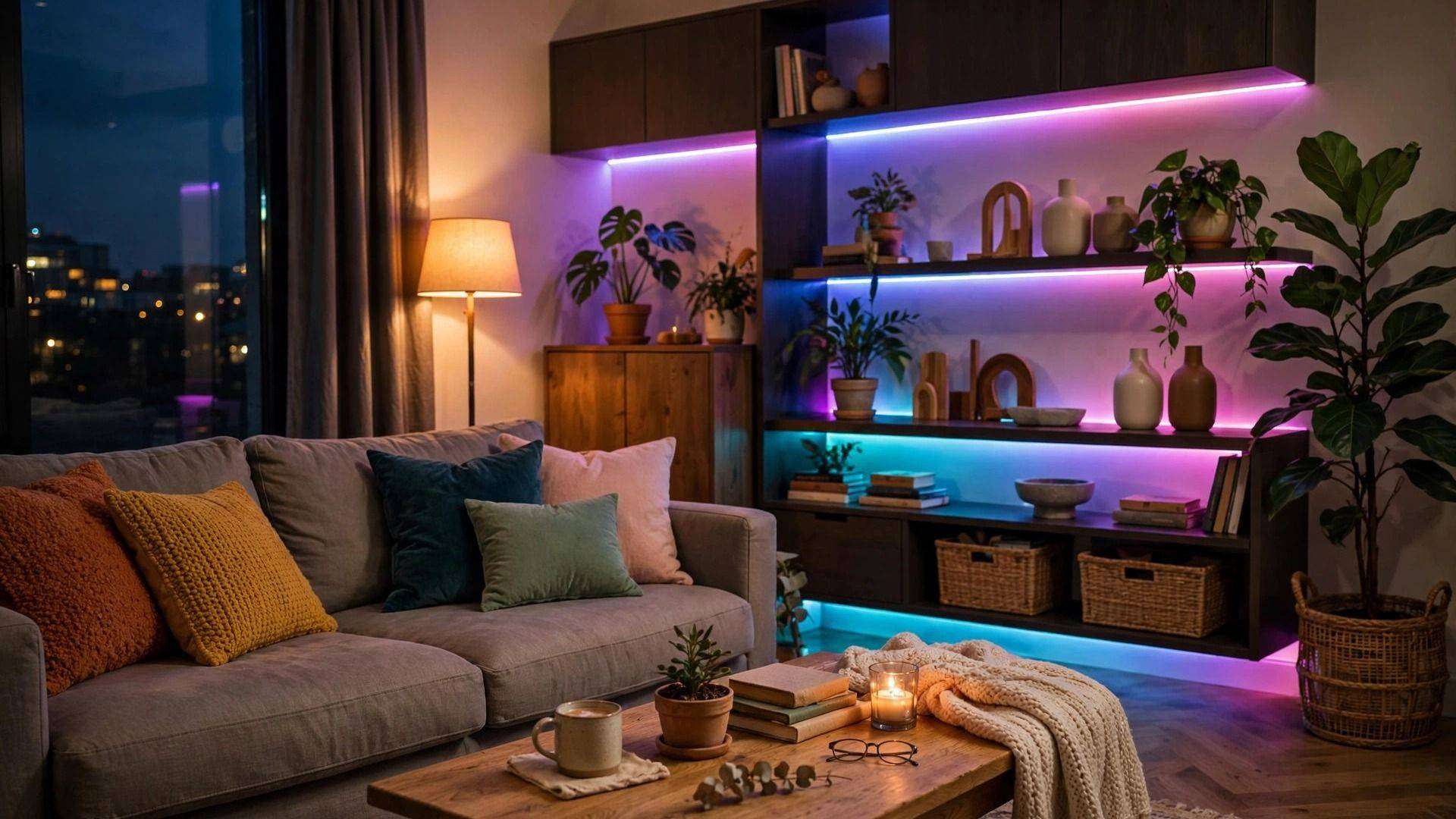
Smart lighting is the best first step into a smart home: it is affordable, instantly useful, and genuinely delightful when your lights fade on with the sunset automatically. In 2026, setup is simpler than ever — but the choices (bulbs vs. switches, hubs vs. hubless) still confuse beginners. This guide cuts through it all.
Start With One Room
Do not try to automate the whole house on day one. Pick the room where you spend your evenings — usually the living room or bedroom — and put two or three smart bulbs there. Live with them for two weeks. You will quickly learn what you actually want (warm dimming for movies? bright white for reading?) before spending another dollar.
Bulbs vs Smart Switches
Smart bulbs are the easy start: screw in, connect to Wi-Fi, done — and each bulb can be a different color. Their weakness: if someone flips the physical wall switch off, the "smart" dies with it. Smart switches replace the wall switch itself, so they work for everyone in the house and control whole fixtures, but they need basic wiring confidence. Renters: bulbs. Homeowners doing several rooms: switches.
The Hub Question
In 2026, most beginners can skip a dedicated hub: Wi-Fi bulbs and the Matter standard connect directly to your phone and voice assistant. Hubs still make sense for large setups (20+ devices) because they keep everything fast and working when the internet drops. Start hubless; add one only if your system grows sluggish.
Automations Worth Setting Up
Skip the gimmicks and set these four: lights that fade on 30 minutes before sunset, a "goodnight" command that turns everything off, motion-activated hallway and bathroom lights, and a vacation mode that randomly turns lights on while you are away. These four automations deliver 90% of the smart-lighting magic with zero daily effort.
Buy one starter kit this weekend, automate one room, and let the results convince you before expanding. Good smart lighting disappears into your routine — you will only notice it when you visit a house that does not have it.