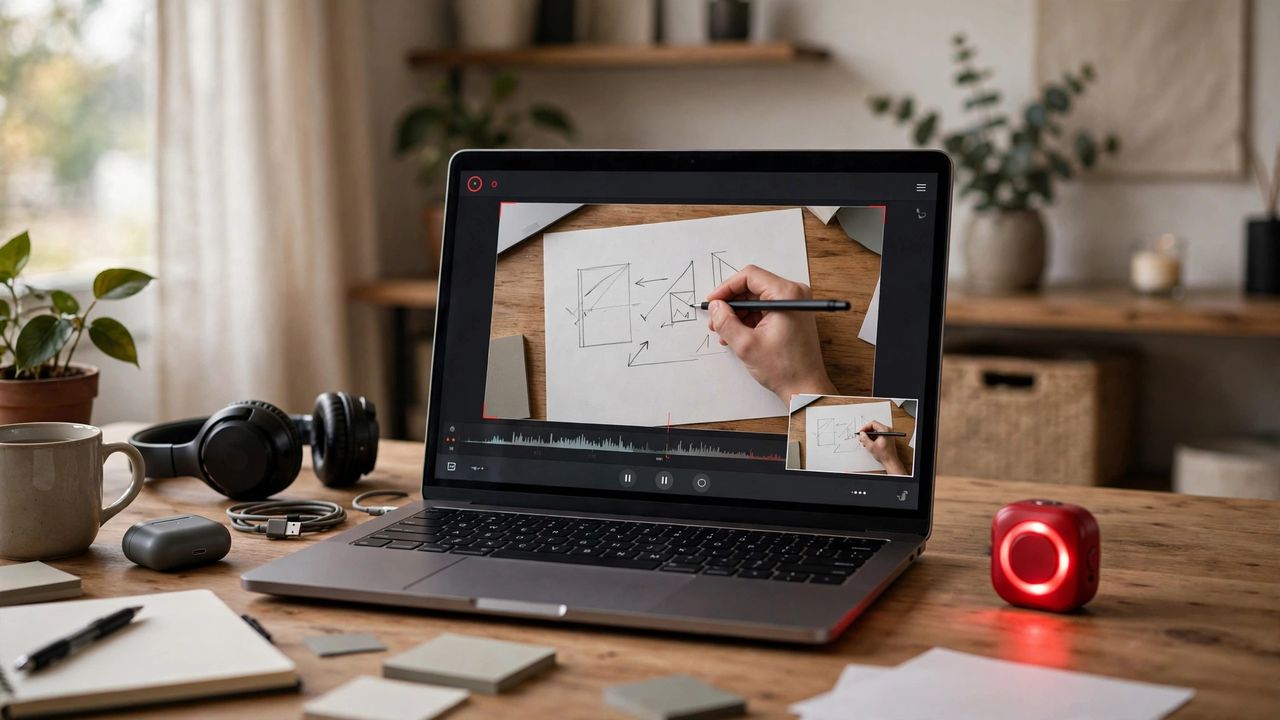
Whether you want to make a tutorial, report a bug, or save a gameplay highlight, screen recording is one of the most useful skills you can learn. The good news: in 2026 every major device can record its screen with no extra software — you just need to know where the button hides.
Windows: The Xbox Game Bar
Press Win + G to open the Xbox Game Bar, then hit the record button — or press Win + Alt + R to start instantly. It captures your active app in HD with system audio included. Tip: go to Settings > Gaming > Captures to enable background recording and pick your video quality. For full-desktop recording plus editing, the free Clipchamp editor built into Windows 11 adds screen capture with one-click trimming.
Mac: The Screenshot Toolbar
Press Shift + Command + 5 to open the Screenshot toolbar, then choose "Record Entire Screen" or "Record Selected Portion". Before starting, click Options to pick your microphone, save location, and whether to highlight mouse clicks. Recordings save as .mov on your desktop — trim them in the free QuickTime Player (Edit > Trim) or iMovie.
Android and iPhone: Built-In Recorders
On iPhone, add Screen Recording to Control Center (Settings > Control Center), then swipe down and tap the record button — hold it to toggle the microphone on or off. On Android 11+, swipe down twice for Quick Settings and tap Screen Record, choosing device audio, microphone, or both. Both phones save videos straight to your gallery, ready to share.
Free Apps and Pro Tips
Need more power? OBS Studio (Windows/Mac) is the free gold standard for tutorials and streaming, and AZ Screen Recorder covers Android. For clear audio, record in a quiet room and speak close to your mic. Highlight clicks so viewers can follow your cursor, and always trim the dead air at the start and end — a tight 3-minute video beats a rambling 10-minute one.
Screen recording looks technical, but it's really three steps: press the built-in button, narrate clearly, trim the ends. Start with one short recording today — your next tutorial, bug report, or demo will practically make itself.