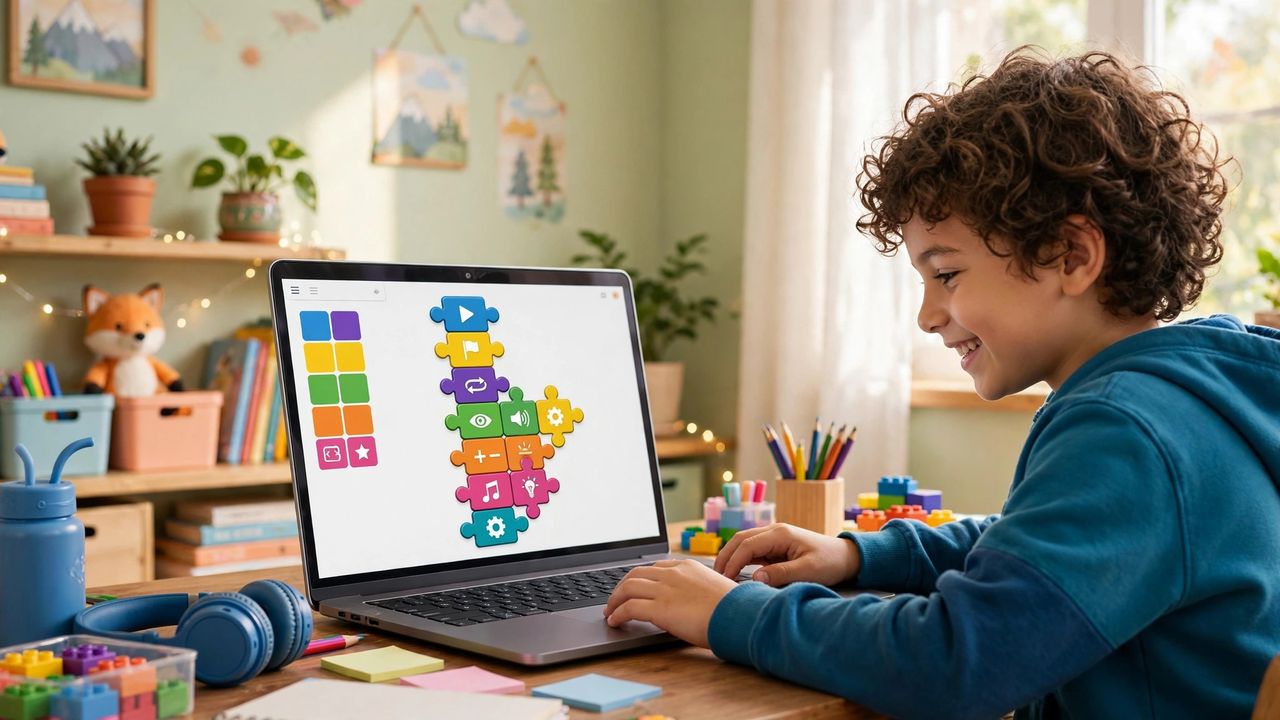
Scratch, the free visual coding platform from MIT, lets kids build real games by snapping together colorful code blocks — no typing syntax, no setup. Children as young as seven can make a character move, jump, and score points in their first hour. Here is how to get your child from curious to creating.
Set Up in Five Minutes
Scratch runs entirely in the browser at scratch.mit.edu, or as a free offline app for spotty internet. Create a free account so projects save to the cloud, and start with the built-in "Getting Started" tutorial. No installs, no costs, no coding knowledge required from you — the platform handles everything.
Start With a Moving Character, Not a Lecture
Skip explanations of loops and variables on day one. Instead, help your child make a cat follow the mouse cursor — two blocks, instant delight. Then add a second block so it meows when clicked. Kids learn coding concepts naturally by wanting the game to do more. Curiosity teaches faster than curriculum; let them chase what excites them.
Build the First Real Game: Chase
A simple chase game teaches the core of all programming: a player sprite moved with arrow keys, a second sprite moving randomly, and a score that increases on touch. Remixing an existing chase game from the Scratch community shows them it is achievable, then they customize the characters and rules. Remixing a working game is not cheating — it is how professional developers learn too.
Keep It Fun and Share the Wins
Cap sessions at 30–45 minutes before frustration or boredom sets in, and celebrate each finished project by sharing it with family through Scratch's community features. Weekly "what did you build" show-and-tells keep momentum going. A finished simple game beats an abandoned ambitious one — small completions build real confidence.
Your child's first game is closer than you think — one free website and one curious hour. Open Scratch this weekend, build the chasing cat together, and watch a creator wake up.