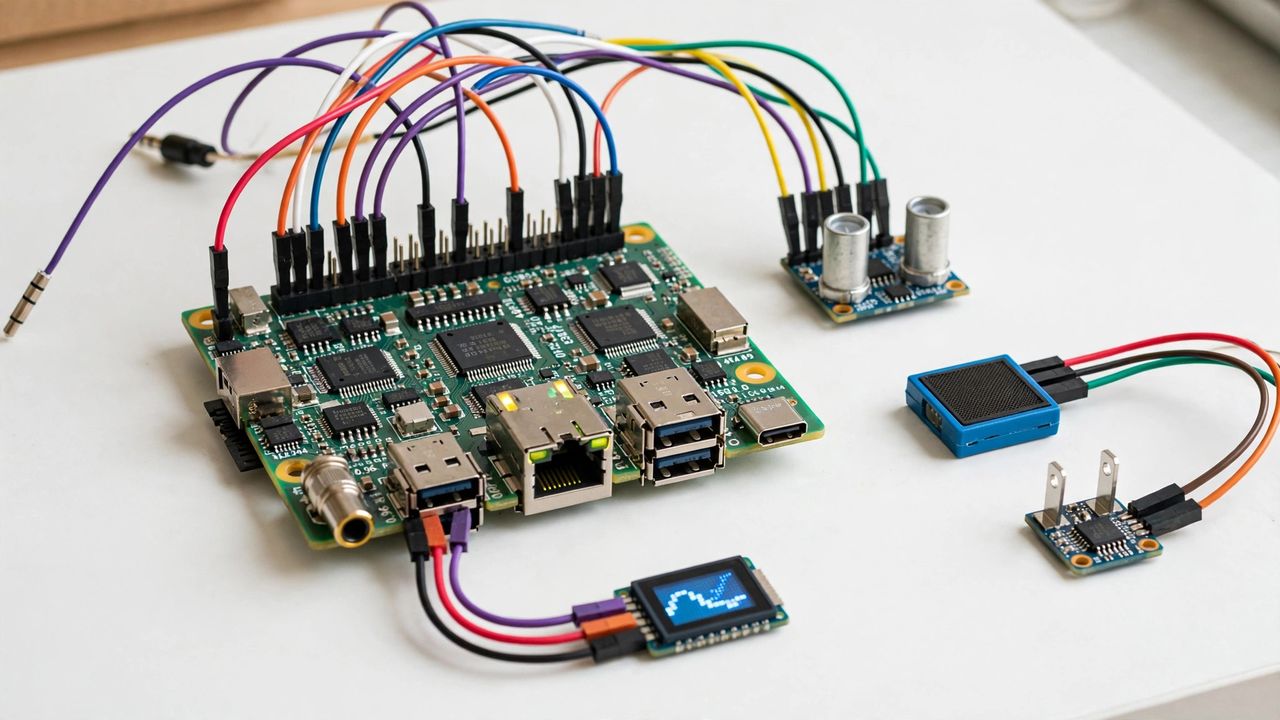
A Raspberry Pi is a $35–$80 computer the size of a credit card — and the fastest way to learn how real systems work. Forget blinking an LED: these twelve weekend projects produce things you will actually use every day. Pick one, follow a guide, and by Sunday you will have built something real.
Start Here: The Easy Wins
Pi-hole network ad-blocker kills ads on every device in your home in under an hour — the single most satisfying first project. A retro game console turns the Pi into a nostalgia machine for classic games. A personal VPN server gives you secure browsing on public Wi-Fi. All three need zero soldering and have step-by-step guides everywhere.
Level Up: Home Infrastructure
Ready for more? A Home Assistant hub unifies your smart lights, sensors, and plugs into one dashboard. A NAS (network storage) with an external drive backs up family photos. A print server resurrects that old USB printer for the whole network. These teach you Linux, networking, and Docker — resume-grade skills disguised as hobbies.
Fun Builds That Teach Electronics
A weather station with a cheap sensor posts your backyard's data online. A security camera with motion alerts costs a tenth of commercial ones. A magic mirror shows your calendar behind reflective glass. A plant monitor texts you when the soil dries out. Each uses a $5–$15 sensor and teaches you GPIO basics painlessly.
Gear Tips Before You Start
Buy a quality SD card (or better, boot from SSD) — cheap cards corrupt and kill projects. Get the official power supply; underpowered Pis crash mysteriously. Add a $5 heatsink or fan for the Pi 4/5 under load. And image your SD card before big changes, so a failed experiment costs minutes, not the weekend.
The secret of the Pi community: nobody finishes their first project alone — forums and tutorials carry you through. Start with Pi-hole on Saturday morning, and do not be surprised when you are planning project number twelve by Sunday night.