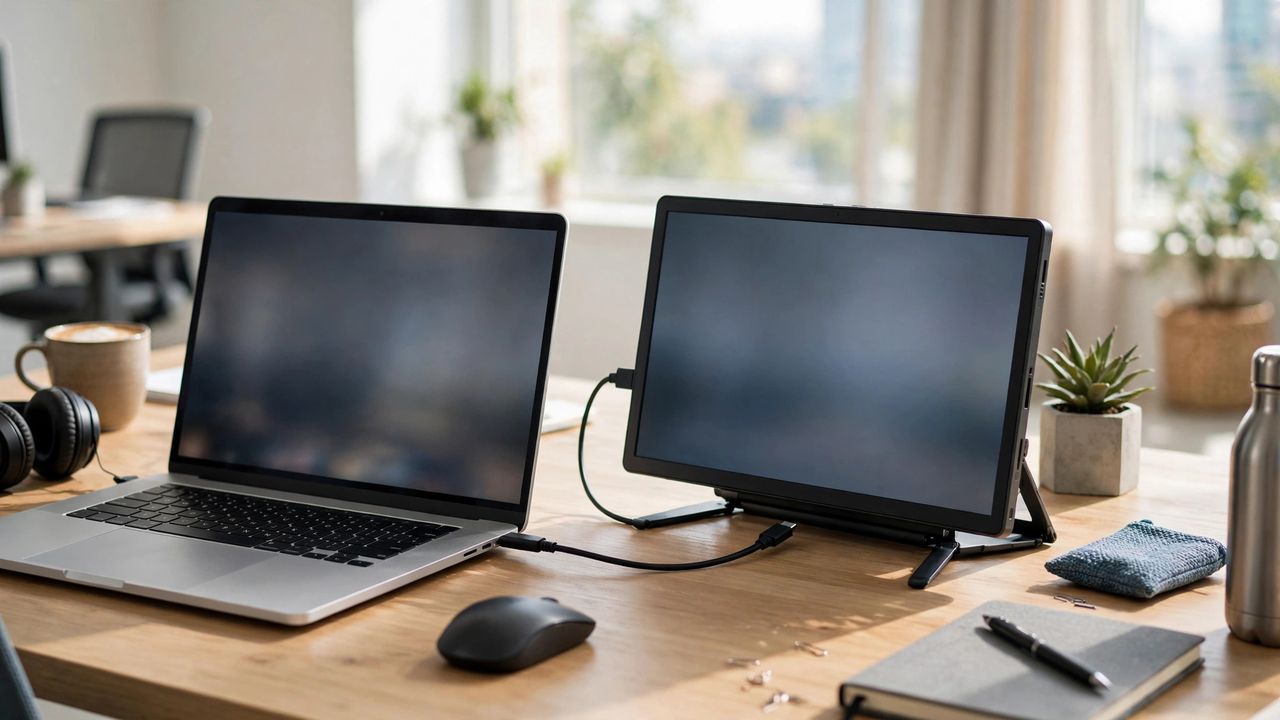
Once you work with two screens, going back to one feels like typing with one hand. Portable monitors bring that dual-screen productivity to cafés, flights, and hotel desks — thin, light, and powered by a single cable. Here is how to pick the right one.
Why They Are Worth It
Studies keep showing that a second screen cuts window-switching and boosts focus. For remote workers and students, that means notes on one screen and the lecture on the other, or code beside documentation. A portable monitor weighs under 1 kg and slips into a laptop sleeve, so the upgrade travels with you — unlike a desk-bound display.
What to Look For
Size: 15.6 inches is the sweet spot — big enough to work on, small enough to carry. Resolution: insist on 1080p (Full HD); 4K portable screens exist but drain more power and cost far more. Panel: IPS for good viewing angles and colors; avoid cheap TN panels with washed-out images. Ports: at least one USB-C that carries video + power — one cable to your laptop is the whole point of portable.
Power and Ports, Explained
Most portable monitors draw power from your laptop over USB-C, which is beautifully simple but drains your laptop battery faster. For long sessions, plug the monitor into a wall charger or power bank via its second USB-C port. If your laptop lacks USB-C video output (Alt Mode), you will need an HDMI adapter and a separate power cable — check your laptop's USB-C specs before buying to avoid a nasty surprise.
Practical Buying Tips
Budget $150–$300 for a good one; cheaper screens often have dim, washed-out panels. A built-in stand or foldable cover matters more than you think — flimsy stands are the most common complaint. Consider touchscreen models only if you will actually use touch; they cost more and add glare. And for travel, a matte anti-glare screen beats glossy every time under harsh café or airplane lighting.
The verdict: a portable monitor is the highest-ROI upgrade for anyone who works away from a desk. One USB-C cable, one extra screen, and your laptop suddenly feels like a full workstation — wherever you happen to open it.