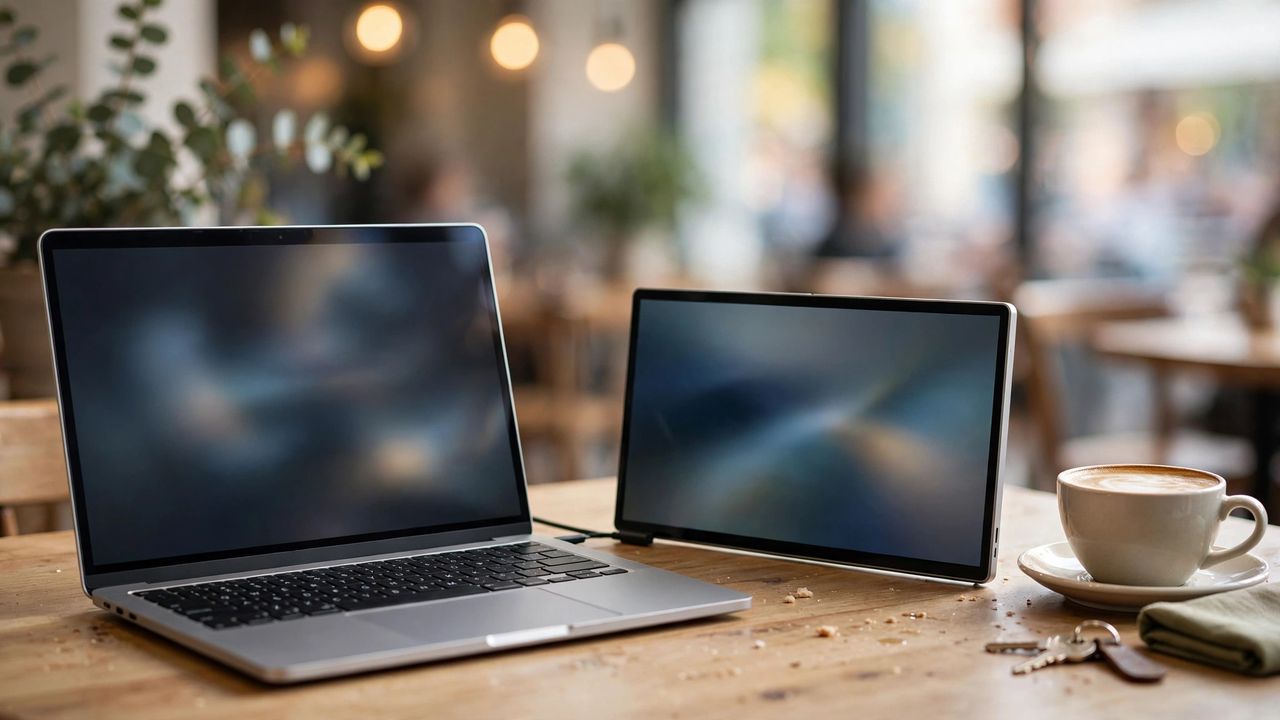
One small laptop screen. Twelve open windows. The constant alt-tab dance. A portable monitor doubles your workspace anywhere — cafés, couches, client offices. But not all portable monitors are worth carrying. Check these seven things before you buy.
Size and resolution sweet spots
Fourteen to sixteen inches at 1080p is the sweet spot for most people — big enough to matter, small enough to carry. 4K portable panels exist but drain batteries faster and cost much more. Match the portable monitor's resolution to your laptop's — mismatched scaling makes windows jump sizes when you drag them across. The 16:10 aspect ratio gives extra vertical room for documents.
Power and single-cable simplicity
The best setups run on one USB-C cable carrying video and power. Check that your laptop's USB-C port supports video output — not all do. One-cable connection is the entire point of portable — if it needs a separate power brick, you have bought a small desktop monitor with extra steps. Low-power panels can even run off your laptop's battery.
Panel quality and brightness
IPS panels give the best colors and viewing angles for the price; OLED looks stunning but costs more. For working near windows or outdoors, brightness matters — look for 300 nits or higher. Brightness beats resolution for real-world usability — a dim 4K panel is worse than a bright 1080p one in a sunny café. Matte coatings cut reflections.
Weight, stand, and real portability
A monitor you leave at home is not portable. Aim under two pounds including the cover-stand, and check the stand actually holds the screen at a usable angle. Weigh the full kit — monitor plus cables plus case — because that is what your bag actually carries. Magnetic covers that double as stands are the most travel-friendly design.
The right portable monitor earns its bag space daily. Check the seven points, match it to your laptop, and enjoy the luxury of two screens — everywhere.