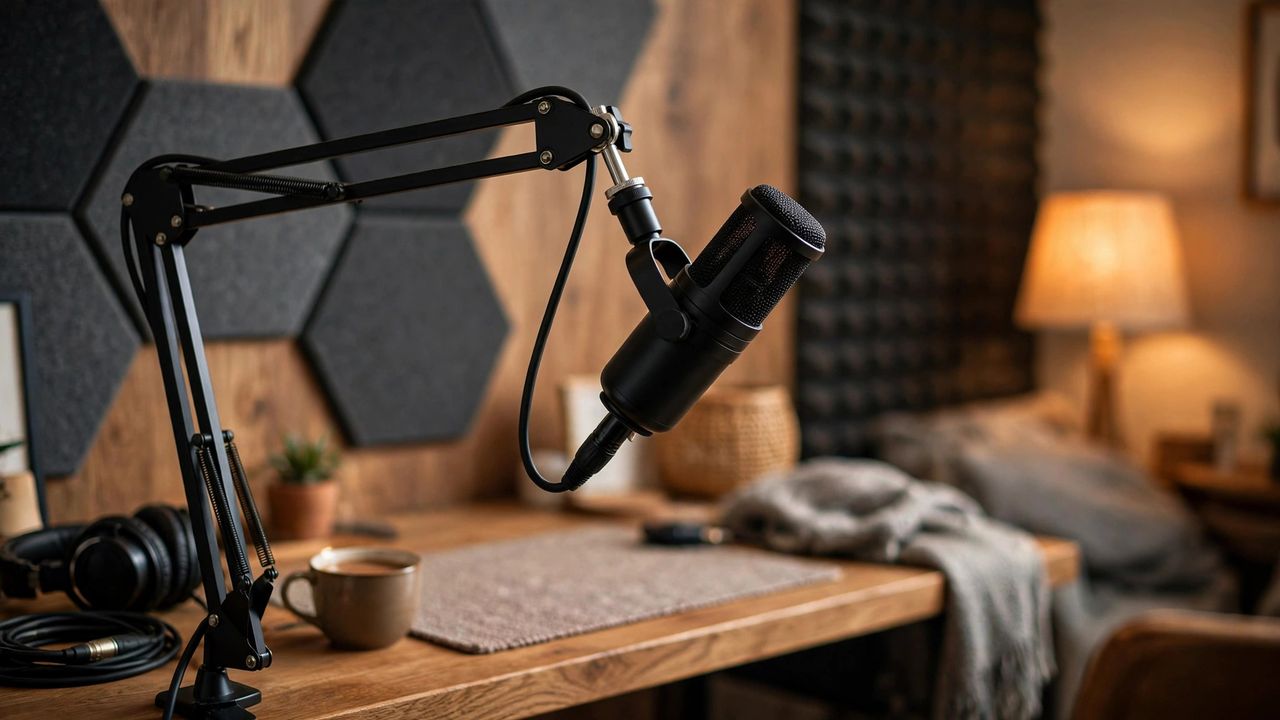
Listeners forgive average content but never forgive bad audio. The good news: studio-quality podcast sound costs under $100 in 2026. Here's the complete setup — mic, room, settings, and editing.
Pick the Right Mic
For solo podcasting, a dynamic USB microphone is the best value — it rejects room noise and plugs straight into your laptop. Stay 4–6 inches from the mic and speak across it, not directly into it, to avoid harsh "p" pops. A $15 pop filter finishes the job.
Room Treatment on a Budget
Your room matters more than your mic. Record in the smallest, softest room you have — closets full of clothes sound amazing. Close windows, turn off fans, and hang a blanket behind you. Clap once and listen: if you hear echo, add more soft surfaces.
Recording Settings
Record in WAV at 44.1kHz — never record directly to MP3 (quality loss you can't undo). Set gain so your loudest moments peak around -6dB, leaving headroom. Record a 10-second room-tone sample before speaking — it helps noise removal later.
Editing and Polish
Use free editing software: remove background noise, cut long pauses and "ums," then normalize loudness to podcast standards. Add a short intro and outro music at low volume. Listen on earbuds before publishing — that's how most of your audience hears you.
Record a 2-minute test today with your phone in a closet — you'll be shocked how good it sounds. Great audio is 80% room and technique, 20% gear. Start recording.