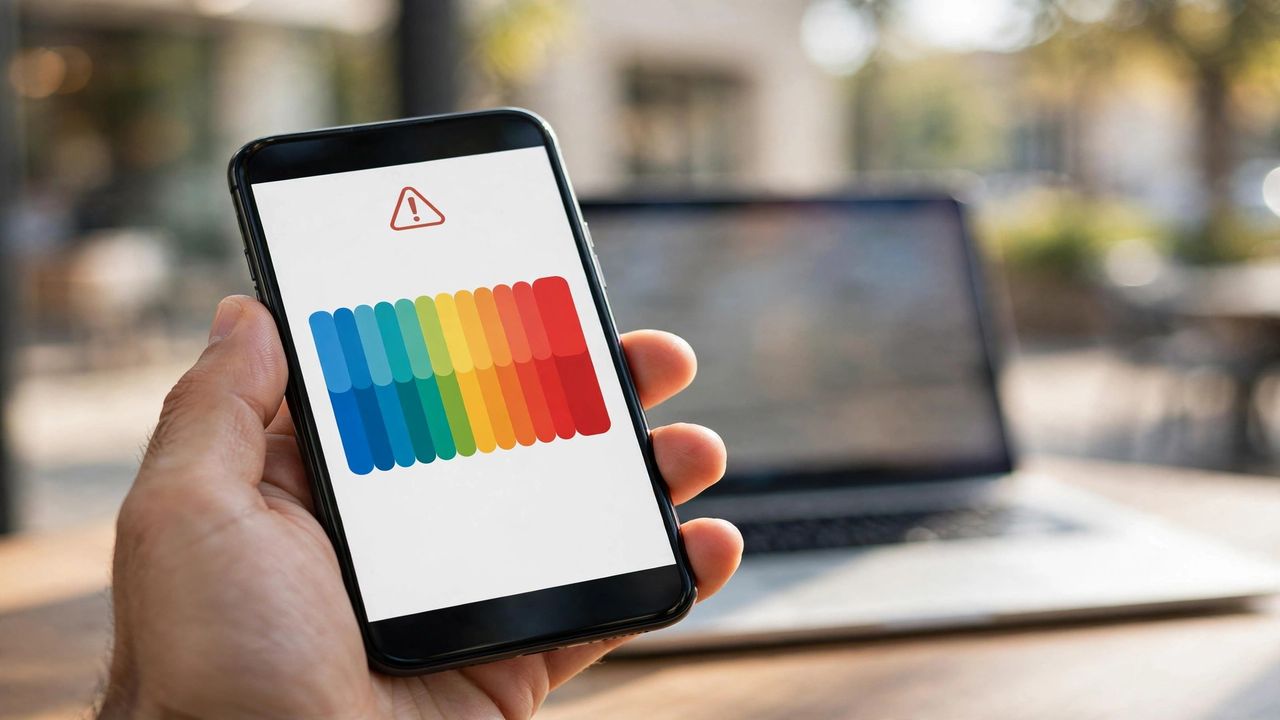
Nothing kills a moment like the "Storage Full" warning when you are trying to film it. Phones fill up silently — app caches, duplicate photos, and forgotten downloads pile up for months. The good news: you can usually recover several gigabytes in under ten minutes. Here is the fastest cleanup order.
Clear the biggest offenders first
Open your storage settings and sort apps by size — the top three usually hold half the waste. Messaging apps hoard gigabytes of forwarded videos and memes; browsers and social apps cache endless thumbnails. Clear cache before deleting anything — cache rebuilds itself safely, while deleting chats or photos is permanent. Offload unused apps (removes the app, keeps your data) instead of deleting them outright.
Tame your photos and videos
Photos and 4K videos are the silent storage killers. Turn on cloud backup with "optimize storage" so full-resolution originals live in the cloud and your phone keeps light versions. Then delete ruthlessly: burst shots, blurry duplicates, and screenshots of things you already handled. Most people find hundreds of megabytes of screenshots alone. Your memories stay safe in the cloud; the clutter does not need to stay on your phone.
Kill downloads and offline files
Downloaded movies, offline maps, podcast episodes, and music you already listened to sit forgotten for months. Check each streaming app's downloads section and remove anything finished. Cancel offline downloads you set "just in case" — you can re-download in seconds on Wi-Fi. Maps of cities you visited once can go too; your navigation app will fetch them again when needed.
Prevent it from happening again
Set your camera to a reasonable resolution for everyday shots (you rarely need maximum 4K for everything), enable auto-delete for old messages with media, and review storage monthly — a two-minute check beats a crisis cleanup. When buying your next phone, get more storage than you think you need. The price difference is small compared to years of storage anxiety.
A full phone is a maintenance problem, not a buying problem. Clear caches, move photos to the cloud, delete finished downloads, and set a monthly reminder. Ten minutes today buys you a phone that actually works when the moment matters.