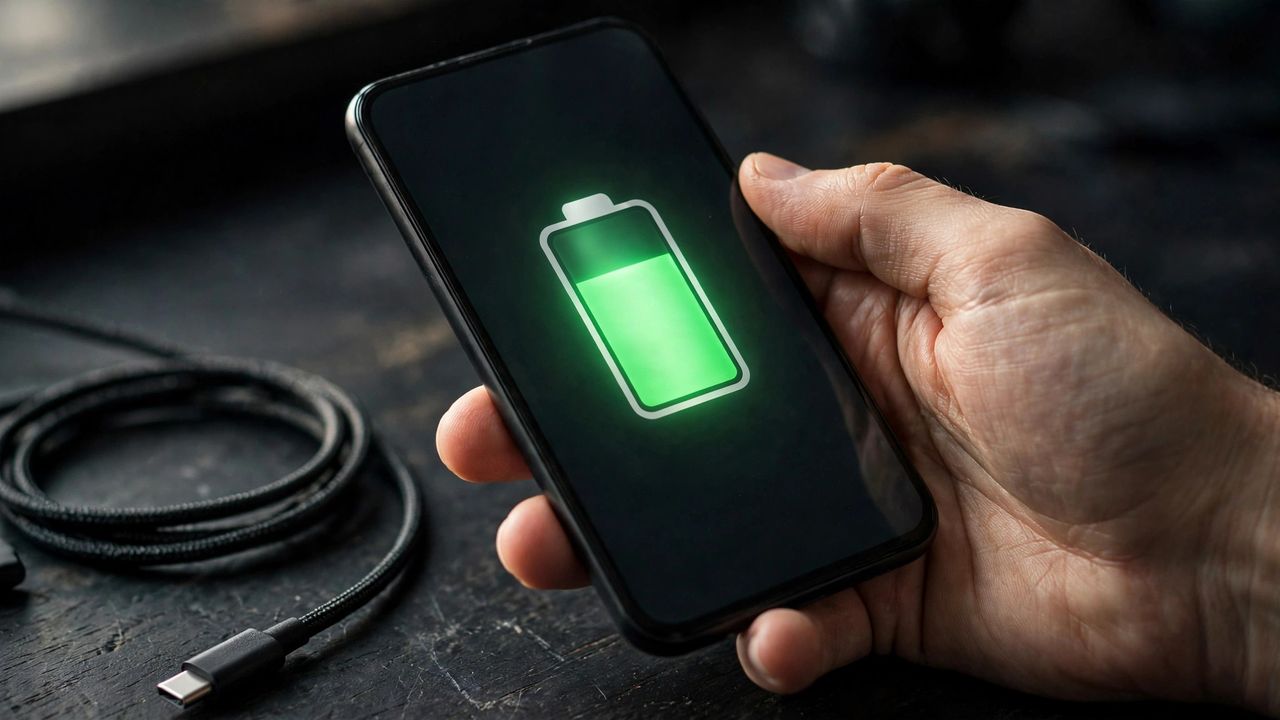
If your phone barely survives until dinner, the fix is usually not a new battery — it is your settings. These phone battery saving tips are tested and realistic, and together they can add several hours to your daily charge.
1. Turn Down the Screen
Your display is the single biggest battery drain. Lower brightness to around 40–50%, enable adaptive brightness, and shorten the screen timeout to 30 seconds. On OLED phones, switch to dark mode for extra savings.
The key point: the screen uses more power than every app combined, so start your savings here.
2. Stop Apps From Running Wild
Check battery usage in settings to find the apps draining power in the background. Restrict background activity for social media and shopping apps you do not need refreshing constantly.
The key point: one or two misbehaving apps usually cause most of the mysterious overnight drain.
3. Manage Connections Smartly
Turn off Wi-Fi, Bluetooth, and location services when you are not using them. Enable 5G auto-switching (or stay on 4G) if your area has weak 5G signals, since hunting for signal eats power fast.
The key point: your phone works hard searching for weak signals — poor reception zones drain batteries fastest.
4. Charge Smarter, Not Longer
Keep your battery between 20% and 80% most days, and enable the adaptive charging feature built into modern phones. Avoid heavy gaming while plugged in, since heat shortens battery lifespan.
The key point: less heat and fewer full 0–100% cycles will keep your battery healthy for years.
Apply these four fixes today and notice the difference by tomorrow evening. Small settings tweaks beat buying a battery pack every time.