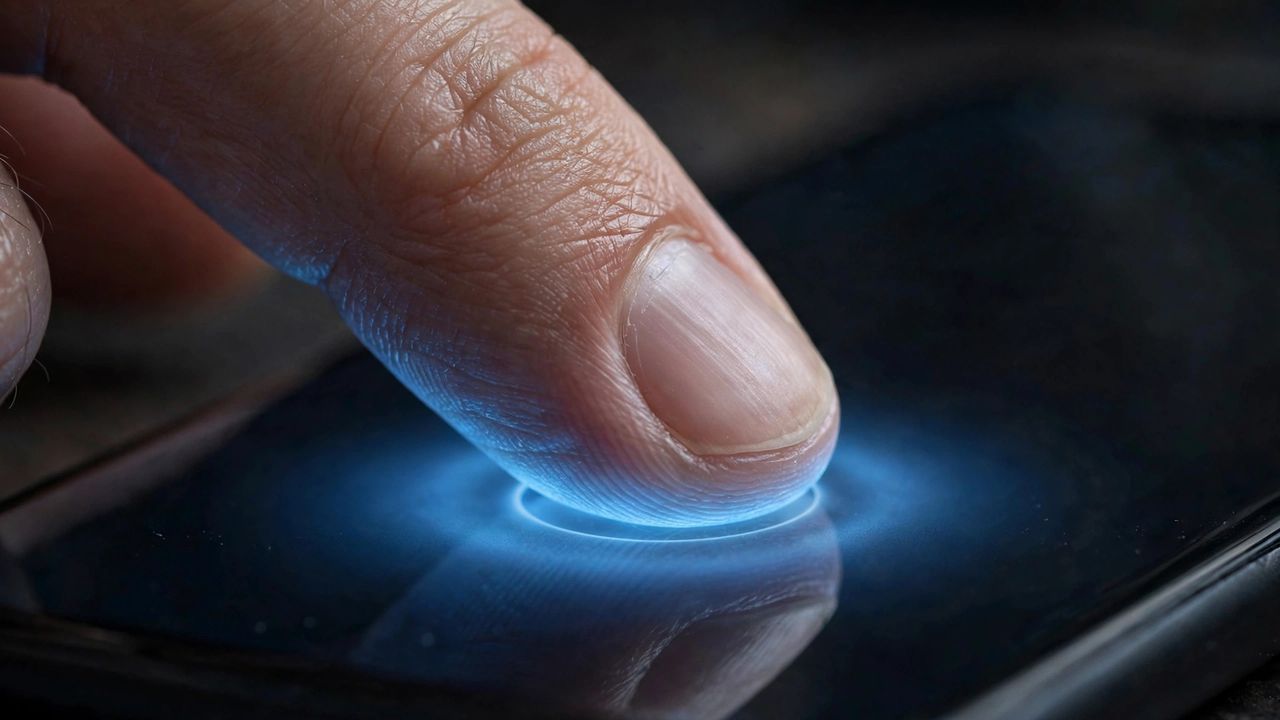
Passwords have been failing us for decades: they are hard to remember, easy to steal, and constantly leaked in data breaches. In 2026, the passwordless future has finally gone mainstream. Passkeys, face unlock, and fingerprint logins now work across phones, laptops, and most major websites, and they are genuinely both easier and safer than passwords.
What Are Passkeys, Exactly
A passkey is a pair of cryptographic keys: one stays locked safely on your device, and the other is shared with the website. A passkey cannot be guessed, reused, or phished the way a password can, which is why banks, tech giants, and app makers are all pushing users toward them this year.
Biometrics That Replace Typing
Face ID and fingerprint readers have matured into the everyday front door of passwordless login. Instead of typing a password, you glance at your phone or touch a sensor, and the device unlocks the passkey underneath. Your face and fingerprint never leave your phone, which answers the biggest privacy worry people have about biometric logins.
Set Up Passkeys the Right Way
Start with your most important accounts: email, bank, and cloud storage. Look for a sign in with a passkey option in the security settings, and create a passkey on your primary phone first. Never rely on a single device for your passkeys without a synced backup, because losing that one phone could otherwise strand you outside your accounts.
Keep a Safety Net in Place
Going passwordless does not mean going recovery-less. Write down your device PIN and cloud account recovery details on paper and store them somewhere safe at home. The golden rule is simple: every important account should have at least two ways in, even if both of those ways are passwordless. Do that, and you will wonder why you ever typed passwords at all.
Passwordless login is no longer an experiment for tech enthusiasts. It is faster, harder to hack, and easier to live with. Set up your first few passkeys this week and join the post-password era for good.