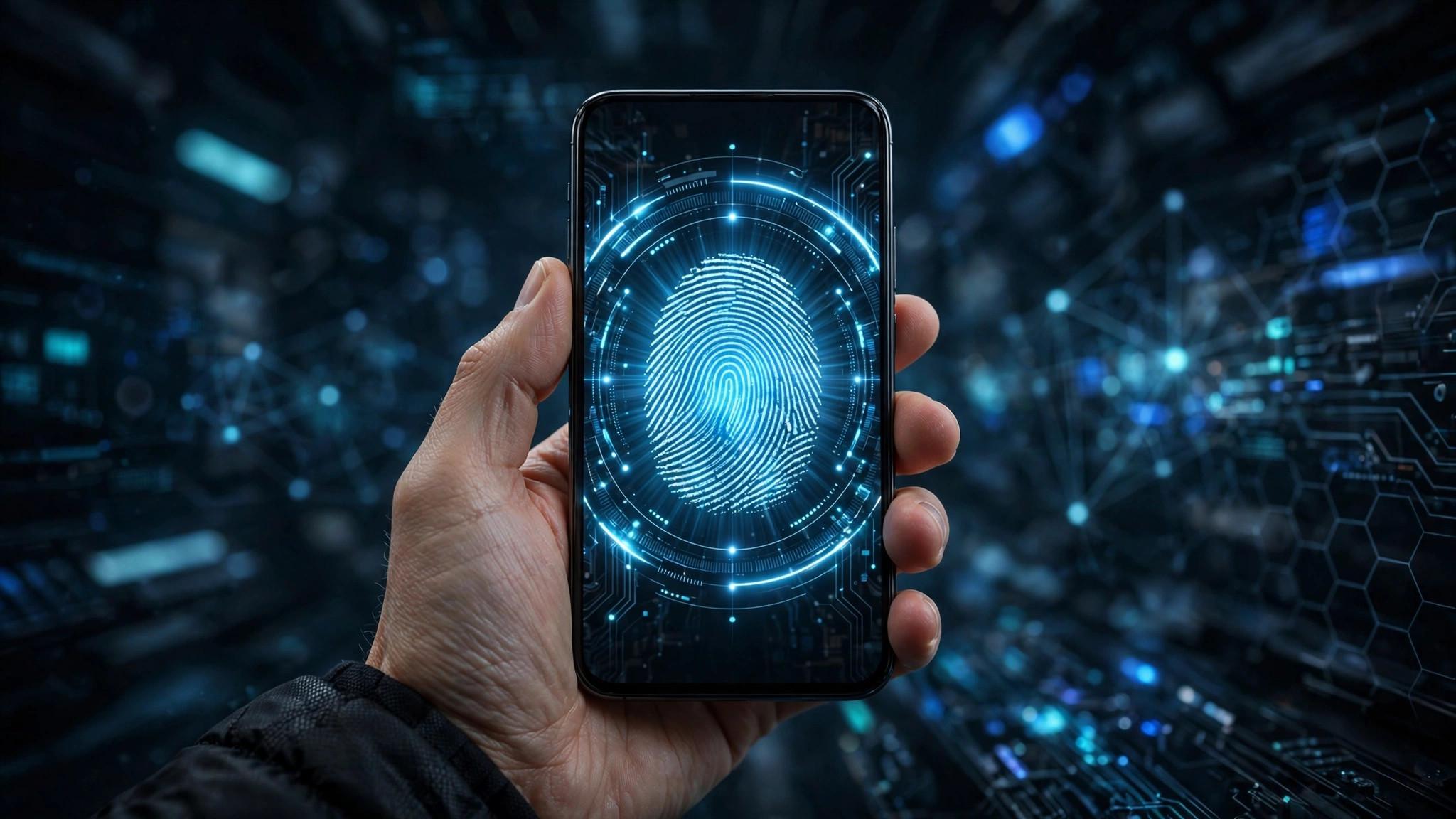
Passwords are the weakest link in online security — reused, phished, and leaked in breaches every week. In 2026, the replacement is finally mainstream: passkeys. They log you in with your fingerprint or face, and there is nothing to steal.
What Is a Passkey?
A passkey is a cryptographic key pair: a private key stored securely on your device and a public key on the website. When you log in, your device proves who you are with biometrics — no password travels over the internet. There is nothing to type, nothing to forget, and nothing for a hacker to phish.
Why Passkeys Beat Passwords
Phishing-proof: a fake website cannot use your passkey — it only works on the real domain. No reuse problem: every site gets a unique key automatically. Faster: one touch instead of typing. Data breaches matter less: leaked databases contain no passwords to crack. In 2026, Apple, Google, and Microsoft all support passkeys natively.
How to Switch Today
Start with your most important accounts: email, banking, and cloud storage. Look for Security settings → Passkeys or 'Sign in with passkey'. Keep a fallback method (a strong unique password in a manager) during the transition. Sync matters: use iCloud Keychain, Google Password Manager, or a third-party manager so passkeys follow you across devices.
What to Watch Out For
Device loss: if passkeys live on one phone with no cloud sync, losing it is painful — enable sync now. Shared accounts (family streaming) still work better with passwords. And not every site supports passkeys yet, so a password manager remains essential. The goal is fewer passwords, not zero overnight.
Passkeys will not kill passwords this year, but every account you switch is one less password to leak or forget. Start with three important accounts this week — future you will thank present you.