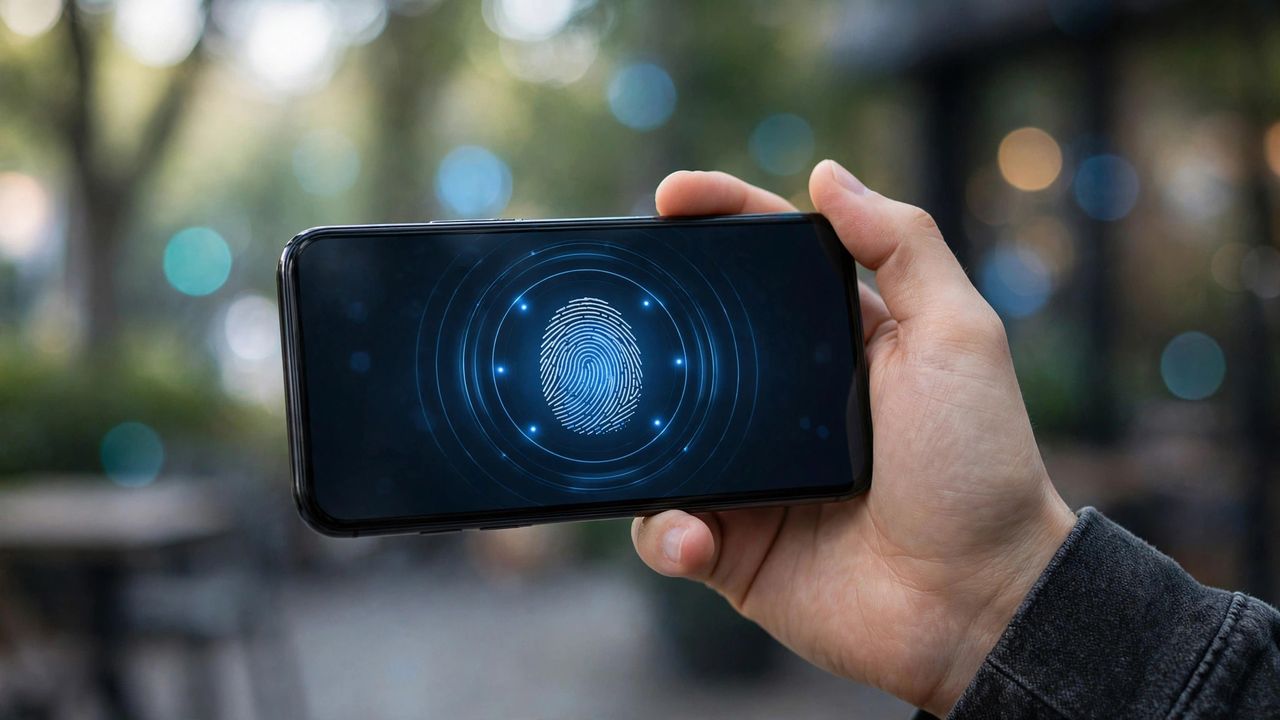
Passwords were invented in the 1960s, and attackers have spent the decades since stealing, guessing, and phishing them. Passkeys are the industry's replacement: you log in with your fingerprint, face, or PIN instead of a typed secret — and there is nothing for hackers to steal. Here is what they are and how to start using them today.
What a Passkey Actually Is
A passkey is a pair of cryptographic keys: a private key that never leaves your phone or computer, and a public key stored by the website. When you log in, the site sends a challenge, your device signs it with the private key after you approve with biometrics, and you are in. The site never holds anything worth stealing — breaching its database gives attackers useless public keys.
Why Passkeys Beat Passwords
Phishing dies with passkeys: they only work on the real site, so a fake login page gets nothing from you. There is nothing to reuse across sites, nothing to forget, and no password manager vault to become a single point of failure. Logging in is also simply faster — one fingerprint touch instead of typing, waiting for a code, or resetting a forgotten password.
How to Create Your First Passkey
Most major sites — Google, Apple, Microsoft, PayPal, and many banks — now offer passkeys in their security settings. Enable two-factor authentication first if you have not, then look for "Create passkey" or "Sign in with passkey" in your account security page. The setup takes under a minute: your phone will ask for your fingerprint or face, and the passkey is saved to your device's secure wallet.
What If You Lose Your Phone?
This is the fear that stops people, and it has a good answer: passkeys stored in iCloud Keychain, Google Password Manager, or a dedicated passkey manager sync across your devices automatically. As long as you can sign into your cloud account on a new device, your passkeys follow you — exactly like your photos do. Keep account recovery options (a second device, a recovery key, a trusted contact) current as a safety net.
Make the Switch Gradually
You do not need to convert everything at once. Start with your email account — it is the key to resetting everything else — then add your bank and your most-used services. Keep your password manager running during the transition; think of passkeys as an upgrade you adopt one account at a time. Within a year, most of your daily logins can be password-free, and you will wonder how you ever tolerated passwords.