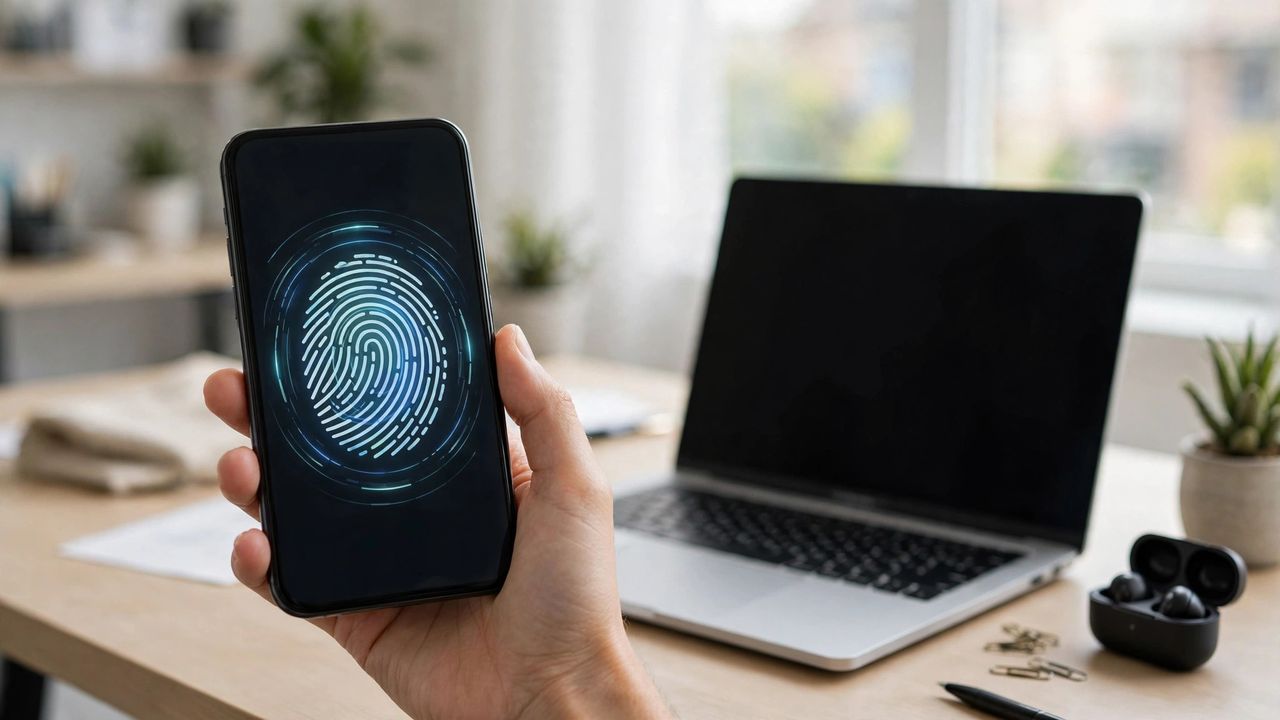
Passwords are hard to remember and easy to steal. Passkeys, now supported across phones, browsers, and major websites in 2026, replace them with your fingerprint, face, or device PIN. Nothing to memorize, nothing for phishers to steal. Here's how they work and how to switch.
What a Passkey Actually Is
A passkey is a pair of cryptographic keys: a private key locked safely on your device, and a public key stored by the website. When you log in, the site sends a challenge your device signs — the private key never leaves your phone. Your fingerprint or face just unlocks the device to approve it. Because each site gets a unique key pair, a breach at one site reveals nothing usable anywhere else, and fake login pages can't capture anything to reuse.
Setting Up Your First Passkey
In a supported site's account settings, look for "Passkeys" or "Sign-in options." Your device will prompt you to confirm with biometrics, and the passkey saves to your phone's built-in password manager (or a third-party one if you prefer). Most platforms sync passkeys across your devices through your cloud account — set up the same manager on your laptop so logins work everywhere. Start with two or three important accounts before converting everything.
What Happens If You Lose Your Phone?
This is the question everyone asks, and the answer is reassuring: passkeys synced through your platform account restore automatically when you sign into a new device. Keep recovery options current — a backup email and phone — and consider storing key passkeys in a dedicated password manager too. The bigger risk is the old one: make sure legacy password-only recovery paths on your accounts are locked down, since attackers target the weakest link.
Passwords Aren't Gone Yet — Hybrid Tips
Most sites still offer passwords as a fallback. Use a password manager for accounts that haven't adopted passkeys, never reuse passwords across sites, and turn on two-factor authentication where passkeys aren't available. When a site offers passkeys, prefer them — every login you convert is one fewer credential that can leak in a breach. Soon, your password list should be shrinking, not growing.
Passkeys are the rare security upgrade that also makes life easier — faster logins, no memorization, no phishing. Convert your email account first (it guards all the others), then work down the list. The password era is ending; you might as well get the benefits early.