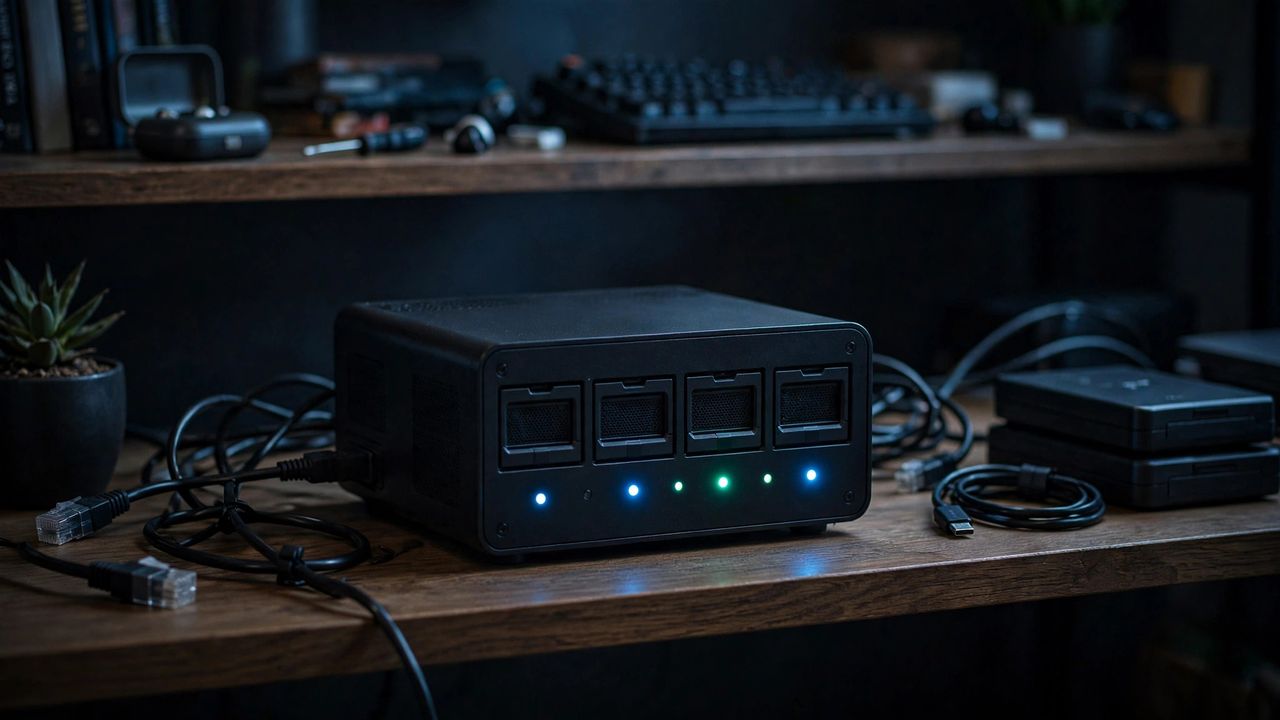
Your photos, documents, and media deserve better than a subscription you can lose access to. A home NAS, a small box of drives on your network, gives you terabytes of private storage. In 2026 the hardware is cheaper and the software friendlier than ever. Here is how to build one that just works.
Choose NAS Ready Hardware
You can buy a ready made two bay unit from a known brand or repurpose an old PC, but either way use drives rated for always on NAS use. Start with two equal size drives so you can mirror them. Two drives in a mirrored RAID 1 setup mean one drive can fail completely and you lose nothing, which is the whole point of a NAS. Budget for the drives first, since they are the real investment.
Set Up Storage the Safe Way
Install the drives, create your mirrored pool, and set up shared folders for backups, media, and documents. Enable snapshots if offered, which lets you recover accidentally deleted files. A NAS is not a backup by itself, so keep one extra copy of irreplaceable photos on an external drive stored elsewhere. Turn on email alerts so the NAS tells you the moment a drive shows errors.
Automate Your Backups
Point your computers at the NAS for automatic nightly backups using built in system tools. Set your phones to upload photos and videos to it over wifi when you get home. Automated backups that run without you thinking about them are the difference between a NAS you love and a NAS you forget. Test restoring a file once a quarter so you know the backups actually work.
Stream Media and Access Remotely
Install a media server app to stream your movies and music to every screen in the house. Enable secure remote access so you can reach your files while traveling, but use the encrypted connection option your NAS provides. Never expose your NAS directly to the internet without its secure remote access feature and a strong unique admin password. Keep the software updated, since NAS devices attract automated attacks.
A home NAS is one of those projects that pays you back every single week. Start with two drives, automate backups on day one, and expand when you fill the space. Your future self will thank you the first time a phone dies with all its photos safely at home.