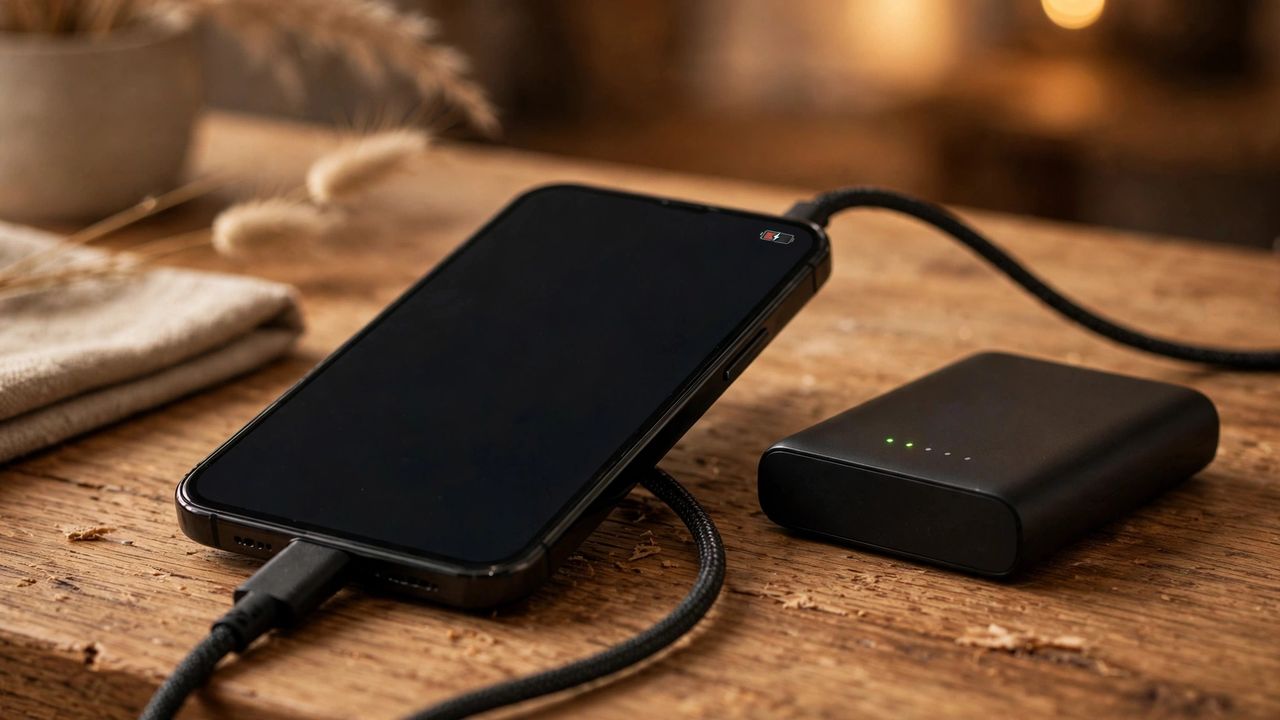
If your phone barely survives the afternoon, the culprit is usually settings and background activity — not a dead battery. These 12 fixes take minutes and can add hours of real screen time, whether you use Android or iPhone.
Screen: The Biggest Battery Eater
Your display burns the most power, so start there. Lower brightness to 40–50% or use auto-brightness, and switch to dark mode if your phone has an OLED screen — it can cut display drain dramatically. Set screen timeout to 30 seconds and disable always-on display if you're low. On phones with 120Hz screens, switching to 60Hz noticeably extends the day.
Stop Background Drain
Check Settings → Battery to find which apps are guzzling power. Turn off background app refresh for apps you open rarely, and set location access to "While Using" instead of "Always" — navigation and weather apps are classic silent drainers. Disable push email in favor of 15-minute fetch if you don't need instant mail, and switch off Bluetooth and NFC when not in use.
Smarter Charging Habits
Lithium batteries hate extremes. Keep your charge between 20% and 80% when you can, and turn on your phone's optimized or adaptive charging setting so it slows down overnight charging. Avoid wireless chargers and gaming while plugged in — both generate heat, and heat is what permanently kills battery capacity over time.
When the Battery Itself Is the Problem
If you've tried everything and battery health shows below 80%, no setting will save it — that's chemistry, not software. A professional battery replacement usually costs far less than a new phone and restores like-new endurance. Check your battery health in Settings today; it takes ten seconds and tells you the truth.
Most battery problems are habits, not hardware. Fix the screen, tame the background apps, and charge smart — your phone will thank you by lunchtime tomorrow.