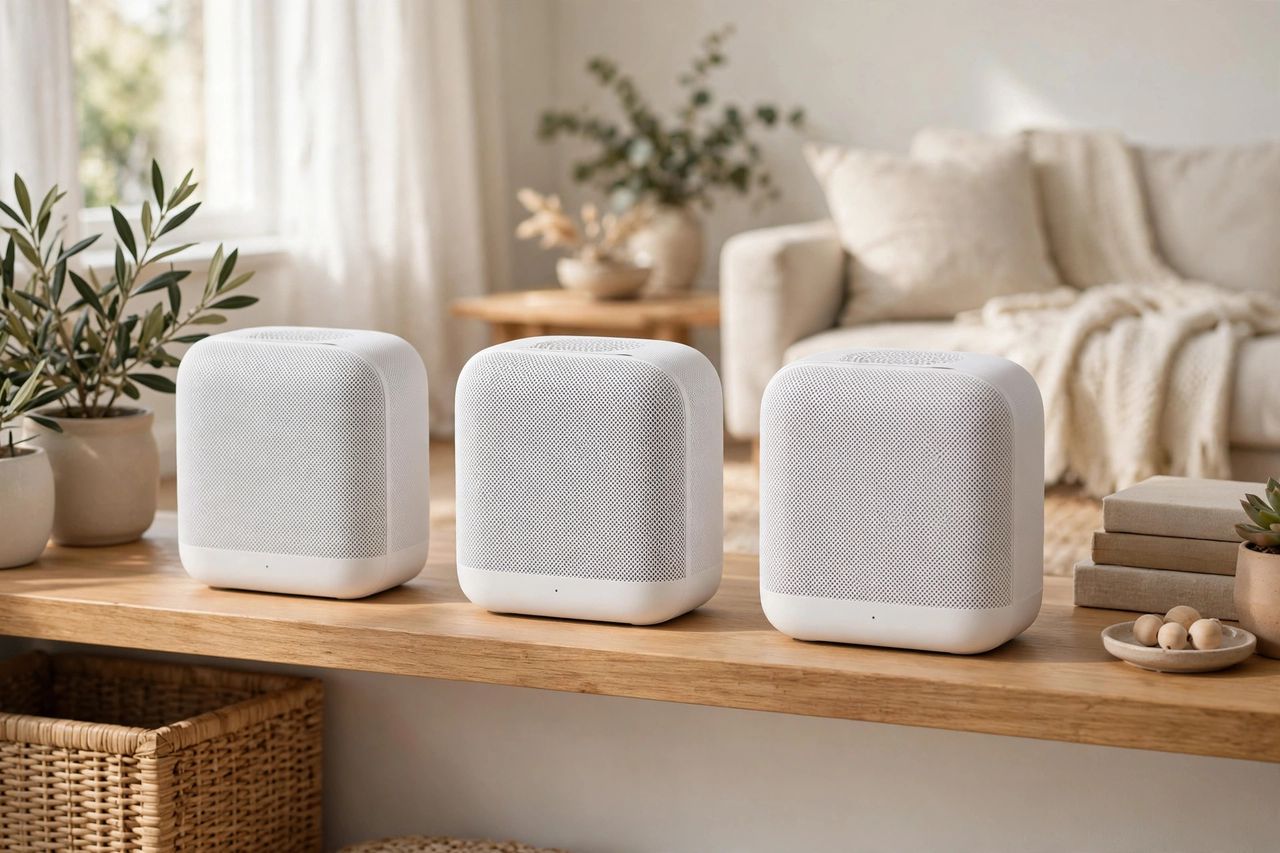
One router can't cover a whole house — thick walls and long hallways kill the signal before it reaches the bedroom or basement. Mesh Wi-Fi systems fix this with multiple units working as one seamless network, and in 2026 they're easier to set up than ever. Here's how to choose and install one.
How mesh beats a single router
Mesh nodes talk to each other and route your devices to the strongest signal automatically — one network name everywhere, no manual switching. Unlike old range extenders, mesh doesn't halve your speed with every hop. One network name across the whole house is the real magic — your phone hands off silently as you move.
Figure out how many nodes you need
A two-pack covers most apartments and small homes; three nodes handle larger houses and two floors. Don't overbuy — extra nodes too close together just create interference. Start with the manufacturer's coverage estimate for your square footage, then add one node only if a dead zone remains.
Place nodes where it counts
Put the main unit near your modem in a central, elevated, open spot — not inside a cabinet. Space satellite nodes halfway between the router and your dead zones, within sight-line-ish range of each other. Nodes belong halfway to the problem area, not inside it — a node in a dead zone has no signal to share.
Set it up in 20 minutes
Plug in the main unit, run the app's guided setup, then add satellites one at a time where the app suggests. Use the same network name and password as your old router so every device reconnects automatically. Reusing your old Wi-Fi name and password saves you from reconnecting dozens of smart devices by hand.
Mesh Wi-Fi turns "the internet doesn't work upstairs" into a solved problem. Pick the right number of nodes, place them smartly, and enjoy fast, even coverage in every room in 2026.