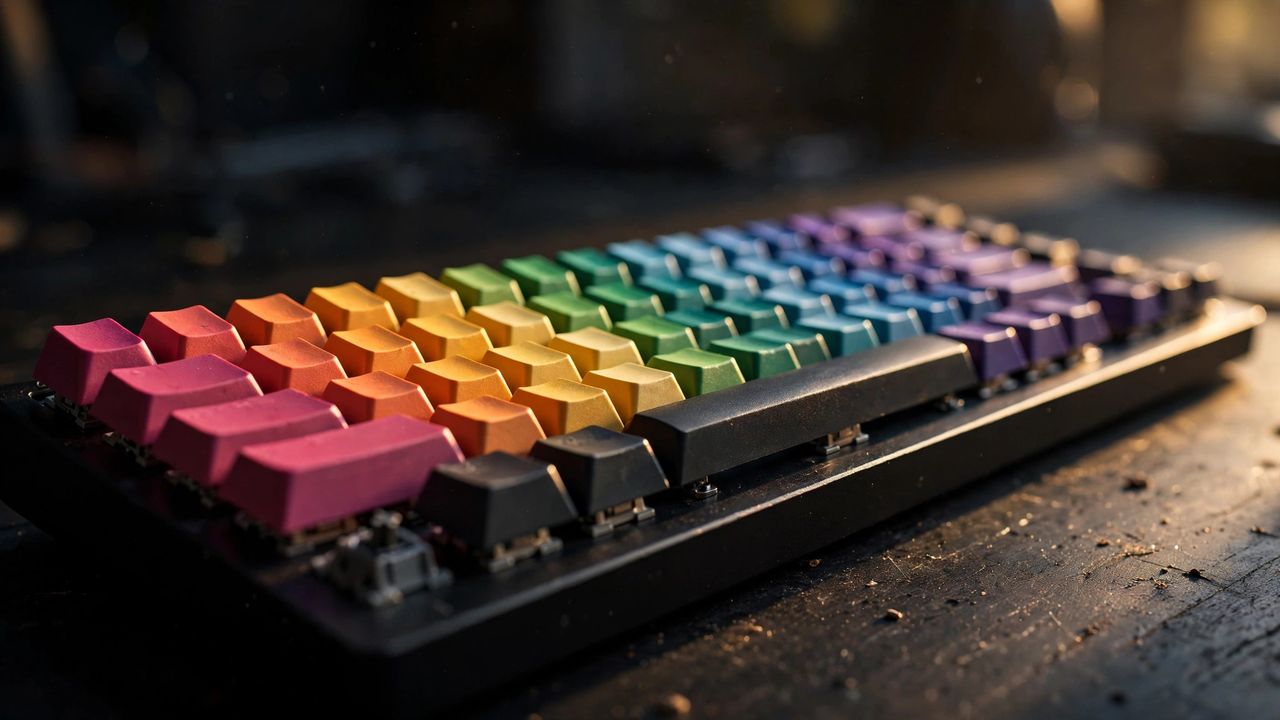
Once you type on a good mechanical keyboard, mushy laptop-style keys never feel the same. Every key has its own switch, which means better feel, faster response, and years of durability. The jargon sounds intimidating, but the basics take five minutes to learn. Here is your beginner crash course.
Why Mechanical Feels Better
Cheap keyboards use one rubber sheet under all keys; mechanical boards give each key an individual spring-loaded switch. The result: a crisp, consistent keypress you can feel and hear. Switches are rated for 50–100 million presses — decades of normal use. Gamers get faster, more precise inputs; writers get less finger fatigue. It is the single biggest comfort upgrade for anyone who types all day.
Switch Types: Linear, Tactile, Clicky
Switches come in three families. Linear (often red) press straight down, smooth and quiet — the favorite for gaming. Tactile (often brown) add a small bump you feel halfway down — the all-rounder most beginners should start with. Clicky (often blue) add a loud click — satisfying alone, annoying to everyone in the same room. Rule of thumb: shared office or dorm → linear or tactile; private room and you love the sound → clicky.
Sizes and Layouts
Keyboards come in sizes from full-size (with numpad) down to compact 60% boards (no arrows or function row). The sweet spot for most people is 75% or tenkeyless (TKL): all the keys you actually use, with more desk space for your mouse. Check the layout before buying — ANSI (wide Enter) vs ISO (tall Enter) matters depending on your country, and a layout you are not used to will slow you down for weeks.
Your First Pick: Practical Tips
Start with a hot-swappable board — you can change switches later without soldering, so your first choice is never final. Budget $60–$120 for a great starter; below that, build quality drops fast. Wireless (2.4 GHz or Bluetooth) is genuinely convenient for clean desks. Try switches before you commit: a cheap switch tester ($10–$15) lets your fingers decide. And ignore the RGB hype — good switches and solid keycaps matter far more than lighting.
Final advice: buy for feel, not for features. A simple tactile 75% board with PBT keycaps will outlast and out-type any flashy budget board. Start simple, learn what your fingers like, and upgrade switches — not the whole keyboard — when curiosity strikes.