Mechanical keyboards turned typing from a chore into a hobby — and in 2026 the options are better and cheaper than ever. But switches, layouts, and sound profiles confuse most buyers. This guide cuts through the noise so you buy the right board the first time.
Linear vs tactile vs clicky: pick your feel
Every mechanical keyboard lives or dies by its switches. Linear switches (like Cherry MX Red) press down smoothly — the favorite for gaming. Tactile switches (like Brown) give a small bump you feel, great for all-day typing. Clicky switches (like Blue) add an audible click that sounds amazing but annoys coworkers. When in doubt, tactile is the safest first choice.
Hot-swap is the feature that matters most
A hot-swappable board lets you pull switches out and try new ones without soldering. This single feature turns a $70 keyboard into a hobby you can evolve for years. In 2026, there is no reason to buy a non-hot-swap board unless it is a steep discount — hot-swap protects you from buyer's remorse.
Size and layout: 65%, 75%, or full-size?
Full-size boards include a numpad; 75% boards keep function keys in a compact frame; 65% drops the function row for minimalism. Most people land happiest on 75%: small enough to free desk space, complete enough that you never hunt for keys. If you type numbers all day, though, keep the numpad — ergonomics beat aesthetics.
Sound, keycaps, and the small stuff
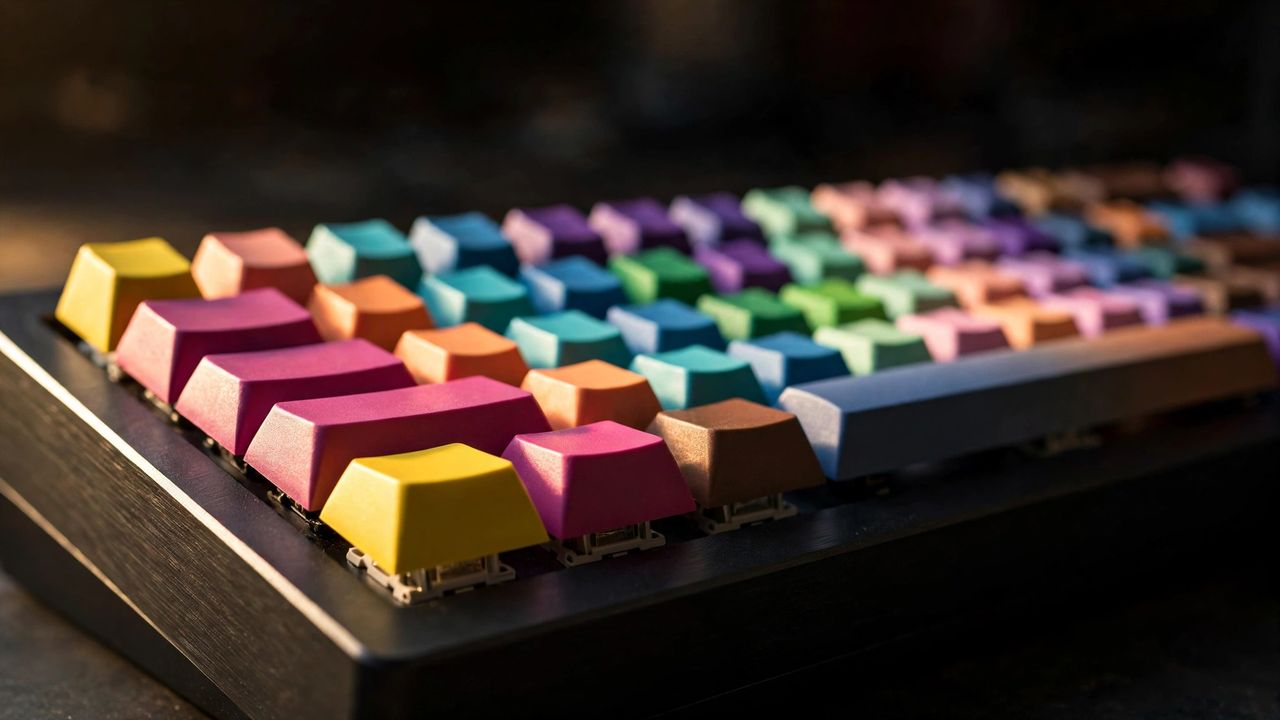
That deep "thock" sound comes from PBT keycaps, a gasket mount, and case foam — features now common even under $100. Double-shot PBT keycaps never fade or shine. And remember: lubed stabilizers matter more than expensive switches for how a board actually sounds.
Start with a hot-swap 75% board with tactile switches, and you will have a keyboard that types beautifully for years. The best keyboard is the one you stop thinking about — it just disappears under your fingers.