That laptop that felt lightning-fast two years ago now takes forever to boot — sound familiar? Most slowdowns are not hardware failure; they are neglect. A little regular maintenance in 2026 keeps your laptop fast, cool, and reliable for years longer than the average user gets. None of this requires technical skills, just a short routine a few times a year.
Clean up startup and storage
Too many programs launching at startup and a nearly full drive are the top two causes of sluggish laptops. Disable unnecessary startup apps in your system settings, uninstall software you no longer use, and keep at least 15–20 percent of your drive free. Keep 20 percent of your drive empty at all times. Operating systems need free space for updates and temporary files — a drive filled to the brim slows everything down dramatically.
Keep it cool and dust-free
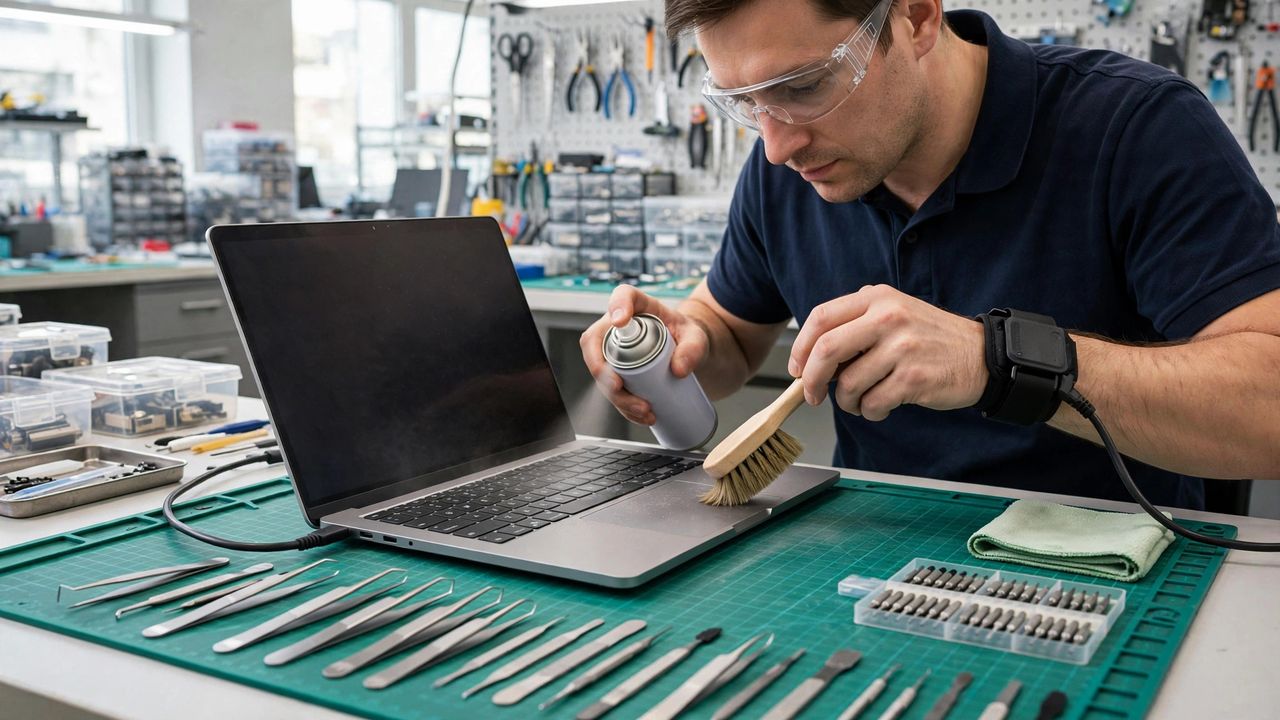
Heat is the silent killer of laptop performance and lifespan. Dust clogs vents, fans work harder, and the processor throttles itself to avoid overheating. Blow compressed air through the vents every few months and always use the laptop on a hard surface. Never use your laptop on a bed or pillow for long sessions. Soft surfaces block the air intakes underneath, trapping heat exactly where the components are most vulnerable.
Protect your battery's lifespan
Modern batteries degrade fastest from heat and from sitting at 100 percent charge constantly. If your laptop offers a battery limit setting (many do in 2026), cap charging at 80 percent for daily use. Unplug occasionally and let it discharge to around 40–60 percent. Enable the 80 percent charge limit if your laptop supports it. For machines that live on a desk, this single setting can add years of healthy battery life.
Update and back up regularly
System and driver updates patch security holes and often include performance fixes — install them instead of postponing forever. Equally important: back up your files to the cloud or an external drive automatically, because no maintenance prevents every failure. Turn on automatic cloud backup today, not after a scare. Maintenance extends your laptop's life, but backups protect your data when hardware eventually gives out.
Laptop maintenance in 2026 takes maybe an hour per season: trim startup apps, clear dust, mind the battery, and keep everything updated and backed up. Do that, and your current laptop can easily serve you two or three years longer — saving you hundreds and keeping a perfectly good machine out of a landfill.