Fans screaming, keyboard burning your fingers, games stuttering — an overheating laptop is miserable to use and slowly damages itself. The good news: most overheating is caused by dust and bad habits, and you can fix it yourself in under an hour.
Start with the easy wins
Always use your laptop on a hard, flat surface — beds and sofas block the air vents underneath. Lift the back edge with a book or a cheap stand to improve airflow instantly. Close background apps and browser tabs you are not using, since each one adds heat. Surface matters more than people think: moving a laptop from a bed to a desk can drop temperatures by 5 to 10 degrees.
Clean the dust out
After a year or two, dust clogs the fans and vents like a blanket over a heater. Power off the laptop, remove the bottom panel if your model allows it, and blow out the dust with compressed air — short bursts, holding the can upright. If you are not comfortable opening it, a repair shop does this cheaply. Do this cleaning once a year; it is the single most effective maintenance step for any aging laptop.
Software tweaks that cool things down
Switch your power plan to balanced instead of maximum performance for everyday work. Limit your CPU's maximum processor state to 90 or 95 percent in power settings — you will barely notice the speed difference, but temperatures drop noticeably. Update your graphics drivers and BIOS, since manufacturers often improve fan control in updates. Capping the CPU slightly is the best free trick: nearly invisible in daily use, very visible on the temperature sensor.
When hardware help is needed
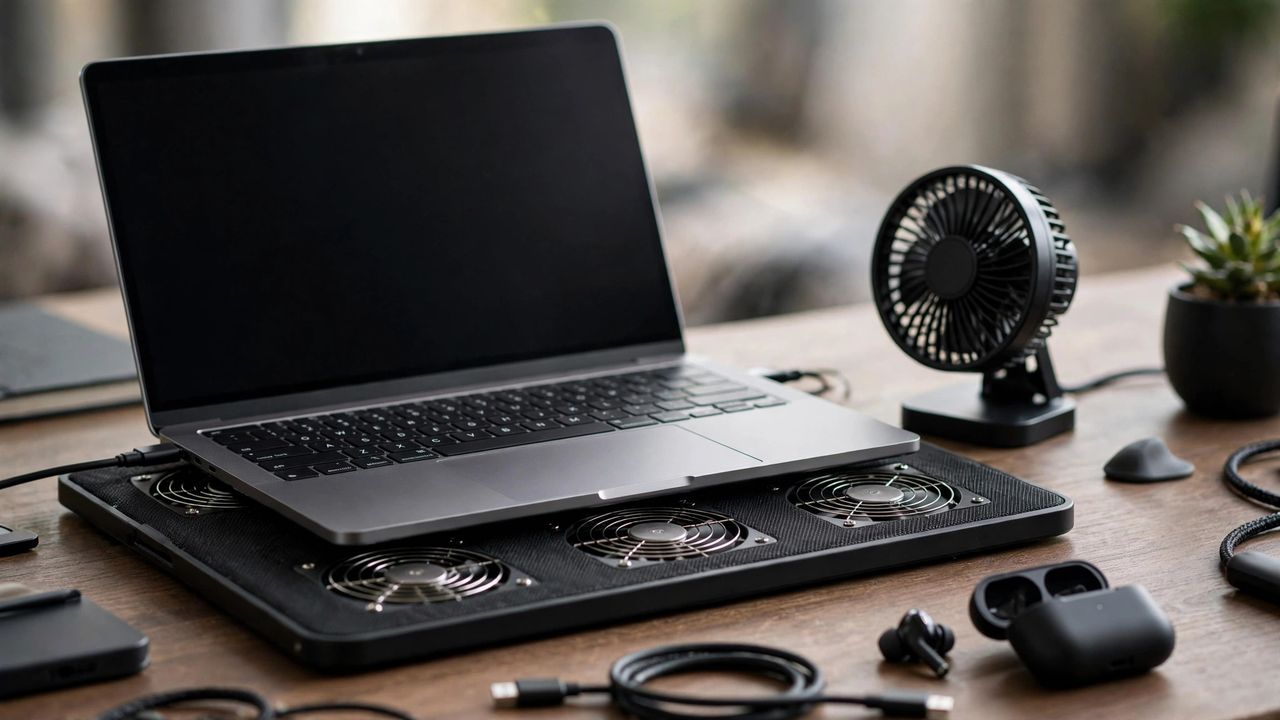
A cooling pad with fans helps during gaming or video editing, typically shaving off 3 to 7 degrees. For laptops older than three years with persistent overheating, replacing the dried-out thermal paste gives dramatic results — but this is a job for a technician if you have never done it. If the laptop shuts down by itself from heat, stop using it for heavy tasks until it is serviced; repeated thermal shutdowns can permanently damage components.
Heat is the enemy of laptop lifespan. Start with the free fixes today, clean the dust yearly, and your machine will run cooler, quieter, and longer.