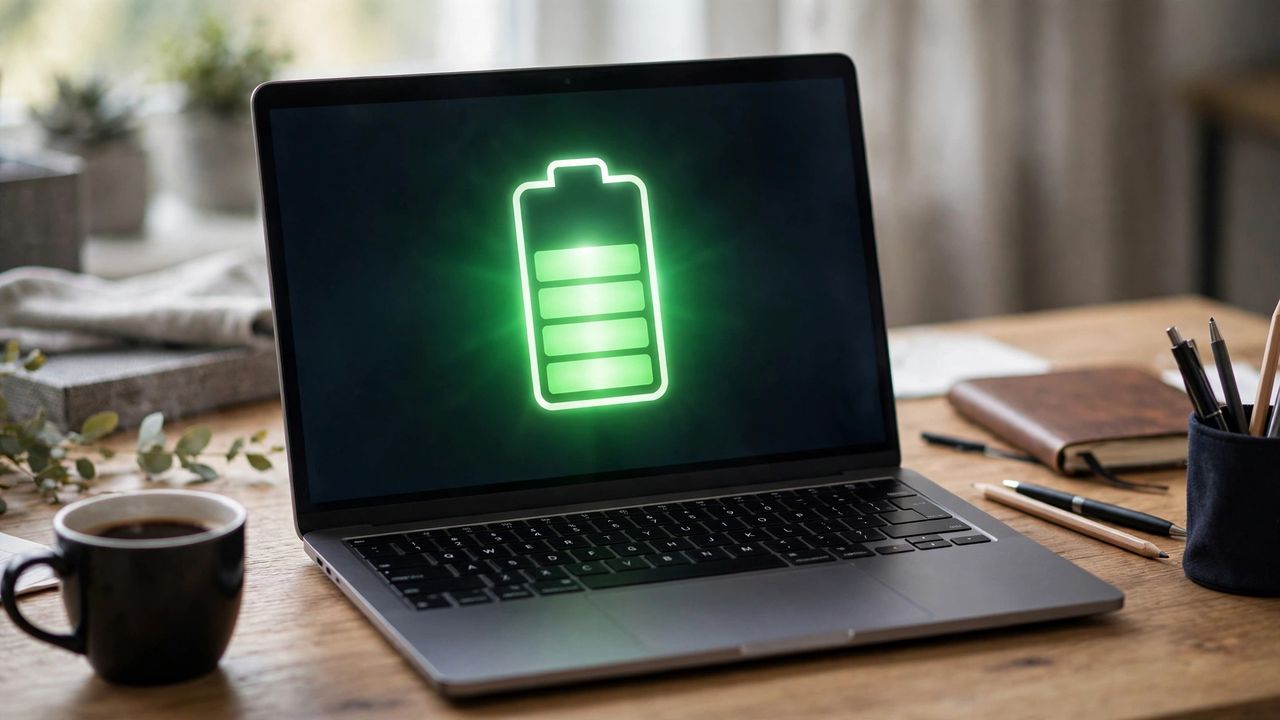
A laptop battery is a consumable part, but how you treat it decides whether it lasts two years or five. Most battery damage comes from a few common habits: constant full charges, running hot, and deep discharges that stress the cells. The fix is not complicated.
Understand the 20 to 80 Rule
Lithium batteries age fastest at the extremes: sitting at 100 percent or dropping to zero. Enable your laptop's 80 percent charge limit if you mostly work plugged in, because a battery held at full charge for months degrades far faster than one kept in the middle range. Check your system settings or the manufacturer's app.
Heat Is the Silent Killer
High temperatures accelerate battery aging more than almost anything else. Never leave your laptop in a hot car, keep its vents clear of dust and bedding, and use it on hard surfaces so air can circulate. A cool battery is a long-lived battery: every sustained heat increase speeds up chemical aging, so ventilation is genuinely a battery health strategy, not just a comfort issue.
Calibrate Occasionally, Not Constantly
Contrary to old advice, you do not need to fully drain your battery regularly. In fact, deep discharges stress modern batteries and shorten their life. Monthly light calibration keeps the percentage meter honest without harming the cells, which prevents the annoying surprise of a laptop dying at a displayed 15 percent. Ignore anyone telling you to drain it fully every week.
Storage and Travel Tips
If you will not use your laptop for weeks, store it at around 50 percent charge in a cool, dry place rather than fully charged or fully dead. Avoid cheap third-party chargers that deliver unstable power. Store an unused laptop at half charge, never empty and never full, because both extremes slowly damage cells even when the machine is off.
Treat your battery gently, keep it cool and in the middle range, and it will reward you with years of reliable unplugged life instead of an early replacement.