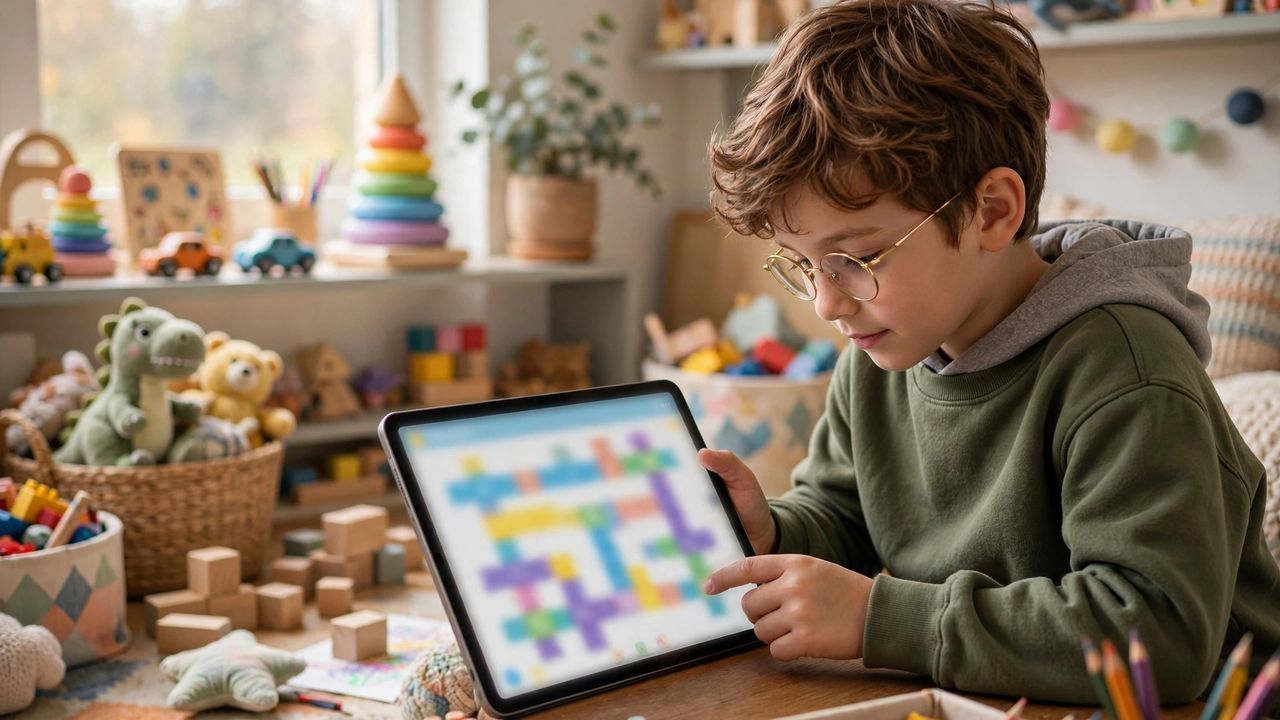
Kids learn coding the way they learn everything: by playing, experimenting and breaking things safely. The best coding apps feel like games — colorful puzzles, characters and quests — while quietly teaching logic, problem-solving and persistence, skills that matter far beyond programming itself.
Start With Block Coding (Ages 5–9)
Young kids should begin with drag-and-drop block coding: colorful blocks snap together to move characters and solve puzzles, with zero typing. Look for apps with guided quests and a built-in tutorial character — kids stay engaged when every level feels like a game they can win.
Move to Real Code (Ages 9–13)
Once block logic clicks, transition apps teach real Python or JavaScript through game-like challenges — building bots, solving mazes, animating stories. Project-based learning wins: a kid who ships their own tiny game learns ten times more than one who just finishes lessons.
What to Look For in an App
Good kids' apps share traits: no ads, no open chat, clear progression, offline or low-distraction modes, and parent dashboards showing what was actually learned. Free tiers are fine to start; pay only when your child outgrows the basics and asks for more.
A Simple Learning Path
Try this order: block coding → simple projects → a real language → one portfolio project. Two or three sessions a week of 20–30 minutes beat a single marathon session, because the brain consolidates new skills between sessions. Celebrate finished projects publicly — a kid who shows grandma their game will come back for more.
Keeping Screen Time Healthy
Coding is creative screen time, but balance still matters. Set a timer and a clear stopping point before each session, keep devices in shared rooms, and mix in unplugged logic games like puzzles or board games. The goal is a curious problem-solver, not just a skilled screen-user.