Nothing is more frustrating than paying for fast internet and getting buffering in the bedroom. The good news is that most WiFi problems are not about your internet plan at all: they come from router placement, interference, and outdated settings you can fix yourself.
Router Placement Changes Everything
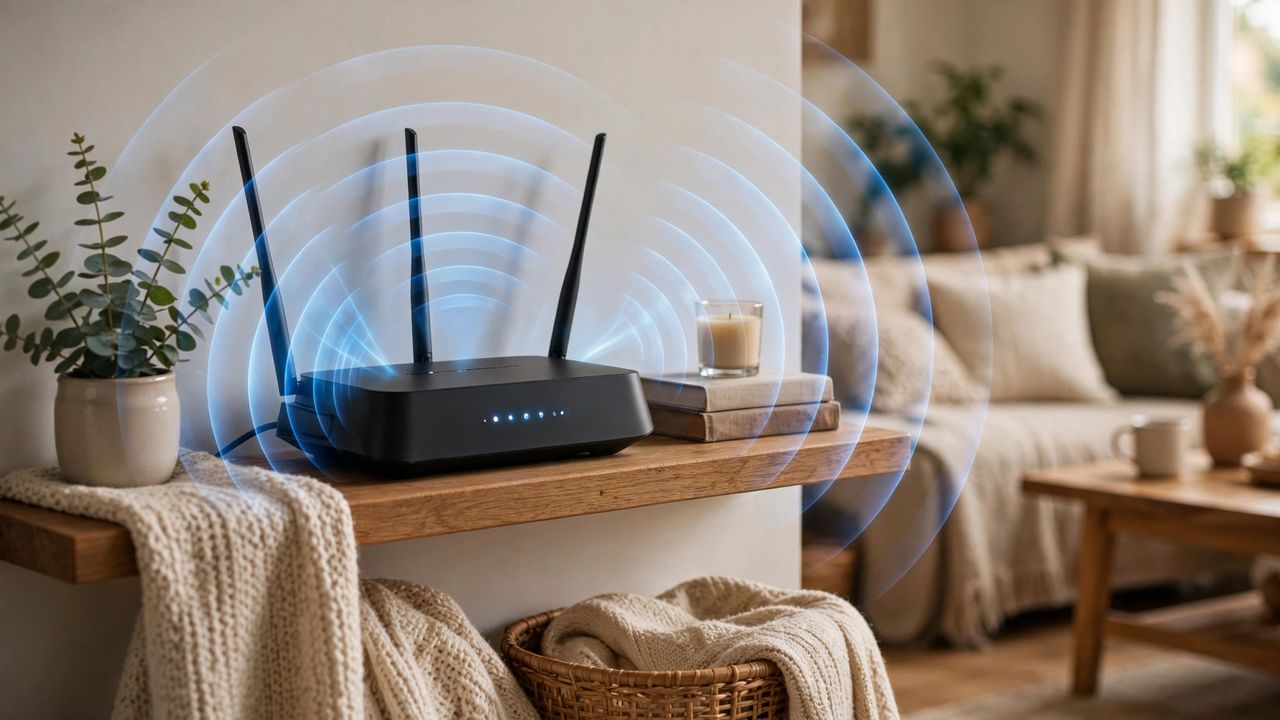
WiFi signals spread outward and downward from your router, so placement is half the battle. Put the router in a central, elevated spot, out in the open rather than hidden in a cabinet or behind the TV. Moving your router to a central, elevated, open location is the fastest free upgrade you can make, and it alone fixes a surprising number of dead zones.
Mesh Systems Versus Extenders
If placement does not reach the far corners of your home, it is time for better coverage. For homes with real dead zones, a mesh system beats an extender in every way that matters: speed, simplicity, and the fact that your devices switch units automatically as you walk around. Setup usually takes under thirty minutes with a phone app.
Settings Tweaks Worth Making
Log into your router and make sure it is using modern security and the least crowded WiFi channel in your area. Restart your router once a month, and check for firmware updates that fix bugs and security holes. Switching to a less crowded WiFi channel can noticeably improve speeds in apartment buildings, where dozens of neighboring networks fight over the same airwaves.
Know When to Upgrade Hardware
If your router is more than five years old, it may simply lack the speed and range of modern standards, and no amount of tweaking will fix that. Only upgrade your internet plan after your WiFi is fixed, because a faster plan cannot fix a weak wireless signal, and many people discover their current plan was plenty all along.
Start free with placement and settings, add mesh coverage if needed, and upgrade hardware last. That order saves money and solves nearly every home WiFi complaint you will ever have.