Buffering videos and laggy calls are usually fixable without calling your ISP. Most home WiFi problems come from placement, interference, or old settings — all free to fix. Work through these 12 fixes in order.
1–4: Router Placement and Position
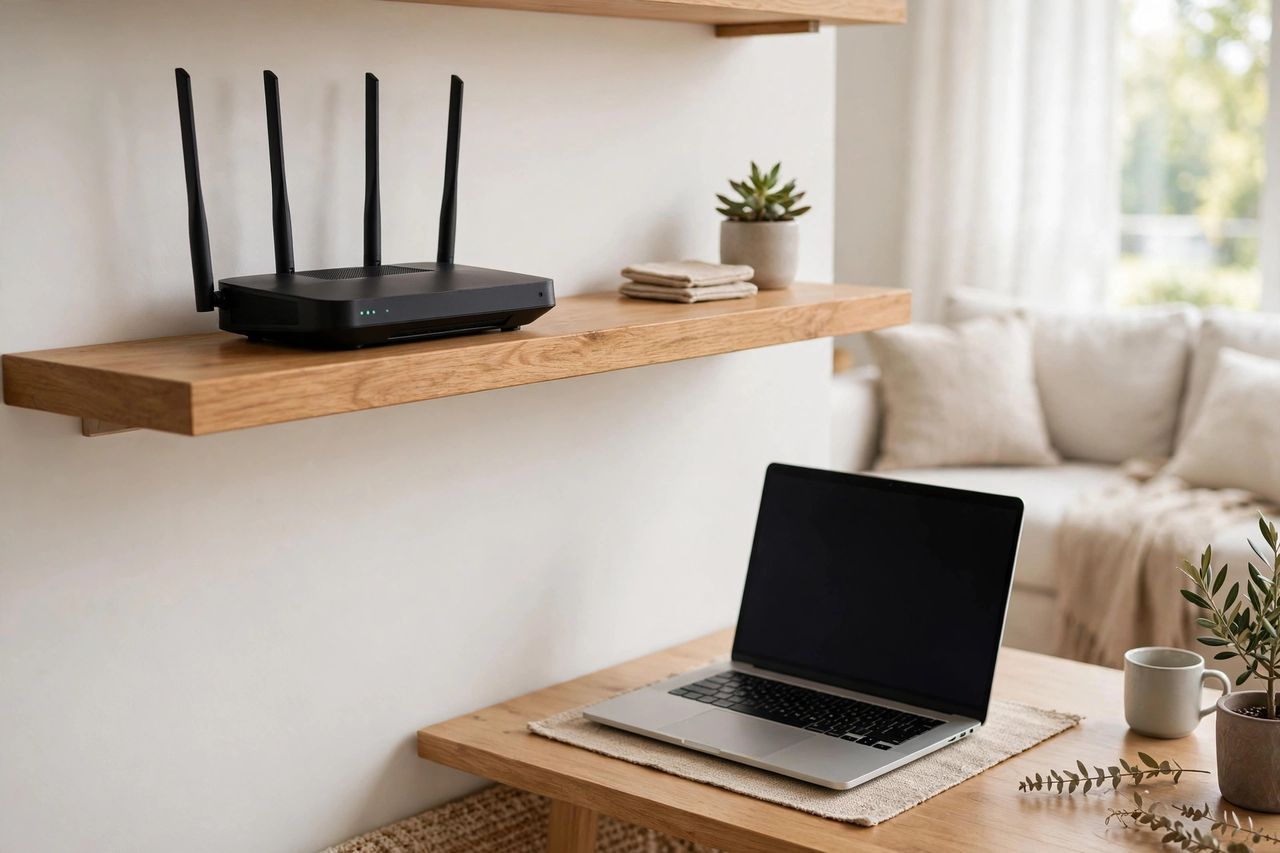
Put your router centrally, elevated, and out in the open — not in a cabinet, behind the TV, or on the floor. Keep it away from microwaves, baby monitors, and thick concrete walls. Point antennas in different directions: one vertical, one horizontal. Placement alone can double your speed.
5–7: Channels and Bands
Neighbors' WiFi interferes with yours. Log into your router and switch the 2.4GHz channel to 1, 6, or 11 (whichever is least crowded — a free analyzer app shows this). Use the 5GHz band for nearby devices (faster) and 2.4GHz for far ones (better range).
8–10: Extenders and Mesh Systems
If dead zones persist, a mesh WiFi system beats a cheap extender — one network name, seamless roaming. Place mesh nodes halfway between the router and the dead zone, not inside it. For a desktop PC, a $15 Ethernet cable beats any WiFi fix.
11–12: Devices and Settings
Restart your router monthly, update its firmware, and disconnect forgotten smart devices hogging bandwidth. Run a speed test at the router with one wired device — if that's slow too, then it's your ISP's problem, and you have evidence for the call.
Start with placement and channels today — they're free and take ten minutes. Most homes fix 80% of WiFi frustration without spending a rupee.