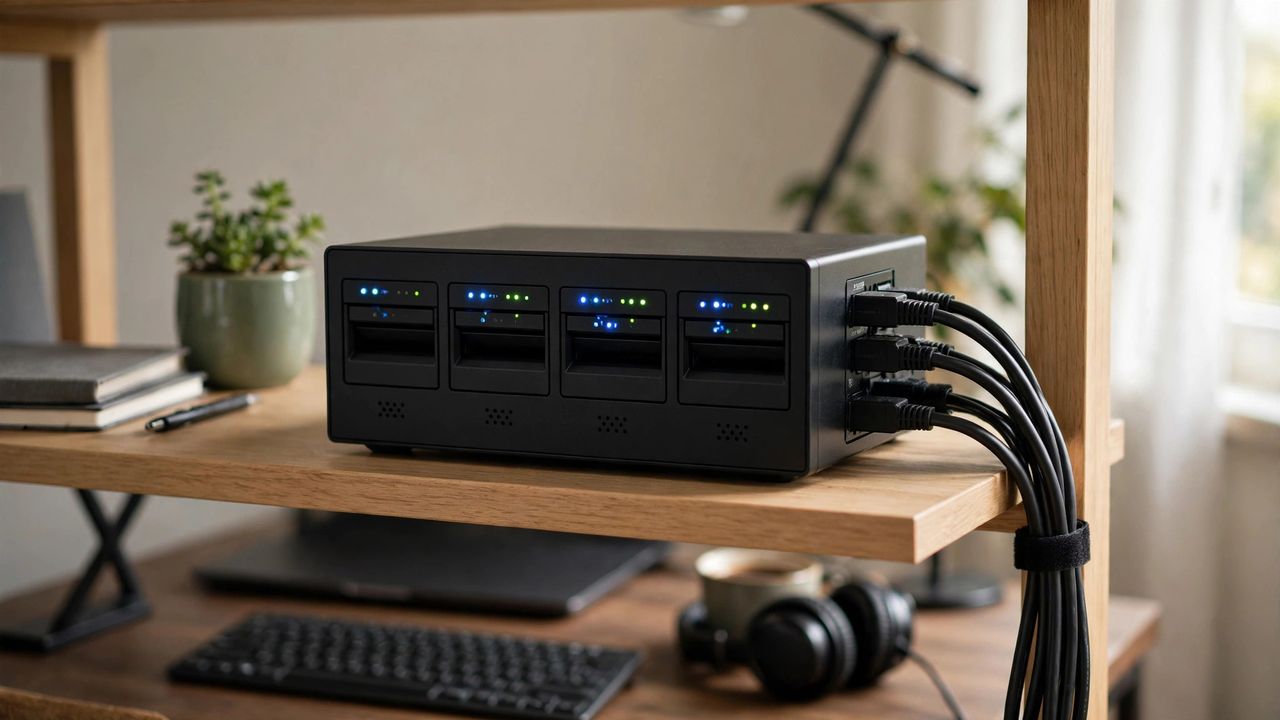
Why pay monthly cloud fees forever when you can own your storage? A home server or NAS (network-attached storage) gives your whole household a private cloud for photos, movies, documents, and backups — with no subscriptions and no company scanning your files. In 2026 the software is friendlier than ever, and you can start with hardware you already own.
NAS Box vs. Repurposed Old PC
A dedicated NAS box is small, quiet, and power-efficient, with software that just works. An old PC with free NAS software is cheaper and more powerful, but noisier and hungrier for electricity. Beginners should start with a two-bay NAS box — simplicity wins when your family photos are at stake, and you can always expand later.
Drive and RAID Basics
Buy drives made for NAS use — they are built to run 24/7. With two drives, use mirroring (RAID 1) so one drive can fail without losing anything. With three or four drives, RAID 5 gives you more space with one-drive protection. RAID protects against drive failure, not against accidental deletion or fire — it is uptime, not backup.
Your Backup Strategy
Follow the 3-2-1 rule: three copies of important data, on two different types of media, with one copy off-site. Your NAS holds the main copy; an external USB drive holds the second; a cheap cloud plan or a drive at a relative's house holds the third. Automate the backups — a backup you have to remember is a backup you will skip.
Safe Remote Access
Accessing your files from outside home is convenient but risky if done badly. Use a VPN to reach your home network instead of exposing your NAS directly to the internet — open ports attract automated attacks within hours. Keep the NAS software updated, use a strong unique admin password, and enable two-factor authentication if available.
The takeaway: a home server pays for itself within a year of avoided subscription fees. Start simple, mirror your drives, automate backups, and access everything safely through a VPN.