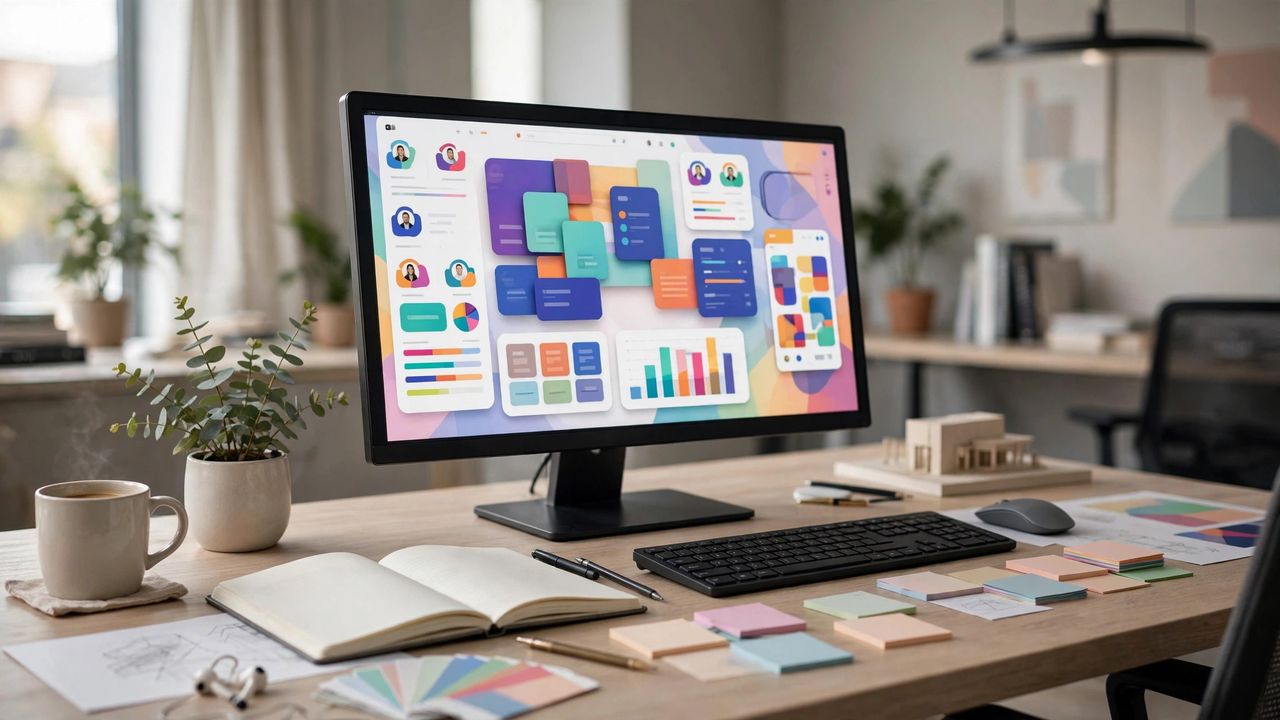
2026 में UI/UX design सबसे demanded skills में से एक है, और Figma इसका सबसे popular tool। यह browser में चलता है, free plan काफी powerful है और team collaboration इसमें बेहद आसान है। चाहे आप student हों, developer हों या career switch करना चाहते हों — Figma सीखना design की दुनिया का सबसे अच्छा entry point है। इस गाइड में जानें beginners के लिए Figma के fundamentals।
Frames और basic shapes से शुरुआत
Figma में हर design frame के अंदर बनता है — mobile screen, desktop page, सब कुछ frame है। F key दबाकर frame बनाएं और preset sizes में से चुनें। Rectangle, ellipse और text tools से basic layouts बनाना सीखें। Layers panel में हर element का नाम दें — organized file ही professional file है। पहले हफ्ते सिर्फ frames, shapes और text पर focus करें — tools की भीड़ में खोने से बेहतर है basics मज़बूत करना।
Auto Layout और Components समझें
Auto Layout से designs responsive बनते हैं — content बढ़ने पर frame अपने आप adjust होता है। Components reusable elements हैं — एक button बनाकर पूरे design में इस्तेमाल करें, एक जगह बदलने पर हर जगह update होगा। यह feature Figma को Photoshop से अलग और powerful बनाता है। Components का इस्तेमाल शुरू से करें — बाद में एक-एक button ठीक करने में घंटों बर्बाद होते हैं।
Prototyping से design को जीवंत बनाएं
Prototype tab में frames को आपस में link करके clickable demo बनाएं — button दबाने पर अगली screen खुलेगी। Transitions और animations add करके real app जैसा feel दें। Share button से link बनाकर client या friend को भेजें — उन्हें Figma install करने की ज़रूरत नहीं। Static design से ज़्यादा impressive interactive prototype होता है — client को idea समझाने का यह सबसे तेज़ तरीका है।
Practice के लिए best तरीके
अपने favorite apps के screens को copy करके बनाएं — इससे layout sense develop होती है। Figma Community से free templates और UI kits download करें। Daily UI challenge जैसे 30-day challenges से regular practice होती है। YouTube tutorials के साथ-साथ खुद experiment ज़रूर करें। Design सिर्फ देखकर नहीं, बनाकर सीखा जाता है — रोज़ 1 घंटा practice 10 घंटे tutorial से बेहतर है।
2026 में Figma सीखकर design career की नींव रखें — free tool, endless tutorials और बढ़ती demand। Basics से शुरुआत करें, regularly practice करें और अपना portfolio बनाएं। कुछ महीनों में आप freelance projects लेने के लिए तैयार होंगे।