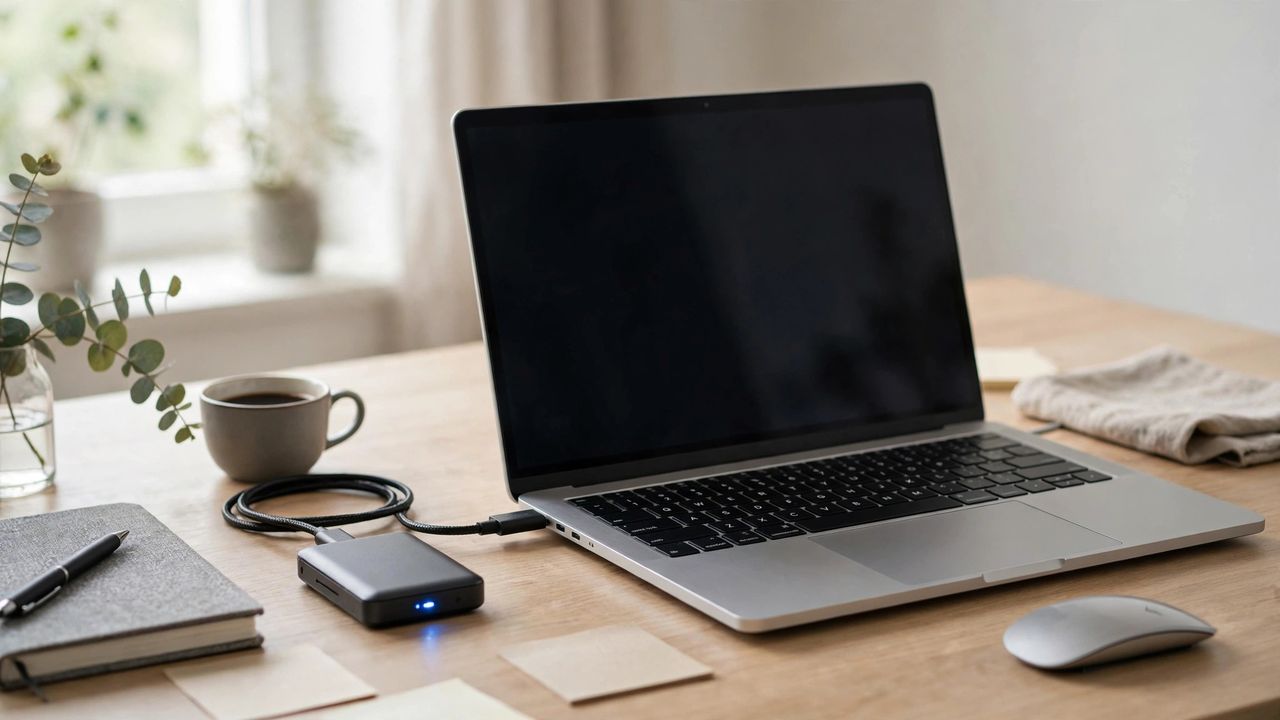
Old spinning hard drives are slow, fragile, and loud. External SSDs in 2026 are pocket-sized, drop-resistant, and up to twenty times faster — making backups something you'll actually do and photo libraries something you can edit directly. Here's how to pick the right one.
Speed: match the drive to your port
A basic USB SSD moves files at up to 1,000 MB/s — plenty for backups and photo storage. Faster models hit 2,000 MB/s or more, but only if your computer has the right USB or Thunderbolt port. Buying a 2,000 MB/s drive for an old USB port wastes your money — check your port speed first.
Capacity: buy more than you think
For documents and phone backups, 1TB is the sweet spot. Photo and video libraries grow fast — creators should look at 2TB or 4TB. Prices per terabyte keep falling, so the bigger drive is often the better value. Your library will double faster than you expect — buy the next size up while it's cheap.
Use it for backups you'll actually keep
Plug it in and turn on your system's automatic backup; a backup that runs itself is the only backup that works. Keep the drive connected or docked so there's no friction. The best backup drive is a boring one that works silently in the background every single day.
Protect the data on it
SSDs are tough but not invincible — enable hardware encryption so a lost drive doesn't mean exposed data, and follow the 3-2-1 rule: three copies, two different media, one off-site. One backup is none — pair your SSD with cloud storage for anything irreplaceable.
An external SSD is the simplest upgrade you can buy in 2026: faster backups, safer photos, and portable storage that fits in a pocket. Choose your speed and capacity, automate the backup, and never fear a dead laptop again.