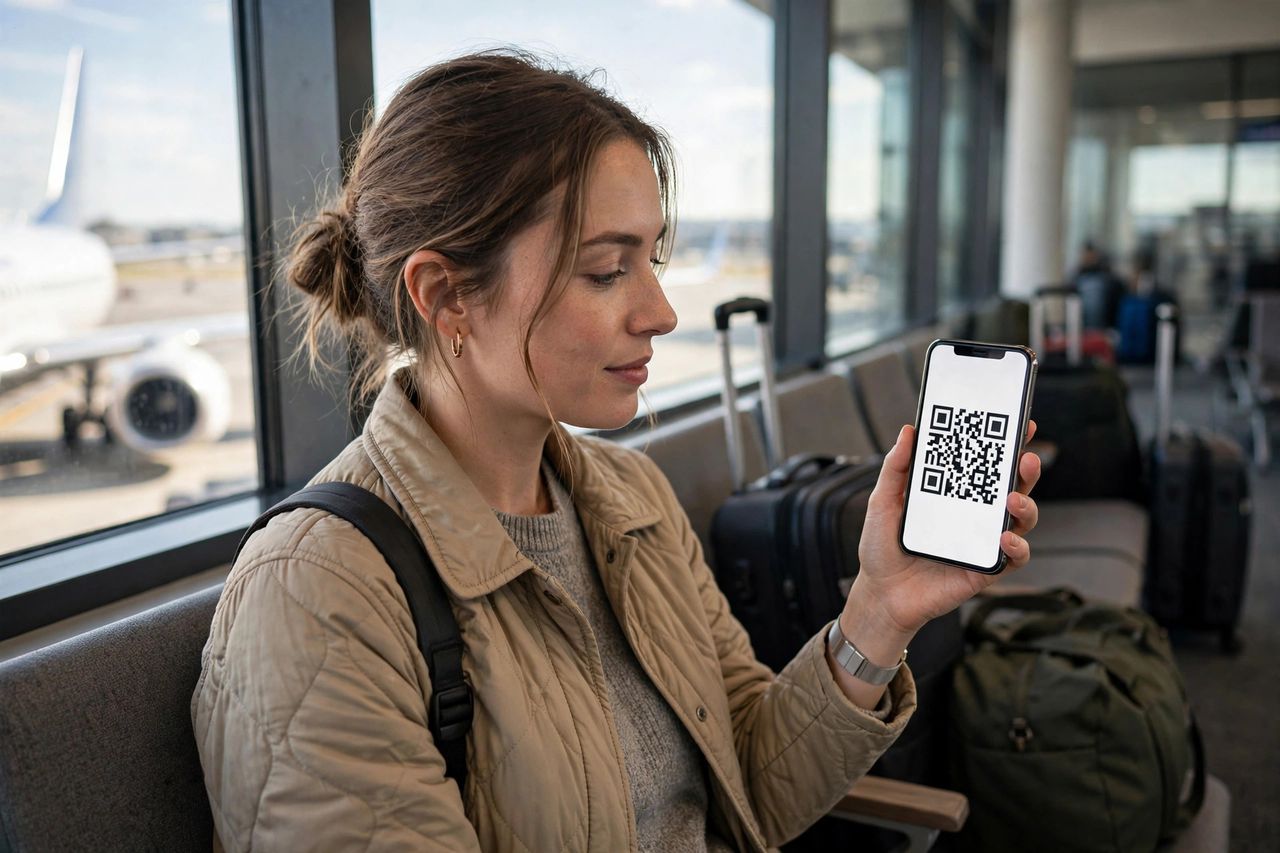
There is a particular kind of panic that hits when your plane lands in a foreign country and your phone says "No Service." The airport Wi-Fi queue is long, the taxi meter is running, and your home carrier wants $12 a day just to let you check Google Maps. In 2026, the fix is a travel eSIM: a digital SIM card you buy online and install before you even board, so you land with data working in seconds.
What Exactly Is a Travel eSIM?
An eSIM is a carrier plan stored digitally inside your phone — no plastic card, no kiosk, no tiny pin tool. Most phones sold since about 2020 support it, and you can keep several eSIM profiles saved at once, switching between them in settings. A travel eSIM is simply a prepaid data plan sold for a specific country or region, delivered as a QR code or in-app download. Think of a travel eSIM as a SIM card you buy with a tap instead of a trip to an airport shop.
Buying and Installing One Takes Ten Minutes
First, confirm your phone supports eSIM — check Settings under cellular or SIM options. Then buy a plan from a reputable travel eSIM provider before departure: choose your destination, pick a data amount (5–10 GB covers most one-week trips), and pay online. You will get a QR code or an "install now" button; do the installation on home Wi-Fi while you still have a good connection, and keep it switched off until you land. Install at home and activate on arrival — the arrivals hall is the worst possible place to troubleshoot.
eSIM vs Roaming: The Real Math
Carrier roaming passes typically cost $10–16 per day. A two-week trip can quietly burn $140–224, often for capped speeds. A regional travel eSIM with 10 GB of full-speed data often costs $8–15 total for the same trip — less than one day of roaming. Local physical SIMs can be cheaper still, but they cost you an airport queue and your regular number goes dark. On any trip longer than three days, a prepaid travel eSIM almost always beats roaming on price.
Dual-SIM Tips and Quick Fixes
The smartest setup is dual-SIM: keep your home line active for calls and two-factor codes, and route all mobile data through the eSIM. Label each line clearly ("Home" and "Spain Data") so you never mix them up. If data refuses to connect, toggle airplane mode for ten seconds, confirm "data roaming" is ON for the eSIM line, and check that the provider's APN installed correctly — that fixes the vast majority of issues. Let your home line handle texts and calls while the eSIM handles every megabyte of data.
Travel connectivity used to mean bill shock or airport SIM hunts. In 2026 it means spending ten quiet minutes at home so your phone simply works the moment you land. Buy the plan, install the profile, label your lines — and spend the trip looking at the city instead of your signal bars.